
The fix is simple and fast. Turn a strong still photo into a short video that keeps eyes on the screen long enough to earn reach.
Why your best photos still get ignored
This guide shows you exactly how to do that with an AI photo-to-video workflow. You will learn how to choose the right image, write prompts that look intentional, tailor output for each platform, and publish with confidence.
All of this can be done in minutes inside Frameish, a browser-based tool that turns an image into a video in about 30 to 60 seconds, sold on a credit system, with 3 videos for $14.99 and a Money-Back Promise.
What “photo to video with AI” actually does
Good AI animation is not a gimmick. Done right, it mimics choices a human editor would make.
- Camera moves: Push in, pull out, pan, tilt, or a gentle parallax.
- Focus and light: Soft background blur, subtle shifts in exposure, warm or cool mood.
- Subject emphasis: Hold attention on the face, product, or action point.
- Looping: Start and end on the same composition to reward replays.
Where it struggles:
- Busy or low-res images with cluttered edges.
- Flat lighting that leaves no depth to simulate.
- Conflicting prompts that ask for too many moves at once.
If you feed the model a clean image and a clear direction, you get smooth, purposeful motion that reads as “crafted,” not “auto.”
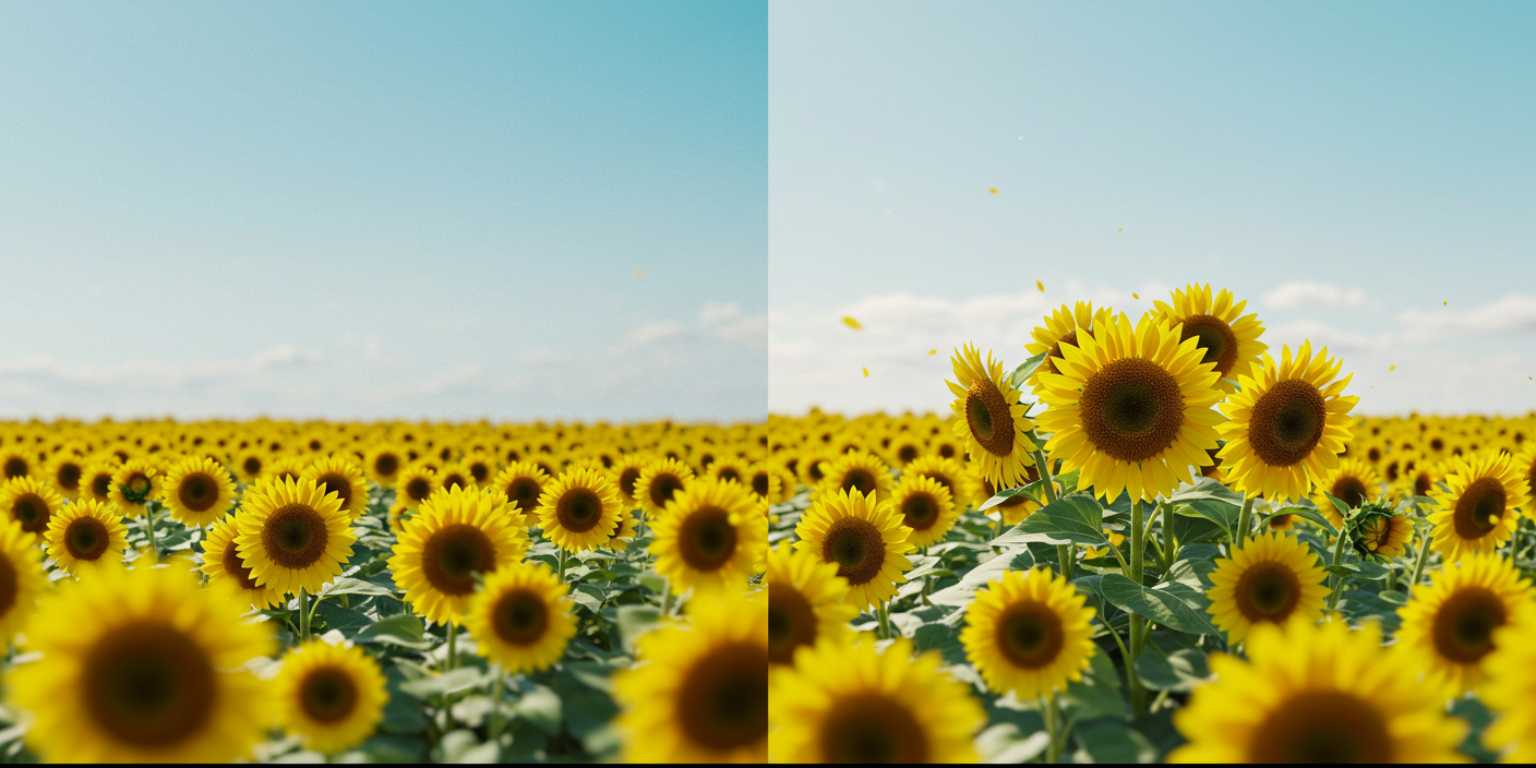
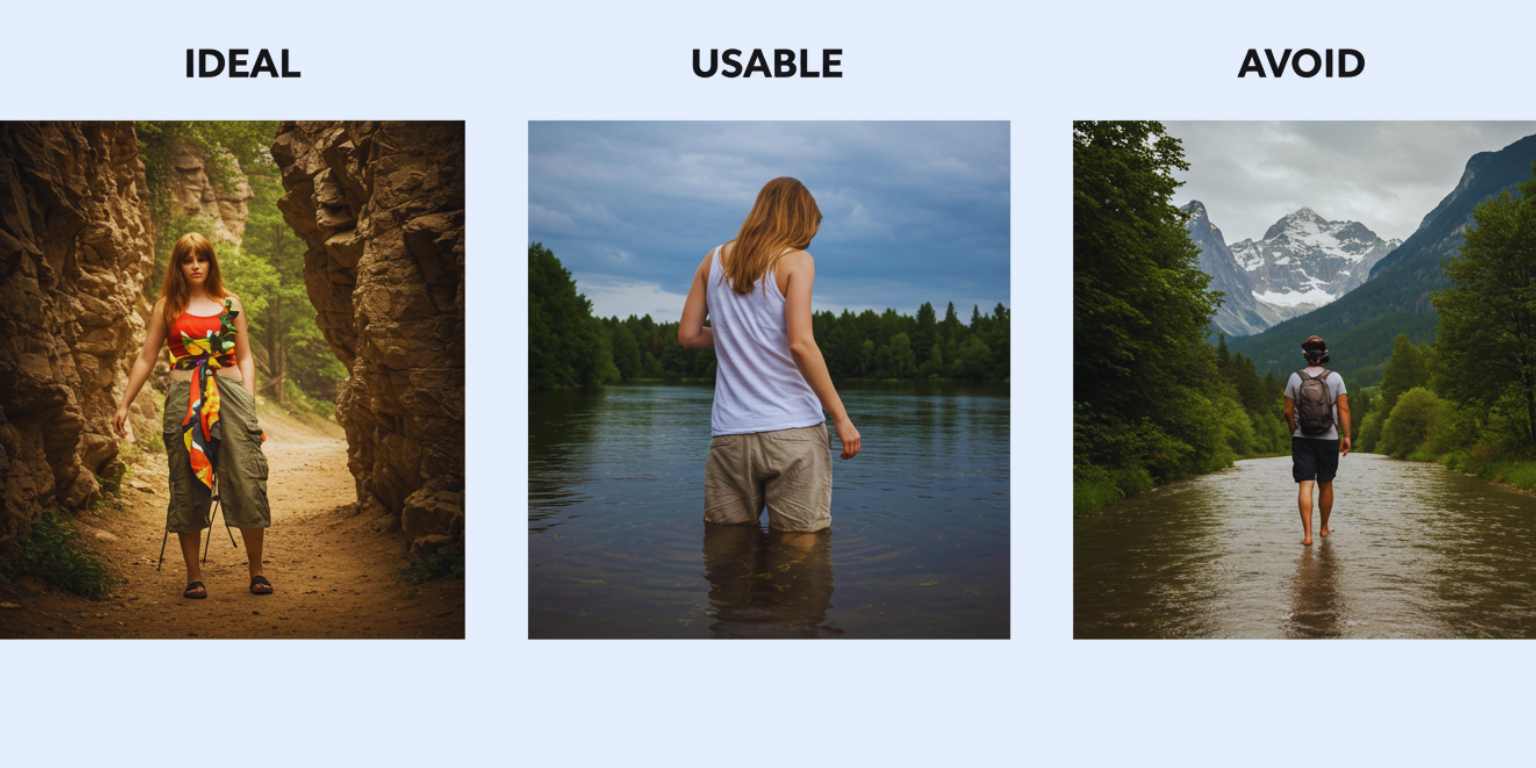
Pick the right photo before you touch the prompt
You will save more time selecting the right image than tweaking a bad one.
- Clear subject: One focal point is easier to animate than five.
- Separation: Subject should stand off the background. Look for depth or contrast.
- Resolution: Aim for 1080 px on the short edge or higher.
- Edge quality: Sharp subject edges, minimal compression noise.
- Story potential: The frame should already suggest a moment. AI enhances what you give it.
If an image is flat, add a little contrast and clean noise before upload. Minor prep work multiplies output quality.
Write prompts like a director, not a tourist
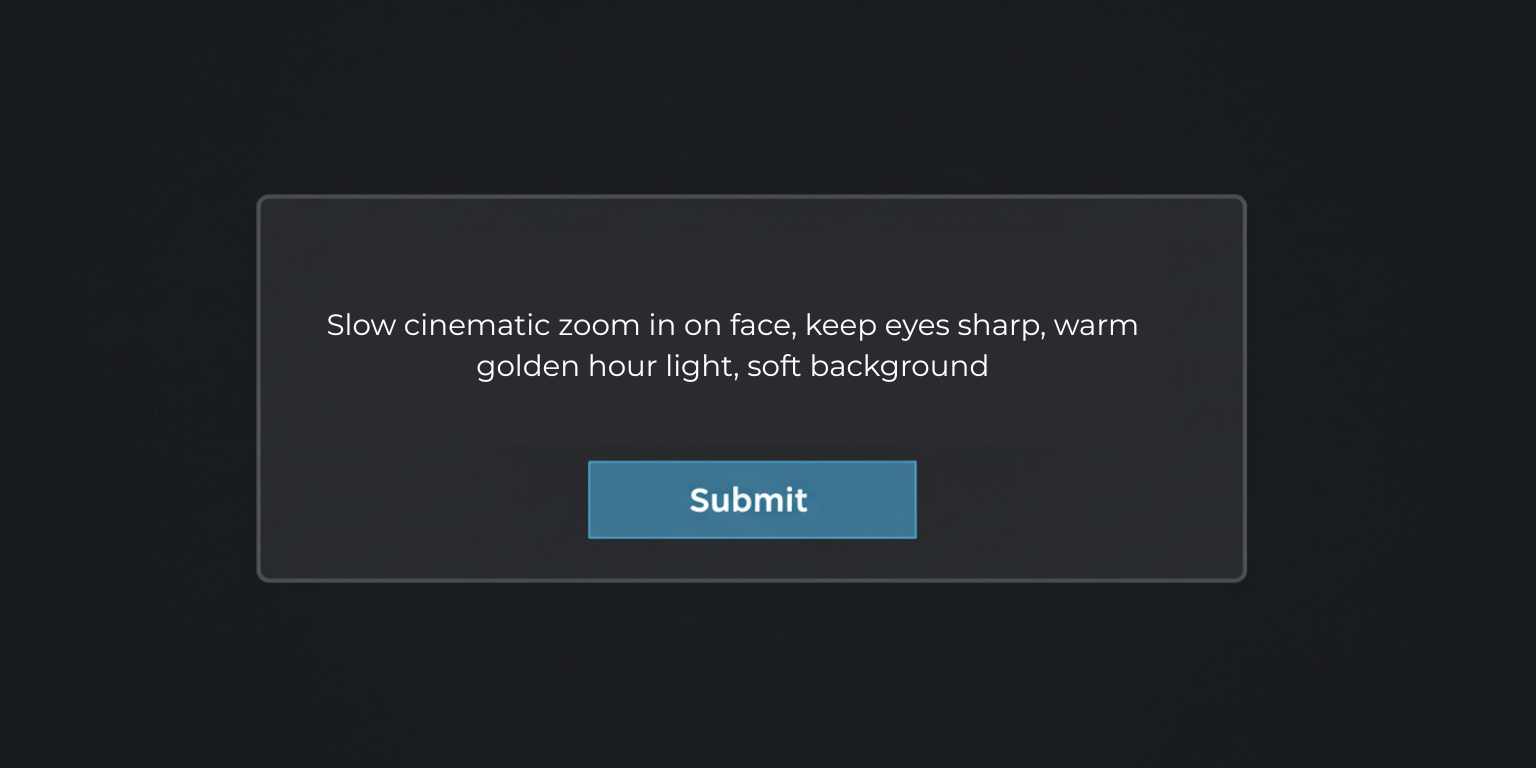
A strong prompt has three parts: move, mood, subject. Keep it under one or two sentences. One move is usually enough.
Formula
Move + Subject focus + Mood or lighting
Examples you can paste and adapt
- “Slow cinematic zoom in on face, keep eyes sharp, warm golden hour light, soft background.”
- “Gentle pan left across product, add slight bokeh, clean studio feel, end on centered logo.”
- “Subtle tilt up from shoes to face, cool city light, keep motion smooth, hold at the smile.”
- “Short loop, 360 pan around coffee mug, soft morning light, seamless start and end.”
- “Pull back reveal from detail to full scene, natural light, maintain contrast on the subject.”
What to avoid:
- Stacked moves that fight each other.
- Vague words like “make it cool.” Replace with specific direction.
- Overlong paragraphs. Keep it crisp.
Frameish workflow that takes minutes, not hours
- Go to the Frameish homepage and click Get Started.
- Buy credits. The most common entry is 3 videos for $14.99. Credits are deducted only when a video completes.
- Upload your JPEG or PNG. Use the best version you have.
- Paste your prompt. Use the exact wording you planned.
- Generate. Wait about 30 to 60 seconds.
- Download MP4 and save it to your device.
- Preview on mobile before posting. If the opening frame is weak, regenerate with a tighter first move.
Make a great first second
Feeds decide quickly whether to show your content to more people. The first second should confirm value without sound.
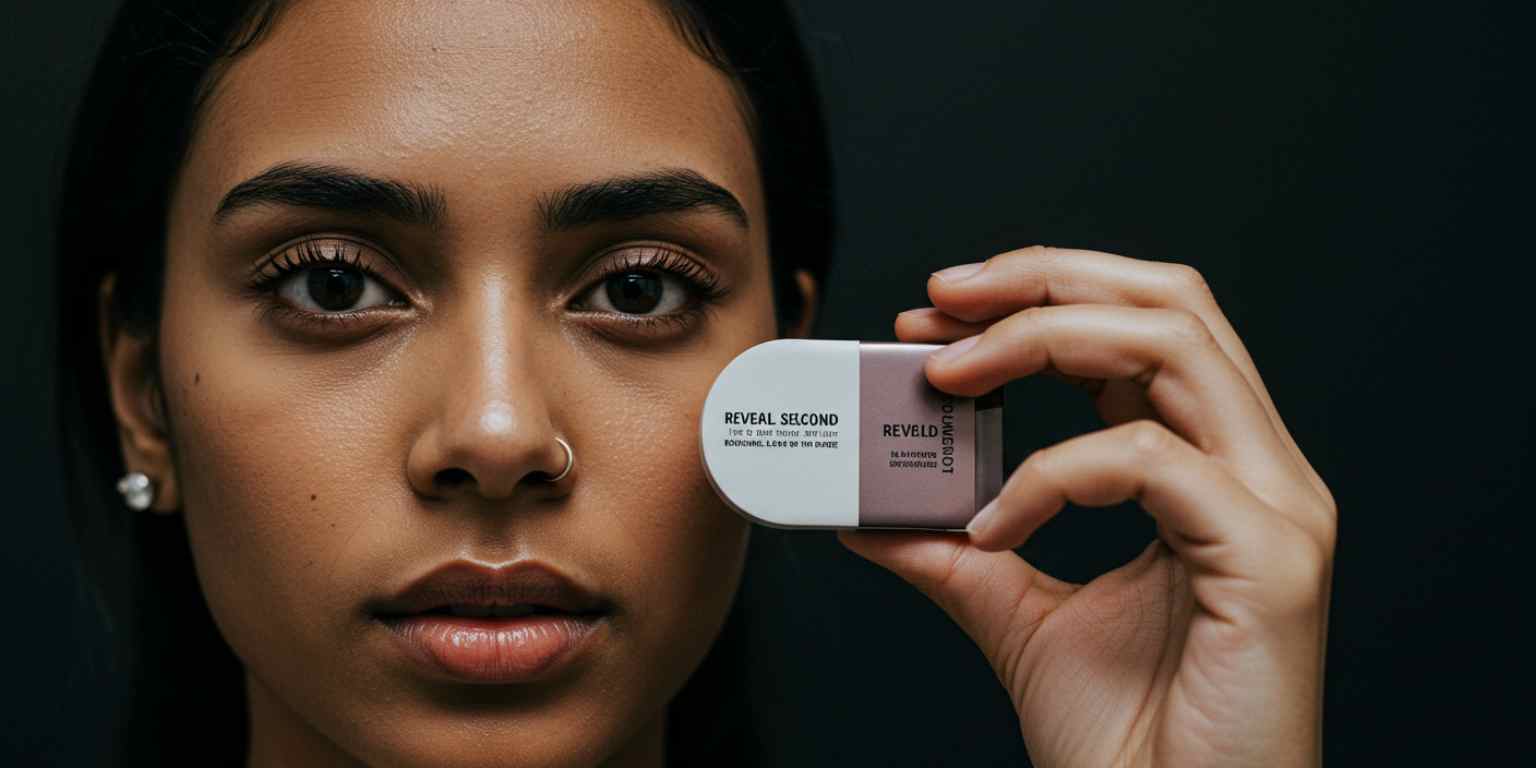
- Start tight. Faces, product details, or bold texture.
- Reveal second. Use the move to widen or shift.
- Readable text. If you add copy later, keep it short and large.
- Brand moment. End on logo or tagline for memory, not at the start.
Platform playbooks that actually map to behavior
TikTok
- Post vertical 9:16.
- Start the move immediately. No idle frames.
- Pair with audio that matches the mood, not only the trend.
- Invite a reaction. Ask the viewer to pick a favorite, guess a location, or vote between two styles.
- Keep it short enough to encourage loops. People rewatch tight clips.

Instagram Reels
- Lead with motion, then give context in the caption.
- Use on-screen text to anchor the story for muted viewing.
- Favor 7 to 12 seconds for replay potential.
- Mix animated stills with quick cuts in a carousel or reel set.
YouTube Shorts
- The first frame acts like a thumbnail. Make it bold.
- Consider using animated stills as B-roll for voiceover tips.
- Give a takeaway. Shorts with a clear payoff get better retention.
Creative patterns that work right now
Use these as templates. Replace the nouns and keep the motion logic.
- Detail to full reveal – Start on texture or feature, pull back to context. Works for fashion, beauty, hardware, food.
- Anchor and drift – Keep the subject centered while the background drifts gently. Calming motion that looks premium.
- Parallax hint – Slight foreground shift against a steady subject to create depth.
- Looping nod – End where you started. The loop encourages replays and improves completion.
- Tilt with type – A slow tilt while a single line of copy lands. Clear, modern, easy to brand.
A mini library of prompts by goal
Awareness : “Slow push in on hero product, soft studio light, keep center framed, finish on logo.”
Engagement : “Gentle pan across two outfit photos side by side, warm light, pause mid-frame to invite votes.”
Education : “Slow tilt down on skincare product set, bright even light, hold on label for readability.”
Emotion : “Pull back reveal of couple laughing, golden light, keep faces crisp, add soft background blur.”
UGC remix : “Subtle zoom on customer photo, natural light, keep caption space clear at top.”
Copy them, swap your nouns, and test three variations. Pick the one that looks intentional at first glance.
Quality control checklist before you post
- The first frame is compelling on mute.
- Motion is smooth, not jumpy.
- The subject remains sharp across the move.
- The clip ends on a frame that could be a still.
- The video length fits the platform’s “sweet spot.”
- If text will be added later, the composition leaves room.
If any box fails, adjust the prompt rather than forcing it in editing.
Three complete use cases you can ship this week
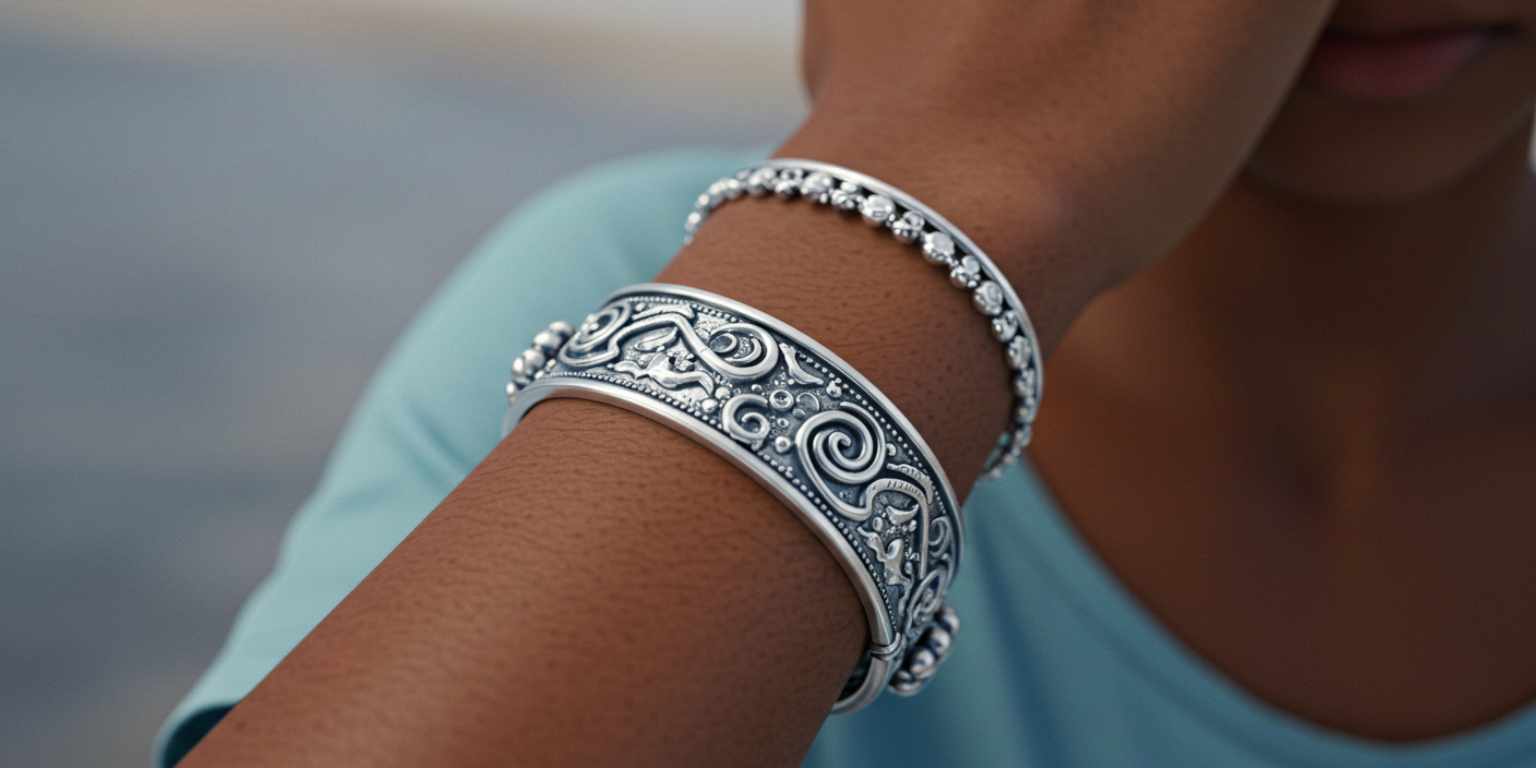
1) Product teaser series for a small retailer
- Image: Macro of a new necklace with high contrast on metal edges.
- Prompt: “Extreme close-up on pendant texture, slow pull back to a mid shot, soft studio light.”
- Edit after export: Add a 3-word headline and a date. Keep type large.
- Sequence: Post part one teaser, part two reveal, part three color variant.
- CTA: “See the full collection on our site” with a comment pin.
2) Creator story for a travel account
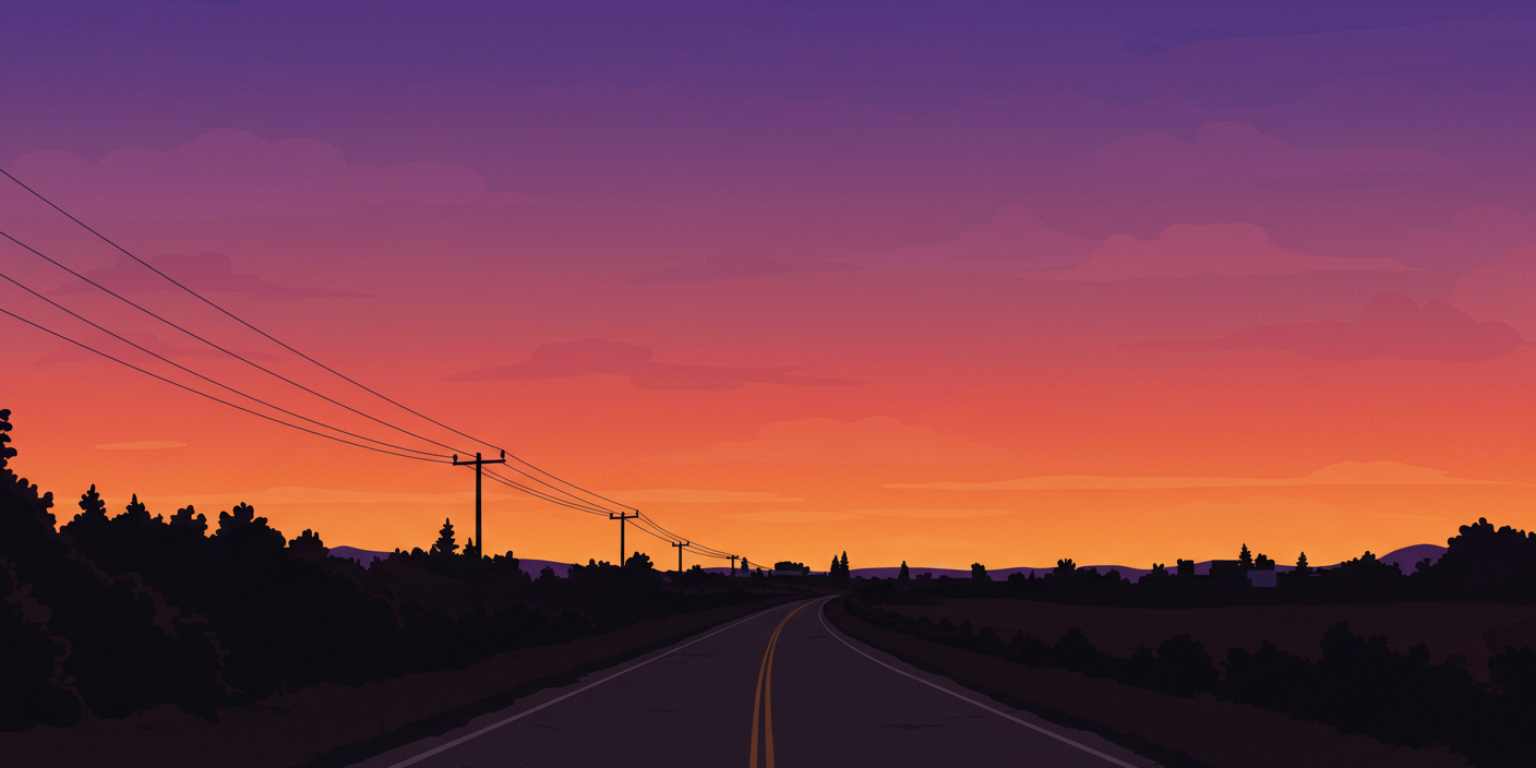
- Image: Sunset silhouette near water with a clear horizon.
- Prompt: “Slow pan right across the silhouette, warm light, keep horizon level, end on the brightest frame.”
- Voiceover: One sentence about what the moment felt like.
- CTA: Ask viewers to share their sunset spot.
3) Portfolio polish for a photographer
- Image: Portrait with strong separation from background.
- Prompt: “Subtle tilt up from jacket to eyes, keep eyes sharp, soft background.”
- Edit after export: Add small name and role in a corner.
- Use: Reel that leads to a portfolio link in bio.
Measure like a pro and iterate weekly
Track at least these signals:
- Hold rate: do people stay through the reveal.
- Replays: loops indicate a satisfying move.
- Shares and saves: stronger than likes for intent.
- Comments with intent: questions and requests beat generic praise.
- Click-through: only if the goal is traffic.
Run small tests:
- Same photo, two prompts.
- Same prompt, two crops.
- Same video, two captions.
- Post time shifts.
Pick winners and scale those patterns.
Common mistakes and quick fixes
Mistake: too many moves in one clip.
Fix: commit to one move. If you need a second, produce a second cut.
Mistake: motion starts too late.
Fix: trim the first half second or tighten the prompt.
Mistake: subject drifts out of frame.
Fix: specify “keep subject centered” or “keep face sharp.”
Mistake: text fights the image.
Fix: plan safe areas. Leave space for copy.
Mistake: stale stock feel.
Fix: add a human element, a hand, a gaze, a reveal that belongs to you.
Why Frameish is a smart default
You could stitch a workflow with heavy software, but that defeats the point. Frameish is built to remove friction.
- Fast results: about 30 to 60 seconds per video.
- No app: runs in the browser on desktop and mobile.
- Simple pricing: credits with a popular 3-video pack at $14.99.
- Fair risk: Money-Back Promise if it is not for you.
- Focus: one job done well, so the interface stays clean.
Start with a single pack, create three variations of the same concept, and choose the one that looks deliberate. Then buy more credits when you have a style that works for your audience.
A 30-day plan you can actually follow
Week 1: Setup and proof of concept
- Pick 6 high-quality photos that match your next two weeks of posts.
- Produce 6 videos in Frameish, two prompt variations per concept.
- Post three of them across TikTok, Reels, and Shorts. Log early signals.
Week 2: Pattern match
- Identify the best performing move. Repeat it with three new images.
- Add on-screen text versions for muted viewers.
- Keep copies of prompts that worked in a shared note.
Week 3: Systemize
- Build two repeating series. For example, “Detail Tuesday” and “Loop Friday.”
- Batch produce next week’s content in one session.
- Use the end frame for subtle brand recall.
Week 4: Scale and refine
- Push ad spend behind a proven clip if paid is in play.
- Collaborate with one creator. Share your prompt and image guide.
- Archive losers. Double down on winners.
You exit the month with repeatable patterns, a live library of animated stills, and a faster publishing rhythm.

Frequently Asked Questions
How long does it take to generate a video in Frameish?
Most clips render in about 30 to 60 seconds, depending on load.
Do I need a specific file type?
JPEG or PNG works well. Use the highest quality you have.
What resolution do I get?
Default output is 480p to keep generation fast. Higher resolution options may be offered later.
How do credits work?
You purchase a pack, then spend one credit per finished video. A popular entry is 3 videos for $14.99.
Do I need to install anything?
No. Frameish runs in your browser on desktop and mobile.
What if I am not happy with the results?
You are covered by the Money-Back Promise. See details on the FAQ page.
Wrap up
Your best photos deserve more than a quick scroll-by. With a clean image, a clear prompt, and a single purposeful move, you can publish short videos that hold attention and earn reach. Do not overthink it. Pick one strong photo, write one precise prompt, generate, and post. Then refine the pattern.
If you want a fast start, make three cuts of one image today. Post the best one tomorrow. Repeat the process next week. Consistency wins more than perfection.
Try Frameish and see your stills move with purpose, not gimmicks.