
This guide shows you exactly how to do it. You will learn what AI photo-to-video actually does, how to pick the right images, how to write prompts that look like a human editor made the choices, and how to tailor output for TikTok, Instagram Reels, and YouTube Shorts.
The day still images stopped standing still
Everything here is built around a simple workflow inside Frameish, which runs in the browser, uses credits, generates in roughly 30 to 60 seconds, and starts with 3 videos for $14.99 with a Money-Back Promise.
What AI photo-to-video really is
Under the hood, image-to-video models analyze your photo for edges, depth, subject, and lighting, then simulate a camera move and subtle environmental changes.
Good output looks like a calm hand on a tripod. Think slow push in, gentle pan, slight parallax, a touch of bokeh, a believable lighting shift, or a clean loop that starts and ends on the same frame.
Done well, the point is not to “make it wiggle.” The point is to direct the viewer’s eye.
- A wedding portrait that leans the couple together while the background softens.
- A travel scene that starts on texture, then reveals the whole landscape.
- A product shot that rotates just enough to show form and finish without feeling like a 3D spin.
Frameish uses an API-driven image-to-video model optimized for speed and visual coherence. In practice, you upload a photo, give one or two sentences of direction, and download a ready-to-share MP4 in about 30 to 60 seconds.

Why this format exploded in 2026
Three forces made short AI motion the default instead of a novelty.
Feeds favor movement
TikTok, Reels, and Shorts are built around watch time and replays. Even a small, smooth move increases the chance your content gets served again.
Production got easier
What used to take a camera, editor, and learning curve now takes a single clear prompt.
Viewers respond to direction
With motion you can lead attention. You can reveal detail, guide a story, and land on a frame that sticks in memory.
Start here: choose images that will animate well
You will save more time choosing the right photo than fixing the wrong one.
Pick a clear subject
One focal point beats five. Faces, hero products, strong silhouettes.
Look for separation
Subject should stand off the background. Depth, contrast, or clean negative space help the model create believable motion.
Use enough resolution
Aim for at least 1080 px on the short side. Low-res compression creates jitter.
Mind the edges
Crisp edges make cleaner parallax and less haloing.
Choose a frame with a story
The best candidates already suggest a moment. AI enhances what you give it.
If the image is flat, add a touch of contrast or remove noise before upload. Small prep steps multiply quality.
Write prompts like a director
Great results come from concise direction, not paragraphs. Use this simple structure:
Move + Subject focus + Mood or light + Finish
Examples you can paste and adapt:
- “Slow cinematic zoom in on face, keep eyes sharp, warm golden hour light, end centered on the smile.”
- “Gentle pan left across product, soft studio light, keep label legible, end on logo.”
- “Subtle tilt up from shoes to face, cool city light, keep face crisp, end on relaxed expression.”
- “Short loop around coffee mug, morning window light, maintain logo clarity, return to exact start for a seamless loop.”
- “Pull back reveal from fabric texture to full jacket, neutral light, keep stitching sharp, end on three-quarter view.”
What to avoid: stacked moves that fight each other, vague adjectives like “cool” without context, and prompts longer than two sentences.

The Frameish workflow that takes minutes, not hours
- Open Frameish and click Get Started.
- Buy credits. Most people start with 3 videos for $14.99. Credits are used per finished video.
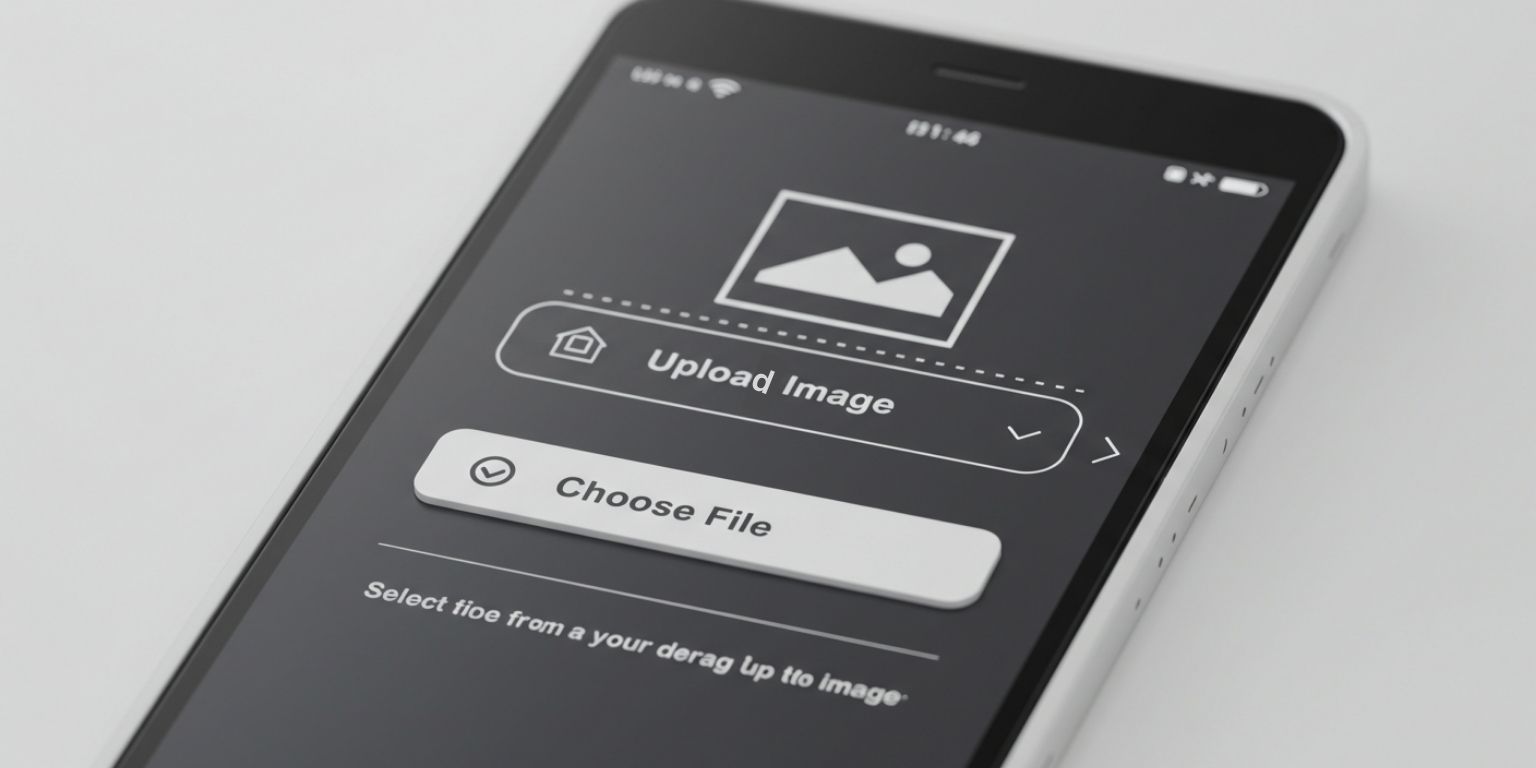
- Upload your photo in JPEG or PNG. Use the best version you have.
- Paste your prompt exactly as you wrote it.
- Generate and wait about 30 to 60 seconds.
- Download the MP4 and preview on your phone.
- Regenerate if needed. If the opening frame is weak, ask for a tighter start or a different move.
Make the first second count
Platforms decide quickly whether to keep showing your content. Design that first second on purpose.
Start tight
Faces, logos, textures, or the most compelling detail.
Reveal next
Use the move to widen or pivot to context.
Stay readable on mute
If you plan to add text, leave clean space in your composition.
Land on a strong still
The last frame should be usable as a static image.
Platform playbooks that map to real behavior
TikTok
Post vertical 9:16. Let motion start immediately. Pair with audio that matches your mood, not only the trend. Invite interaction in the caption. Short, satisfying loops perform well because they earn replays. Avoid opening frames that look like ads. Lead with the moment, then bring in the brand.
Instagram Reels
Hook fast, then use the caption to add context. Keep clips in the 7 to 12 second range for replay potential. On-screen text should be big, brief, and placed away from UI overlays. Mix single-image animations with carousel posts so your grid stays varied.
YouTube Shorts
Treat the first frame like a thumbnail. Consider using animated stills as B-roll behind tips or voiceover. Give a takeaway or small payoff by the end so viewers feel the clip was worth watching.
Creative patterns that consistently work
These patterns are simple on purpose. Swap your nouns and keep the logic of the move.
Detail to reveal
Start on texture, logo, or feature, then pull back to the full scene. Strong for fashion, beauty, tech, and food.
Anchor and drift
Keep the subject centered and sharp while the background drifts subtly. Feels premium and calm.
Parallax hint
Light foreground shift against a steady subject creates believable depth without heavy effects.
Loop that doesn’t show off
Return to your exact start frame so the viewer barely notices the seam. Replays climb without effort.
Tilt with type space
A slow tilt while a single line of copy lands. Clear, modern, and easy to brand.
Prompt recipes by goal
A few starting points you can paste directly, then tune:
Awareness
“Slow push in on hero subject, soft studio light, keep center sharp, end on logo area.”
Engagement
“Pan left across option A then right across option B, warm light, pause mid-frame, end centered to invite a vote.”
Education
“Tilt down on product set, bright even light, keep label legible, end on key feature.”
Emotion
“Pull back reveal of couple laughing, golden light, keep faces crisp, end on joined hands.”
UGC remix
“Subtle zoom on customer photo, natural light, keep eyes sharp, leave top third clear for text.”
Use cases that translate from idea to post
Creators
Turn a favorite portrait into a 9:16 clip with a gentle push-in and a single on-screen line. Pair with relevant audio. Ask a question that earns comments.
Small businesses
Animate the best product stills and use them as short ad variations and PDP loops. Keep label legible and end on a frame that matches the stills in the gallery.
Families
Bring an old photo to life with a soft zoom or tilt and share for a birthday or anniversary. Keep color natural. The motion should feel respectful, not theatrical.
Photographers
Use motion as a portfolio accent. One short clip per project page shows range without replacing stills.
Pets
Tight push into the face, eyes sharp, end on the nose. It is simple and always charming.
Troubleshooting without guesswork
Motion looks cheesy
Reduce intensity. One move, slower speed, neutral light.
Eyes or labels are soft
Add “keep eyes sharp” or “keep label legible.”
Subject drifts out of frame
Specify “keep subject centered” or “keep face sharp throughout.”
Loop is jarring
Ask to “return to exact start position for a seamless loop,” or end on a strong still instead of looping.
Text collides with content
Plan safe areas and include that in your prompt, for example “leave top third clear for on-screen text.”
A simple batching system
Operating one clip at a time is fine for testing. Shipping at pace takes a system.
Build a prompt sheet
Keep category sections and copy-ready lines.
Batch uploads
Drag a set of images into Frameish and paste prompts from the sheet.
Name outputs clearly
Use a pattern like project-subject-move-length.mp4.
Preview on mobile
If the opening second lacks punch, crop tighter and regenerate.
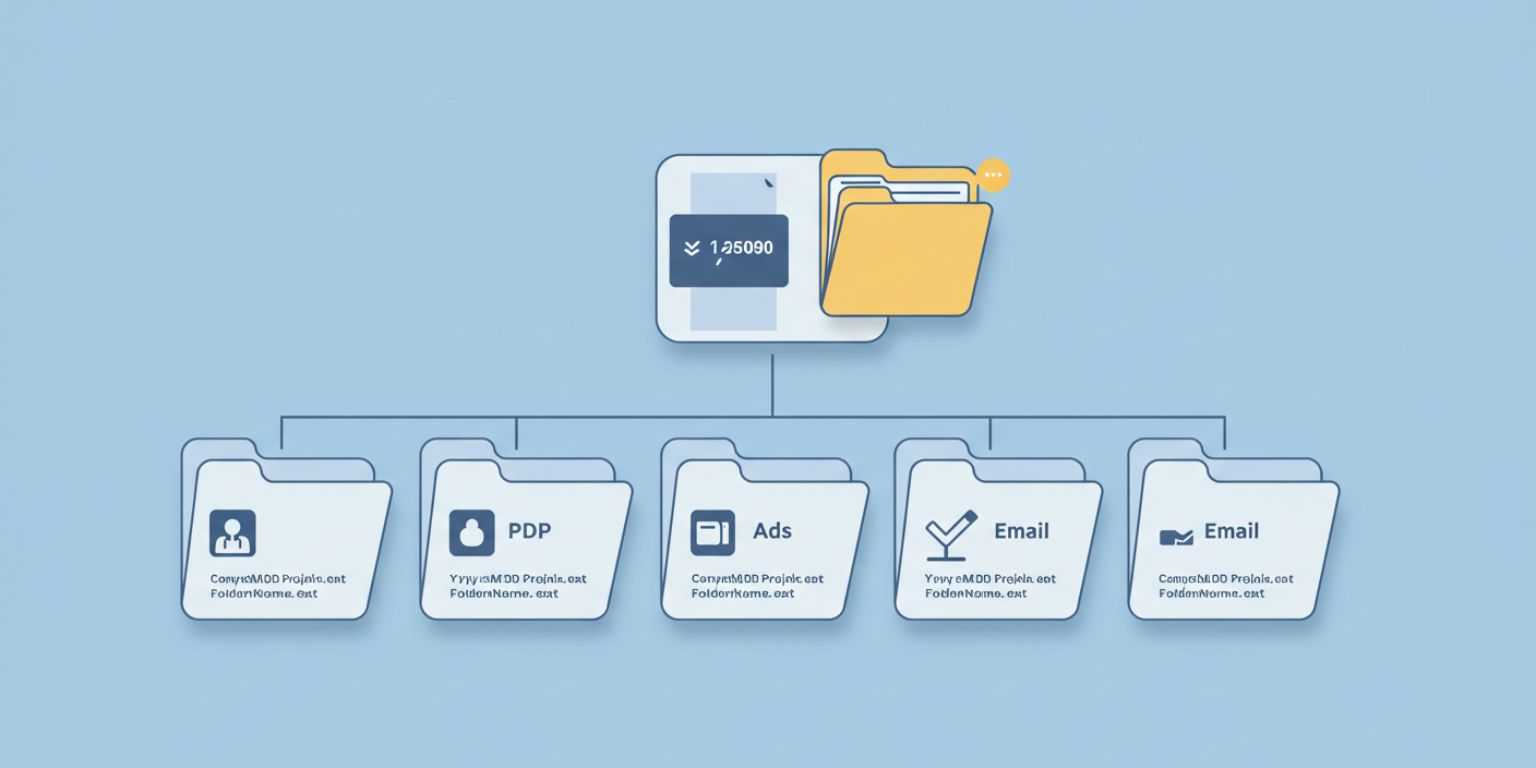
Store by placement
Separate folders for social, PDP, ads, and email to speed handoffs.
How Frameish compares without the hype
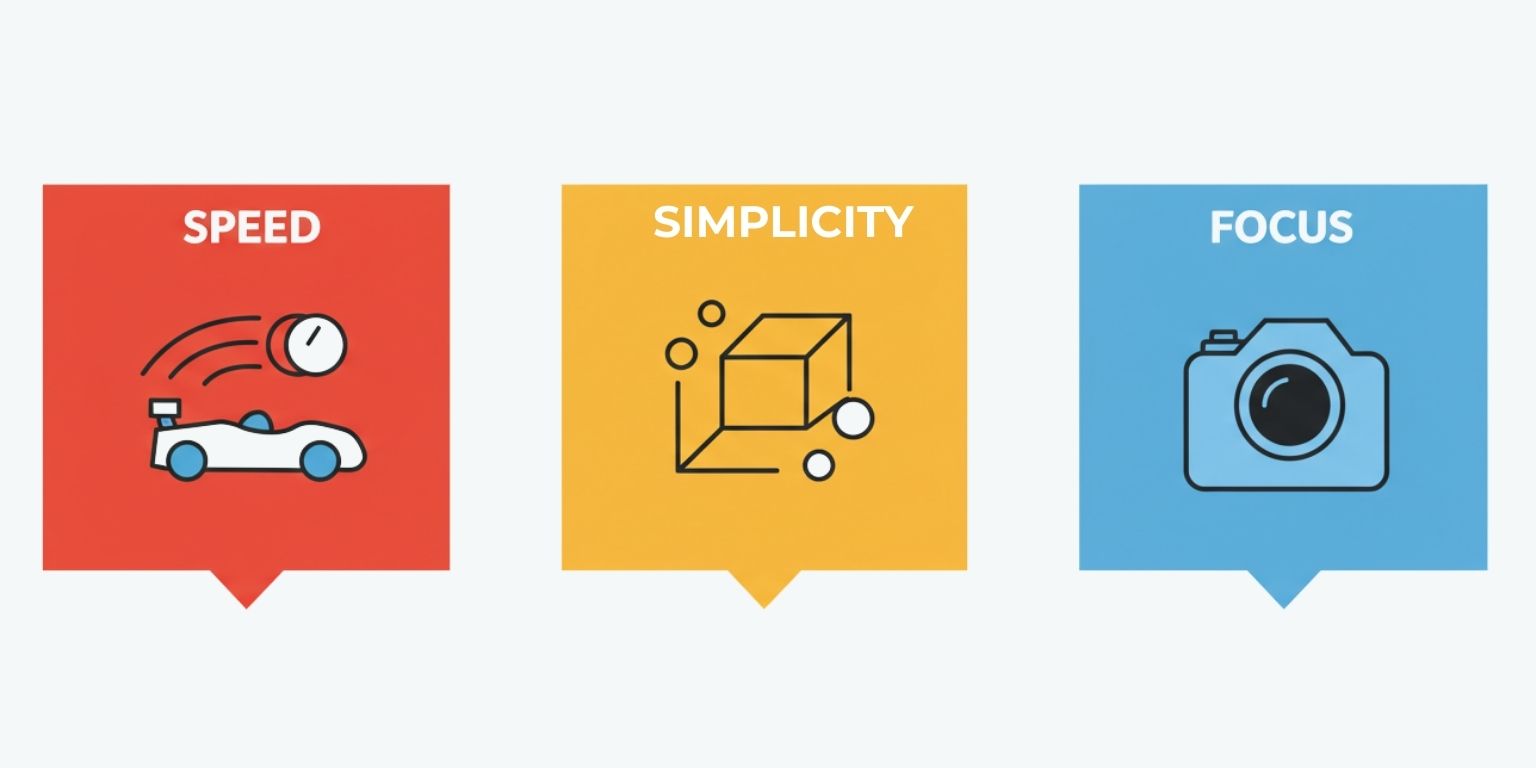
You can find multi-tool suites that do a bit of everything. You can also spend hours learning where the image-to-video option lives inside those dashboards. Frameish is intentionally focused. Upload, prompt, generate, download.
That focus keeps it fast, which matters when trends move quickly or when you want to produce a week of assets in an afternoon. Pricing is credit-based, with an easy entry at 3 videos for $14.99, default output at 480p for speed, and a Money-Back Promise if it isn’t for you.
A 30-day plan that proves the value
Week 1 — Find the move
Pick 6 strong photos. Generate two motion styles for each. Post three clips on your primary platform. Track hold rate and replays.
Week 2 — Repeat your winners
Take the best two moves and apply them to new images. Keep the prompts identical. Publish and compare. Save prompts that consistently look intentional.
Week 3 — Build formats
Create two repeating formats your audience can recognize. For example, “Detail Tuesday” and “Loop Friday.” Batch create next week’s content in one session.
Week 4 — Scale and refine
If you run paid, test a small budget behind the winner. Collaborate with one creator and share your prompt sheet so they match your style. Archive what doesn’t work, repeat what does.
Frequently Asked Questions
How long does it take to create a video?
Most Frameish clips render in about 30 to 60 seconds.
Do I need to install anything?
No. Frameish runs in your browser on desktop and mobile.
What file types should I upload?
JPEG or PNG, at the highest quality you have.
What resolution do I get?
Default output is 480p to keep generation fast. If you need higher resolution later, check the product page for updates.
How do credits work?
You purchase a pack and spend one credit per finished video. A common entry is 3 videos for $14.99.
What if I am not happy with a result?
Tighten the prompt and regenerate, or try a simpler move. If you are still not satisfied, you are covered by the Money-Back Promise.
Wrap up
Great motion is simple motion. Pick a photo with a clear subject, direct one purposeful move, and land on a frame that could work as a still.
That is the difference between a clip that looks automated and a clip that looks designed. With a clean image and a precise prompt, you can publish scroll-stopping video in minutes, not hours.
When you are ready, open Frameish, paste your direction, and ship the next piece of content before the moment passes.