

A clean, 7 to 12 second clip that zooms, pans, and lands on the value gives your feature launch a real chance to be seen.
Your UI looks great. It just is not moving in the feed
You do not need motion graphics or a video team. With an AI photo to video workflow, you can turn a single UI screenshot into a short, intentional demo video in about 30 to 60 seconds. This guide shows B2B SaaS and enterprise software teams how to do it with Frameish.
Frameish runs in the browser, uses credits, generates fast, and starts with 3 videos for $14.99 with a Money-Back Promise.
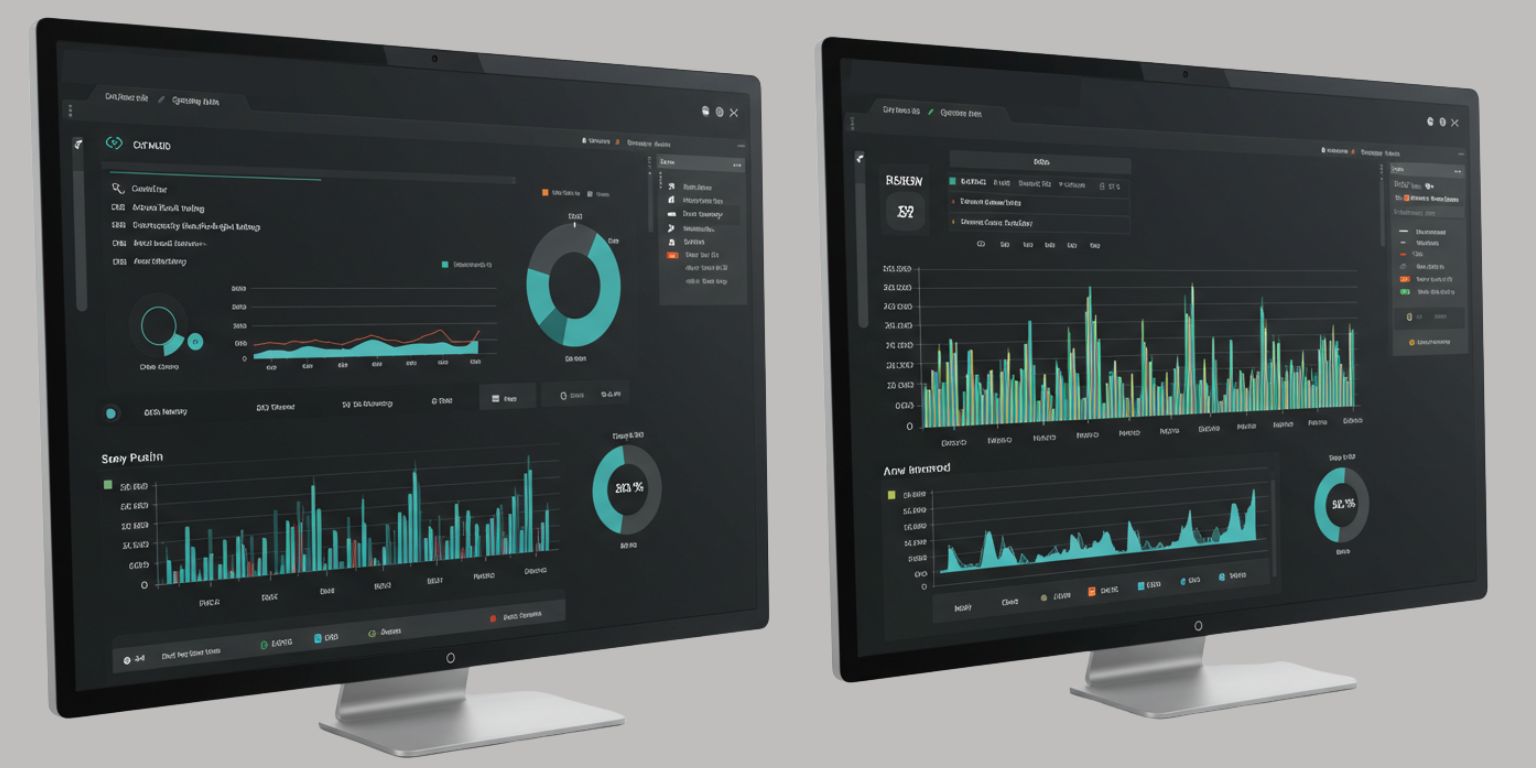
Where short UI videos belong in your SaaS funnel
LinkedIn product marketing
Post a vertical or square clip that starts with motion on frame one. Use the caption to explain the problem you solved and who benefits.
Release notes and changelogs
Embed a 6 to 10 second loop at the top of your monthly release post. End on a frame that highlights the new control or workflow.
Feature and pricing pages
Place a single, lightweight loop above the fold to show the outcome, not just the interface.
Sales enablement
Drop a short animated still into cold and mid-funnel outreach. Give reps a one-liner that maps to pain.
Onboarding and in-app help
Use motion as a visual anchor near tooltips and quick start guides.
Product Hunt or launch posts
Lead with a tight move that lands on the core value and a clear CTA.
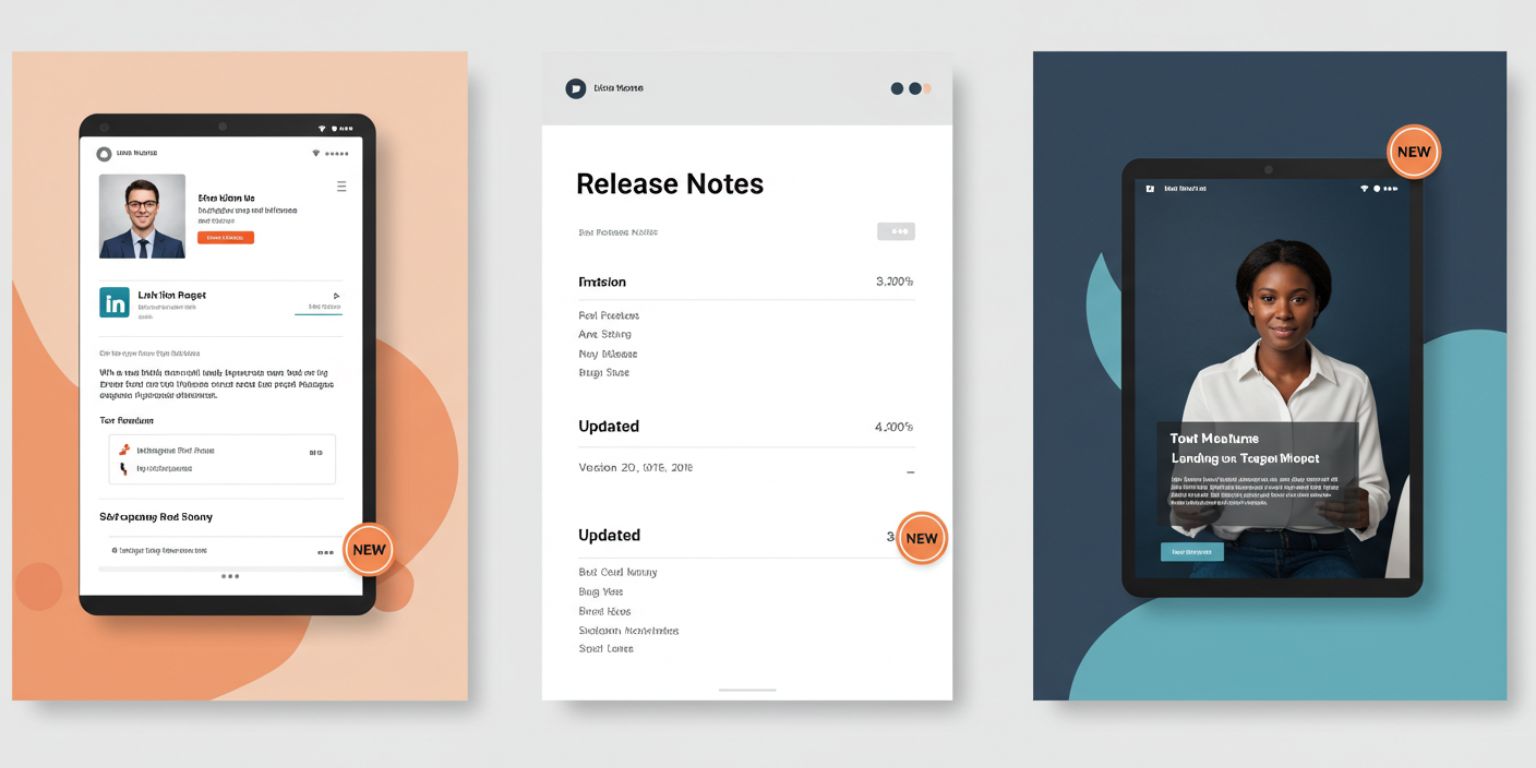
Choose screenshots that animate cleanly
A strong source image determines 80 percent of the result.
Clarity
Capture a single state that proves value. Avoid busy boards with dozens of widgets.
Resolution
Export at or above 1920 by 1080. Crisp edges prevent shimmer when you animate.
Contrast
Ensure key elements stand out. Adjust theme or contrast before export if needed.
Privacy and security
Scrub PII, secrets, and customer names. Replace with safe sample data.
Composition
Leave whitespace for on-screen text later. Clean negative space looks premium.
Variants
Grab two angles of the same feature. You can produce two cuts without a reshoot.
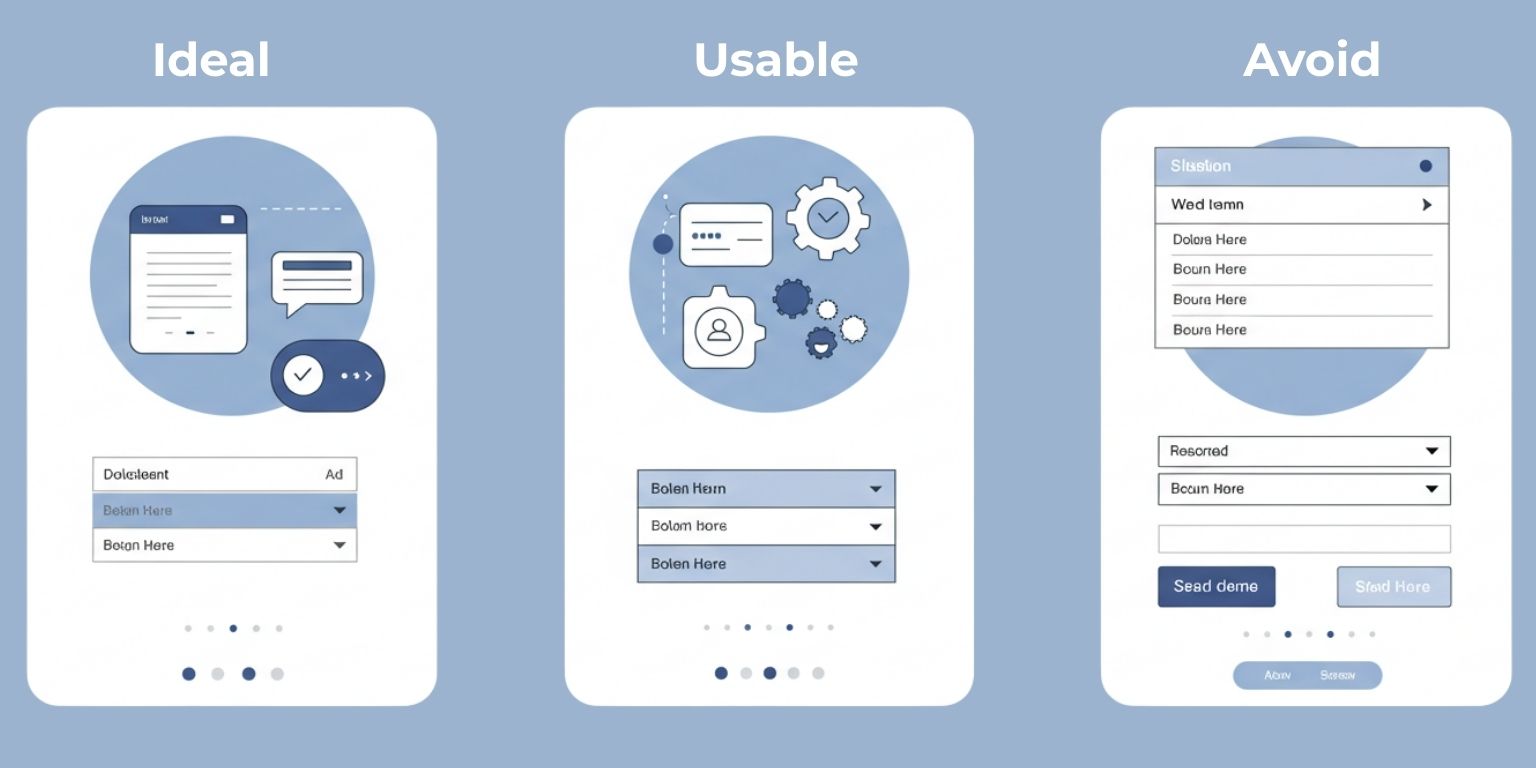
Prompt recipes for B2B product demo videos
Use one move per clip. Keep prompts under two sentences. Structure them like this:
Move + Subject focus + Legibility + Finish
Dashboard headline metric
“Slow push in on top left KPI card, keep text and numbers legible, neutral light, end centered on the card.”
Workflow focus
“Gentle pan left across steps 1 to 3 in the wizard, maintain label clarity, end on the final step.”
Chart clarity
“Subtle tilt down from chart title to y-axis and line peak, keep grid and labels sharp, end on the peak.”
Table scan
“Slow pan right across table headers to the first three rows, keep header text crisp, end centered on row one.”
Settings reveal
“Pull back from toggle detail to full settings panel, maintain icon sharpness, end centered on the enabled toggle.”
Mobile view
“Slow push in on mobile card stack, keep headline text legible, end on the primary CTA.”
Loop for release note headers
“Short loop around new tag badge, keep label legible, return to exact start position for a seamless loop.”
The Frameish workflow for SaaS teams
- Open Frameish and click Get Started.
- Buy credits. A practical entry is 3 videos for $14.99, one credit per finished clip.
- Upload a high-resolution PNG of your UI.
- Paste your prompt exactly as written.
- Generate. Wait about 30 to 60 seconds.
- Download MP4 and preview on mobile and desktop.
- Regenerate if needed with clearer legibility instructions like “keep label legible” or “keep numbers sharp.”
File naming
Use a pattern that helps product marketing and sales find assets fast:
Feature-name-view-move-length.mp4
Example: alerts-dashboard-kpi-pushin-09s.mp4
Copy and overlay formulas that convert
Hook line for social
Problem → outcome in one sentence.
“Drowning in alert noise. Meet priority scoring that surfaces the three signals you actually need.”
On-screen text
Five to eight words, big and readable.
“Score alerts by impact” or “Forecast pipeline by role.”
Caption formula
Problem. What changed. Who benefits. CTA.
“We turned rules into outcomes. RevOps can now forecast by role in one view. See the walkthrough on the feature page.”
End frames to test
- Outcome claim on brand background
- One metric with proof
- Simple logo plus CTA
Platform playbooks for B2B video
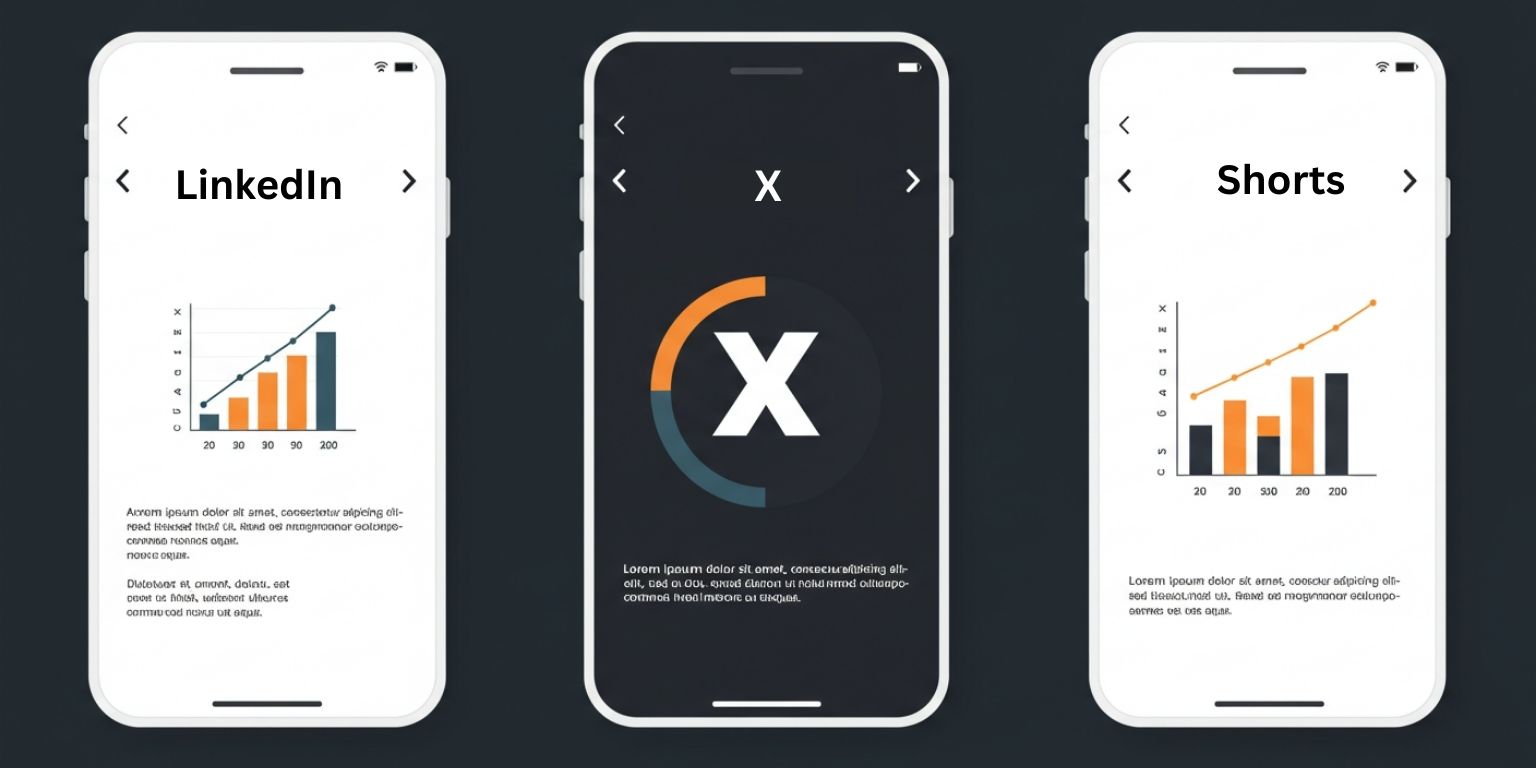
- Square or vertical works.
- Start with motion on frame one.
- Write a plain-language caption. Skip jargon and avoid fluff.
- Tag PMs and engineers to increase distribution.
- Link to the feature page or release notes.
X
- Keep it tight.
- Use a strong first frame and a single sentence that states the value.
- Add a reply with docs or a deeper link.
YouTube Shorts
- Treat the first frame like a thumbnail.
- Use animated stills as B-roll under a one-line voiceover.
- Title with the problem and outcome.
Product Hunt
- Lead with the shortest, clearest cut of the feature.
- Pin it at the top of your page post.
- Answer questions with a second clip if needed.
Feature pages, docs, and onboarding
Feature pages
Place a single loop above the fold. Keep it silent and under 12 seconds so the page stays fast. Pair with a one-line benefit and a deep link to docs.
Documentation
Use motion at the top to orient the reader. Land on the exact control they need.
Onboarding
Add a small loop near the step that causes the most drop-off. Clarify where to click without clutter.
Accessibility and compliance for enterprise buyers
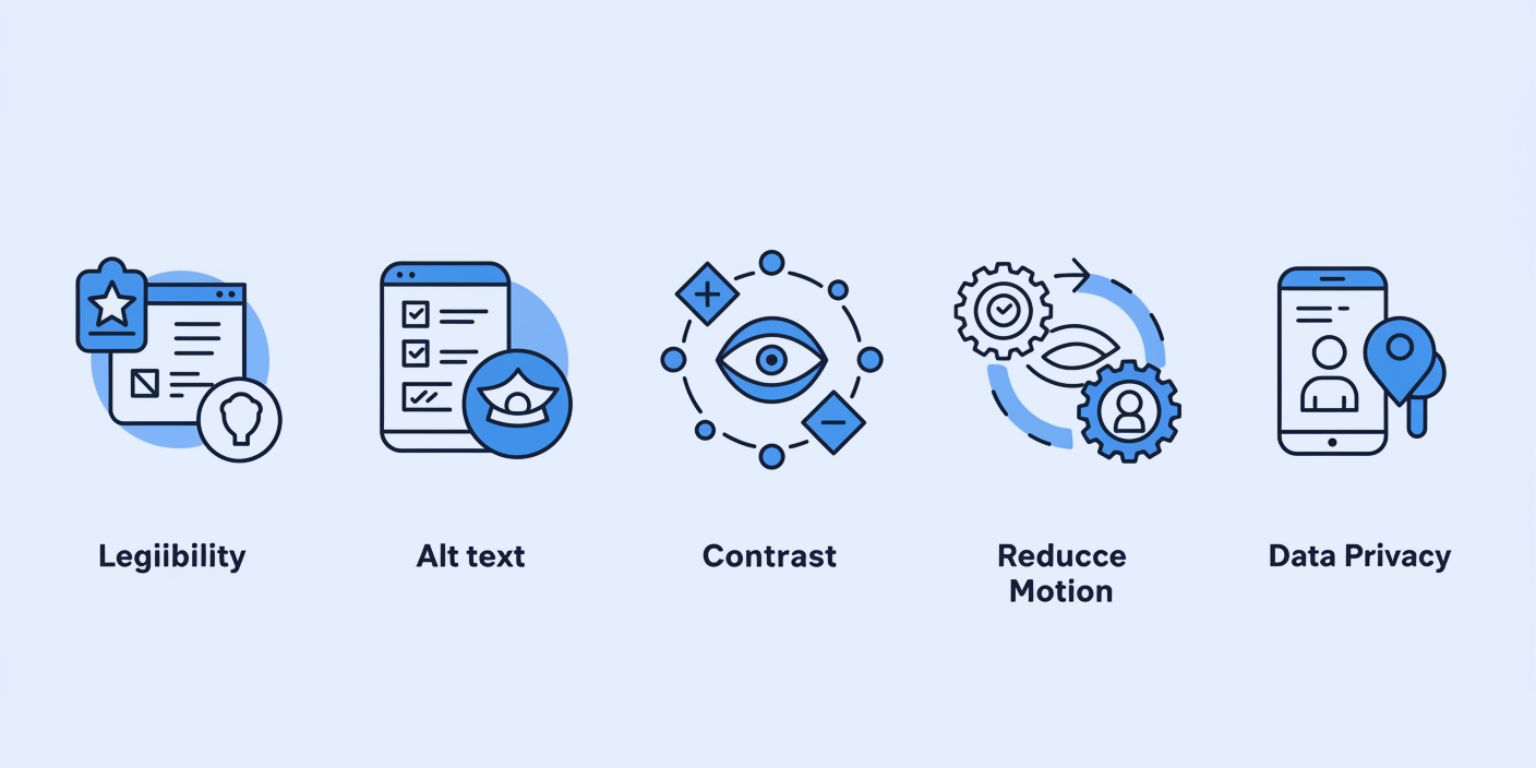
- Keep UI text legible across the move.
- Provide alt text that describes the action in plain language.
- Avoid color shifts that could harm contrast.
- Offer a reduce-motion option on pages with loops.
- Remove customer data and secrets before export.
Measurement that matters to SaaS
Top of funnel
View completion, replays, saves, and shares on LinkedIn and Shorts.
Mid funnel
Click-through to feature pages and docs. Time on page after a motion hero.
Bottom funnel
Demo requests, trial starts, and meetings booked that originated from posts or pages with motion.
Use UTMs and note which prompts, subjects, and end frames deliver the best downstream actions.
Troubleshooting and quick fixes
Text looks soft
Add “keep text and numbers legible” and regenerate. Consider a tighter crop.
Motion feels cheesy
Reduce intensity. One move. Slower speed. Neutral background.
Gridlines shimmer
Export a cleaner screenshot and specify “keep grid and labels sharp.”
Loop seam is visible
Ask to “return to exact start position” or switch to an end-frame variant.
Start feels slow
Ask to “start tight on [element]” and then reveal.
A 30 day SaaS launch plan with AI video
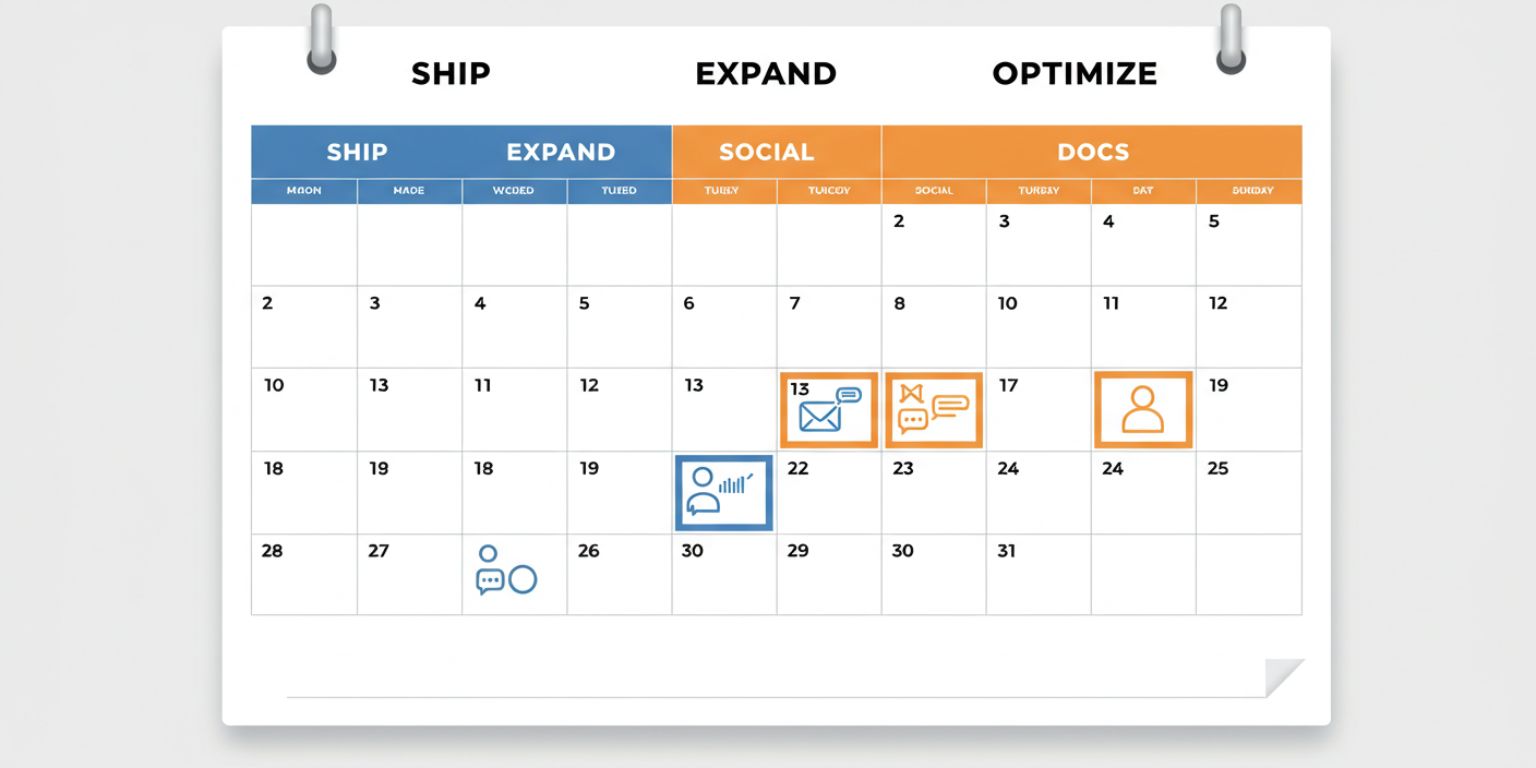
Week 1 — Prep
Select six screenshots for the launch. Write prompts for KPI, workflow, chart, and settings. Generate and store by placement.
Week 2 — Ship
- Feature page: motion hero and alt text
- LinkedIn: KPI push in on day one
- Docs: loop at the top of the how-to guide
Week 3 — Expand
- Sales enablement: two short clips for outbound
- X: chart tilt with one line of value
- Shorts: workflow pan with one-line voiceover
Week 4 — Optimize
- Retargeting: test metric end frame vs claim end frame
- Release notes: loop near the header
- Publish a recap post that embeds two winners
Why Frameish is a smart default for B2B teams
You need speed, legibility, and output anyone on the team can generate. Frameish focuses on one job. Upload, prompt, generate, download. It is fast enough for launch weeks and simple enough for PMs, PMMs, designers, or AEs to use.
- Fast generation about 30 to 60 seconds per clip
- Browser based, no installs
- Credit pricing with 3 videos for $14.99 to start
- Default 480p output optimized for social speed
- Money Back Promise for low risk testing
Start with one KPI zoom, one workflow pan, and one chart tilt. Publish, measure, and repeat.
Frequently Asked Questions
How long does Frameish take?
About 30 to 60 seconds per video.
What file should I upload?
A high-resolution PNG of your UI. Remove sensitive data first.
What resolution is the output?
480p by default for speed. Check the product page for future HD options.
Can I use these in LinkedIn ads and on feature pages?
Yes. Export MP4, then upload to paid social and embed on web.
How do credits work?
One credit per finished video. Start with 3 videos for $14.99.
What if the result looks off?
Tighten the prompt, choose a cleaner screenshot, or slow the move. If you are not satisfied, the Money Back Promise applies.
Wrap up
Motion helps buyers understand outcomes without reading. A slow push to the KPI, a pan across the three steps, a tilt to the chart peak. These are small choices that make your product feel clear and current. With AI photo to video, you can publish in minutes and give your launch the attention it deserves.
Open Frameish, paste one of the prompts above, and ship your first short product demo video today. Then build a simple cadence for every release and keep your pipeline warm.