
You finish a conference or trade show with hundreds of great photos. The energy was real, the booth looked sharp, the keynote landed. Then your recap post is a static carousel that gets polite engagement and fades. That is a format problem.
Your best moments are stuck in stills
In 2026, event marketing lives on TikTok, Instagram Reels, YouTube Shorts, and LinkedIn. Short, intentional motion turns event photos into event recap videos, conference highlights, and trade show marketing assets that actually get watched.
You do not need a full video crew to make it happen. With an AI photo to video workflow, you can animate your strongest stills into clean, social-ready clips in minutes.
This guide gives event teams, B2B marketers, and agencies a practical process using Frameish, a browser-based AI video generator that converts a single image into a short video in about 30 to 60 seconds. Frameish runs on credits, with an easy entry at 3 videos for $14.99 and a Money-Back Promise.
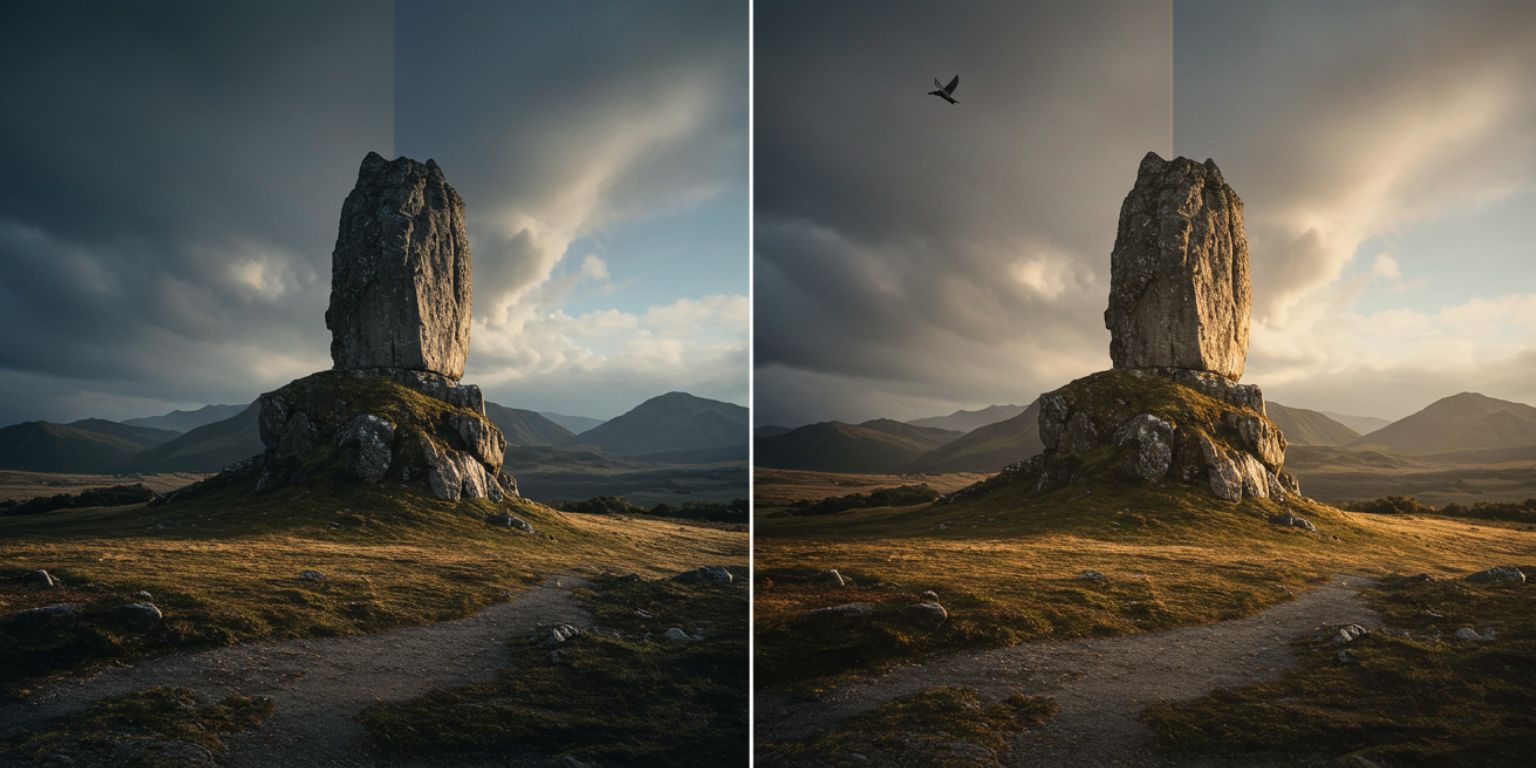
Where AI photo to video fits in your event marketing plan
Pre-event hype
Animate last year’s best photos into short teasers. Use them in event landing pages, registration emails, and LinkedIn posts to drive signups.
During the event
Post near-real-time clips made from day-one stills. Keep attendees informed and give people who are not there a reason to follow.
Post-event recap
Publish a 3 to 5 clip sequence across Reels, TikTok, Shorts, and LinkedIn. Turn it into a hero loop on the recap blog and a sales enablement asset.
Sales enablement and ABM
Embed a 10 second animated still in outreach to key accounts with a one-line takeaway and CTA.
Paid amplification
Run event video ads with 1:1 and 9:16 variants. Hook with a detail move and end on a clear next step.
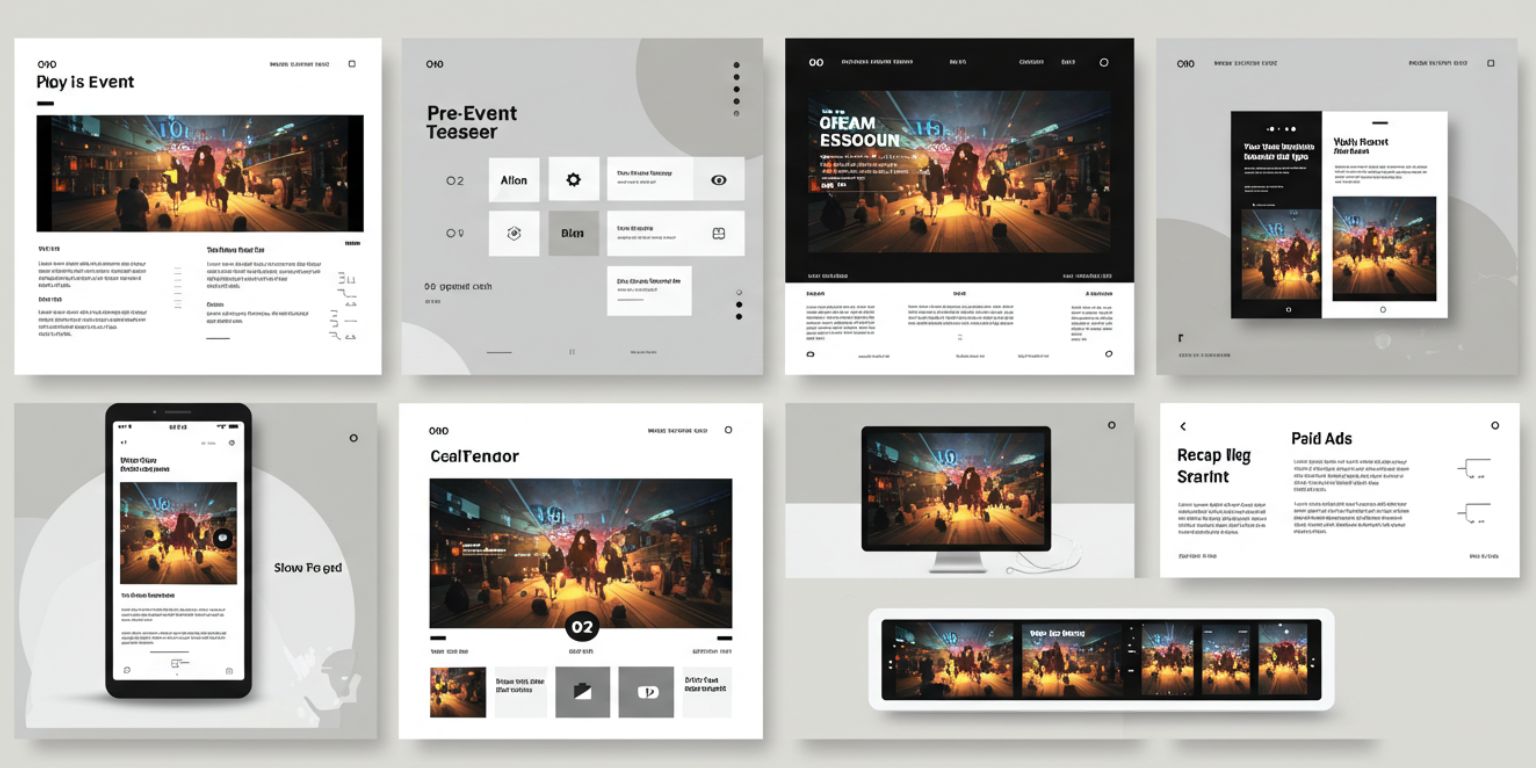
Choose photos that will animate well
Subject clarity
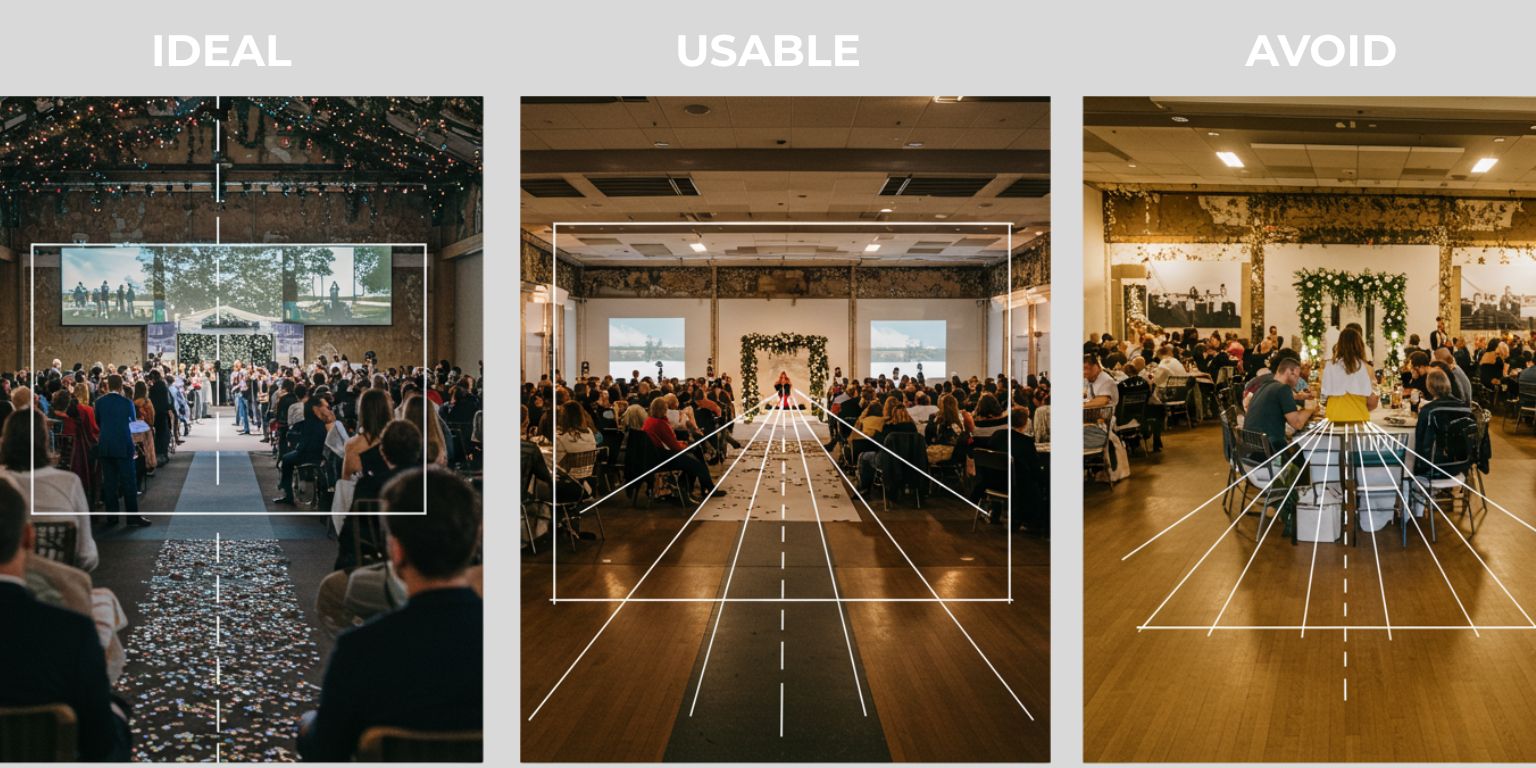
One focal point per frame. Speaker on stage, product demo, booth interaction, venue hero, award moment.
Separation and depth
Subject should stand off the background. Aisles, screens, or crowds in soft focus create believable depth.
Lines and light
Keep horizons straight and exposure even. Mixed light flickers when animated.
Resolution and edges
Use exports with clean edges at 1080 px on the short side or higher. Avoid heavy compression.
Story potential
Pick frames that already suggest a moment. AI enhances what you give it.
Prompt recipes for event video marketing
Use one move per clip. Keep prompts under two sentences. Structure them like this:
Move + Subject focus + Light or mood + Finish
Keynote and sessions
Speaker impact
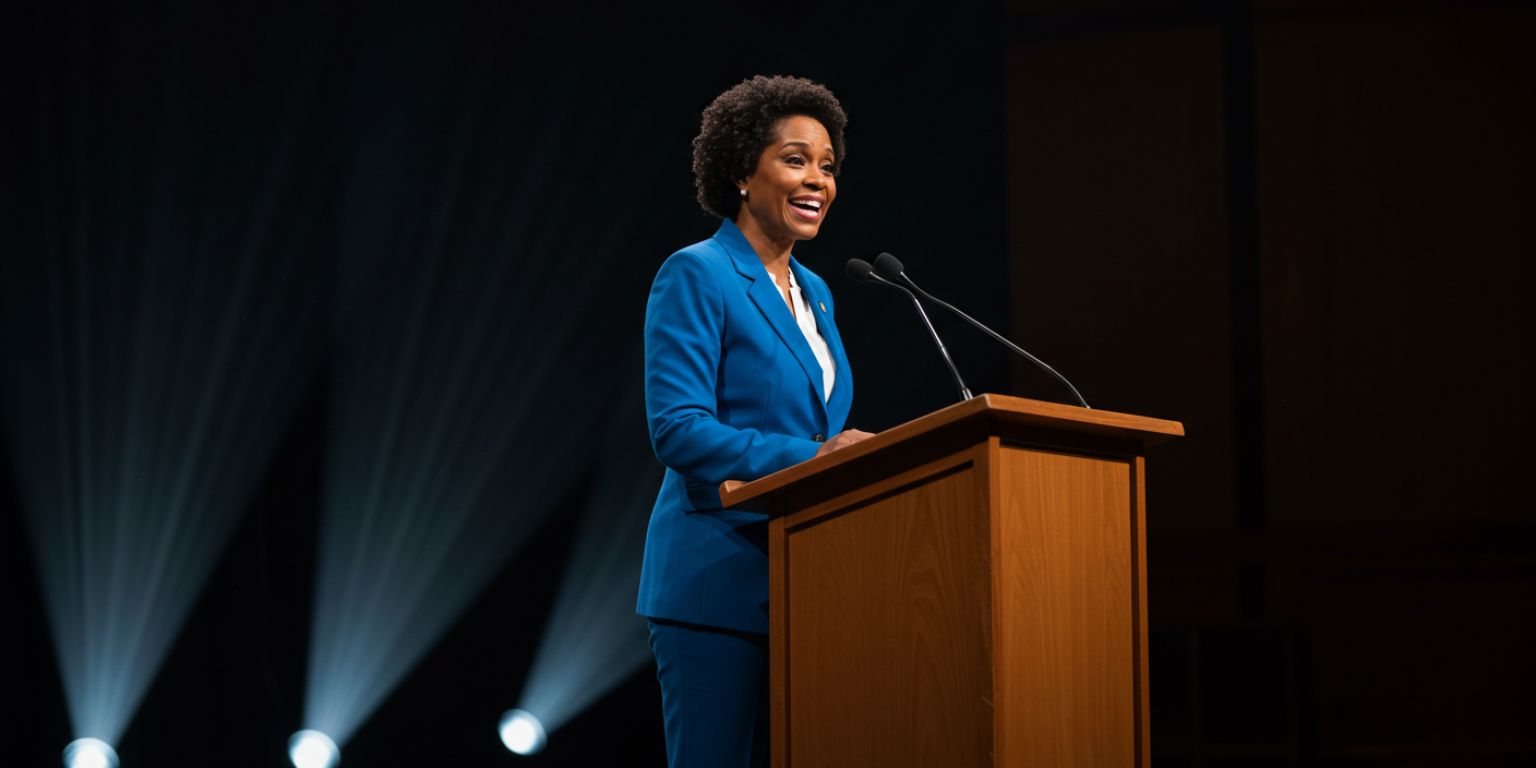
“Slow push in on keynote speaker, keep face sharp, stage light balanced, end centered on gesture.”
Slide reveal
“Gentle pan left across speaker to slide, neutral light, maintain slide legibility, end on slide.”
Expo booth and demos
Booth energy
“Slow pan across booth header to product demo, even expo light, keep logo sharp, end centered on demo.”
Hardware close-up
“Subtle tilt down from logo to device, neutral light, keep edges crisp, end on device.”
Networking and people
Handshake moment
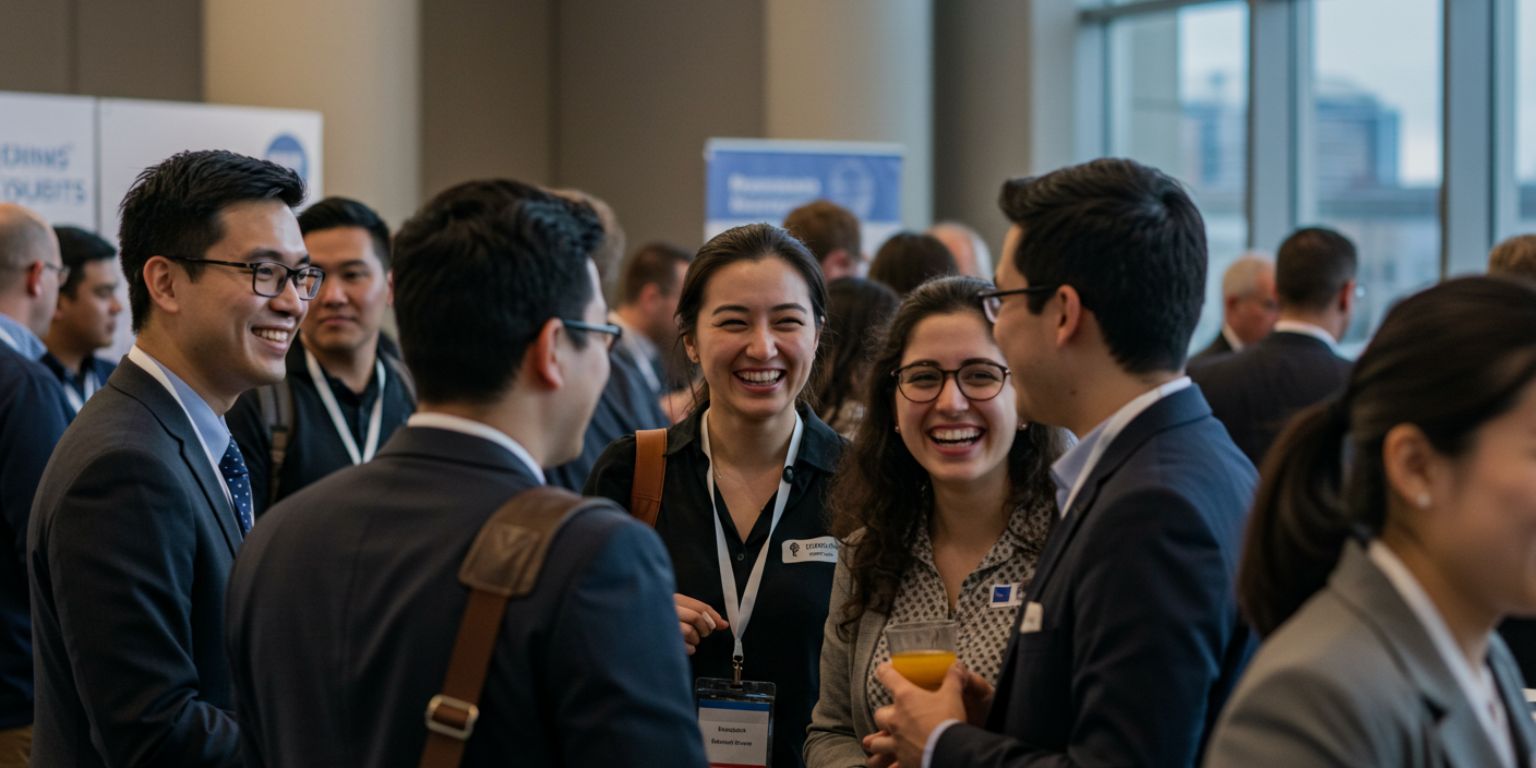
“Slow push in on handshake, warm light, keep hands sharp, end on smiling faces.”
Crowd vibe
“Gentle pan across audience, neutral light, keep front row crisp, end centered.”
Venue and environment
Venue hero
“Pull back reveal from architectural detail to full venue, natural light, keep lines straight, end centered.”
City context
“Slow pan right across skyline near venue, golden hour light, keep horizon level, end on venue area.”
Awards and announcements
Trophy focus
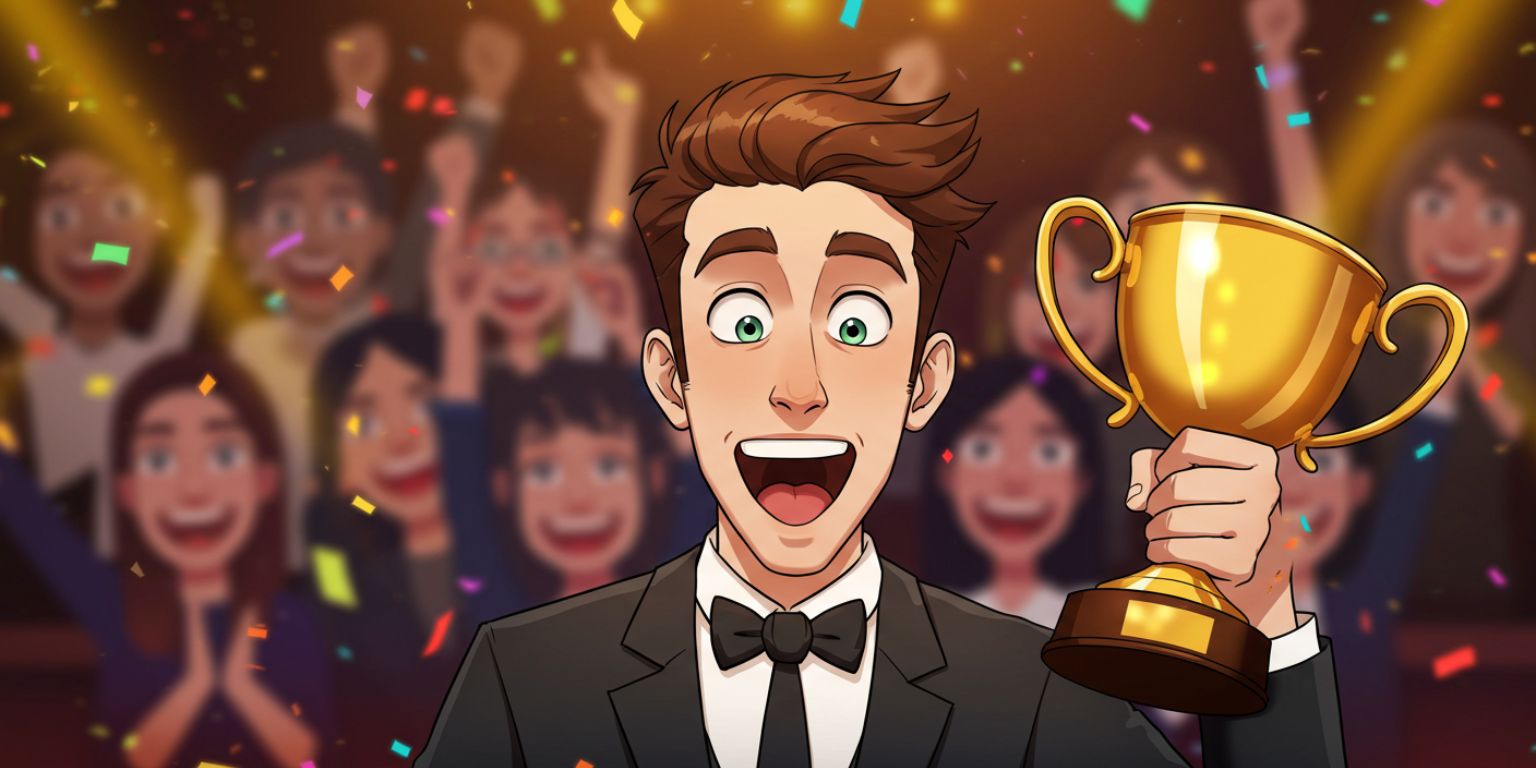
“Slow push in on award in hand, stage light, keep trophy text legible, end on recipient’s smile.”
Ribbon cut
“Subtle tilt up from ribbon to faces, bright even light, keep eyes sharp, end centered.”
Frameish workflow for conferences and trade shows
- Open Frameish and click Get Started.
- Buy credits. Start with 3 videos for $14.99 to test, one credit per finished clip.
- Upload a high-quality JPEG or PNG. Use corrected exports with straight lines and clean edges.
- Paste your prompt exactly as written.
- Generate. Wait about 30 to 60 seconds.
- Download MP4 and preview on a phone.
- Name and store by show and day for quick handoff:
summit-2026-keynote-pushin-09s.mp4, expo-day1-booth-pan-08s.mp4.
Short-form platform playbooks for event content
LinkedIn for B2B event marketing
- Post vertical or square.
- Lead with immediate motion and a single on-screen line for context.
- Use the caption to list key stats, speakers, and the next event date.
- Tag speakers and sponsors to increase distribution.
Instagram Reels and Stories
- Post vertical 9:16.
- Keep clips 6 to 12 seconds.
- Use on-screen labels like “Keynote,” “Demo,” “Networking,” or “After Party.”
- Save the best clips to a “2026 Events” Highlight.
TikTok
- Hook with a tight detail or reaction shot.
- Pair with sound that matches the brand vibe.
- Add a question in the caption to invite comments.
- Keep the edit simple and the motion subtle. This should not feel like an ad.
YouTube Shorts
- Treat the first frame like a thumbnail.
- Use animated stills as B-roll under a one-line takeaway from your PMM or CEO.
- Package three clips into a playlist called “Event Highlights.”
Event landing pages, blogs, and email
Event landing page
Place a lightweight loop in the hero. Keep it silent and under 12 seconds so the page stays fast. Add a clear “Register” or “Join the list” CTA.
Recap blog
Lead with a single animated still, then drop a gallery of photos below. Embed 3 to 5 short clips throughout for pacing.
Use a motion hero with a GIF fallback. Keep weight low and link the entire visual to the recap page or next event registration.
Ad creative for registration and retargeting
- Build 1:1 and 9:16 variants.
- Hook with a detail move on stage, a packed room, or a product in hand.
- End on a clean still with the value claim and date.
- Test “speaker vs product” openings.
- Track with UTMs and sync results with your CRM.
Captions, overlays, and accessibility
- Keep on-screen text minimal and legible.
- Reserve safe areas in your prompt: “leave top third clear for text.”
- Write alt text that describes the action plainly for screen readers.
- Offer reduce-motion options on pages with multiple loops.
Real-time publishing during the show
Day 1 afternoon
Pick two strong photos from morning sessions. Generate two clips in Frameish. Post a “This is what you missed” Reel and a LinkedIn square with sponsor tags.
Day 2 morning
Animate a booth demo and a networking shot. Post to TikTok and Shorts. Use the caption to promote the evening reception.
Final day
Animate the award moment and the closing slide. Post with a thank-you and next-year waitlist CTA.
Measurement that ties to pipeline
- Top of funnelHook rate, replays, shares, saves, and traffic to the event landing page.
- Mid funnelRegistrations from posts with UTMs, email clicks from motion hero modules, and session add-to-calendar actions.
- Down funnelMeetings booked on site, demo requests tied to event pages, pipeline created by campaign.
Turn winners into templates. Note which prompts, subjects, and end frames earned the best watch behavior and clicks.
Quality checklist before you publish
- First frame reads clearly on mute.
- Lines are straight and the subject stays sharp.
- Motion is smooth and restrained.
- Slide or label text remains legible.
- Clip ends on a strong still or loops cleanly.
- File name, alt text, and caption are consistent.
Troubleshooting
Motion looks cheesy
Reduce intensity. One move. Slower speed. Neutral light.
Slides are unreadable
Add “maintain slide legibility” and regenerate. Consider a tighter crop.
Subject drifts out of frame
Specify “keep subject centered” or “keep face sharp throughout.”
Loop seam is visible
Ask to “return to exact start position” or use an end-frame version.
Color looks off
Correct the photo first. Then regenerate. Avoid heavy grading after the fact.
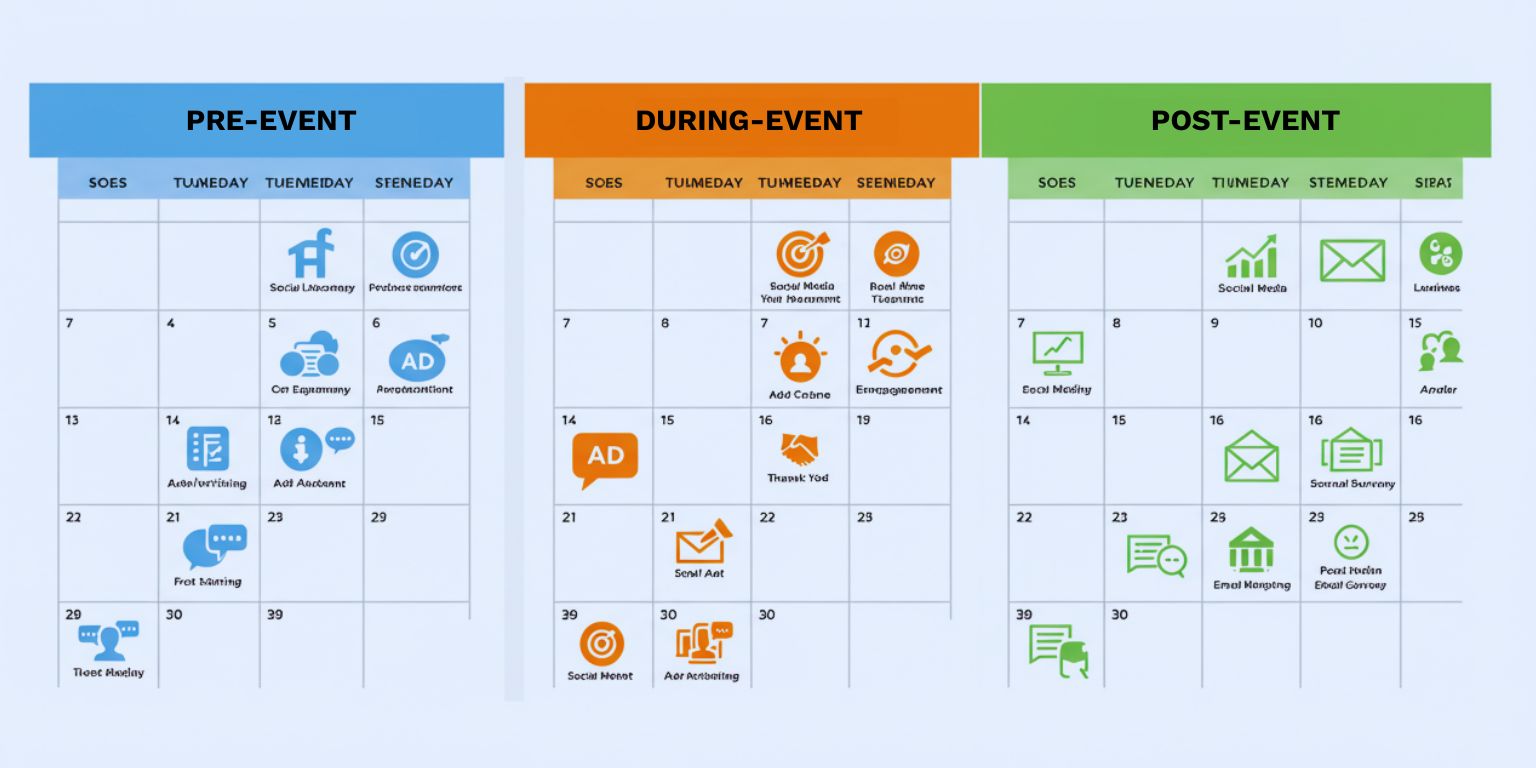
A 21-day event content plan
Days 1–7 Pre-event
- Animate 4 clips from last year.
- Use 2 for registration ads, 1 on LinkedIn, 1 on Reels.
- Add a hero loop to the landing page.
Days 8–14 During the event
- Post one animated still per day across Reels, TikTok, and LinkedIn.
- Tag speakers and sponsors.
- Save to Highlights and playlists.
Days 15–21 Post-event
- Publish a recap blog with a hero loop and gallery.
- Send a post-event email with a motion hero.
- Launch retargeting ads with a case study CTA.
Why Frameish works for event teams
You need speed, consistency, and assets that feel natural, not overproduced. Frameish focuses on one job. Upload, prompt, generate, download. It is fast enough for real-time posting and simple enough for anyone on the team.
- Fast generation: about 30–60 seconds per clip
- Browser-based: no installs
- Credit pricing: start with 3 videos for $14.99
- Default 480p output: optimized for social speed
- Money-Back Promise: low risk to test
Start with one keynote, one booth demo, and one venue hero. Publish, measure, and scale.
Frequently Asked Questions
How long does Frameish take?
About 30 to 60 seconds per video.
What files should I upload?
High-quality JPEG or PNG with straight lines and clean edges.
What resolution is the output?
480p by default to keep generation fast. Check the product page for future HD options.
Can we use these on LinkedIn and paid?
Yes. Export MP4s for organic and ads in 1:1 and 9:16.
How do credits work?
One credit per finished video. An easy entry is 3 videos for $14.99.
What if the result looks off?
Tighten the prompt, choose a cleaner source image, or slow the move. You are covered by the Money-Back Promise.
Wrap up
Events deserve motion. A slow push toward the speaker, a pan from booth header to demo, a reveal of the venue exterior. These small, deliberate moves make your highlights feel current and your posts more watchable. With AI photo to video, you can publish in near real time and keep attention long after the show ends.
Open Frameish, paste a prompt from this guide, and ship your first event recap video in a minute. Then build a three-clip sequence and give your event the reach it earned.