
When you get that right, you spend less time regenerating and more time publishing videos that actually drive engagement, clicks, and sales.
Why prompts matter more than the model
This article gives you a practical prompt library you can paste into Frameish to turn still photos into purposeful short videos. Every recipe follows a simple structure, includes a reason it works, and offers variations to test.
You will also get a quick quality checklist, a batching workflow in Frameish, and a 21 day test plan you can hand to a team.
Frameish runs in the browser, generates in about 30 to 60 seconds, and uses credits. The popular entry is 3 videos for $14.99 with a Money-Back Promise.
The anatomy of a high performing prompt
Keep prompts short and directive. Think like a director, not a poet.
Formula
Move + Subject focus + Mood or light + End frame or loop
Example
“Slow push in on face, keep eyes sharp, warm golden hour light, end on centered smile.”
Tips
- One move is usually enough.
- Specify what must remain sharp.
- Choose a mood or light that matches the brand.
- Tell the model how to finish. End on a frame that could work as a still, or loop.
How to use this library
- Pick a recipe that matches your goal.
- Replace the nouns with your subject, product, or scene.
- Paste the prompt into Frameish and generate.
- If the first second feels soft, tighten the start with a closer crop or a stronger verb.
- If labels or eyes are blurry, add “keep label legible” or “keep eyes sharp.”
Awareness hooks for social feeds
1) Detail to reveal
Prompt
“Extreme close up on [texture or logo], slow pull back to reveal [full subject], soft studio light, end on centered frame.”
Why it works
Starts with intrigue, delivers context. Strong for product drops and hero images.
Try also
“Start on [brand mark], pull back to [full scene], neutral light, end on tagline space.”
2) Anchor and drift
Prompt
“Keep [subject] centered and sharp, slow background drift to the right, calm daylight, end where started.”
Why it works
Reads premium. Motion without distraction.
Try also
“Keep sharp, gentle parallax left, soft bokeh, end on logo corner.”
3) Tilt with type space
Prompt
“Subtle tilt up from [lower feature] to [face or brand mark], bright even light, leave top third clear for text, end on eyes.”
Why it works
Creates a natural place for on screen copy and keeps attention on the subject.
Engagement prompts that earn replays and comments
4) Two choice frame
Prompt
“Pan left across [option A] then right across [option B], warm light, pause mid frame, end centered between both.”
Why it works
Invites a vote in the caption or on screen.
Try also
“Split frame, slow zoom on left then right, neutral light, end centered to ask which one.”
5) Loop for satisfaction
Prompt
“Short loop around [object], soft light, maintain label legibility, return to exact start position for a seamless loop.”
Why it works
Loops boost replays which help reach on most platforms.
Ecommerce prompt recipes by category
Fashion and footwear
Texture focus
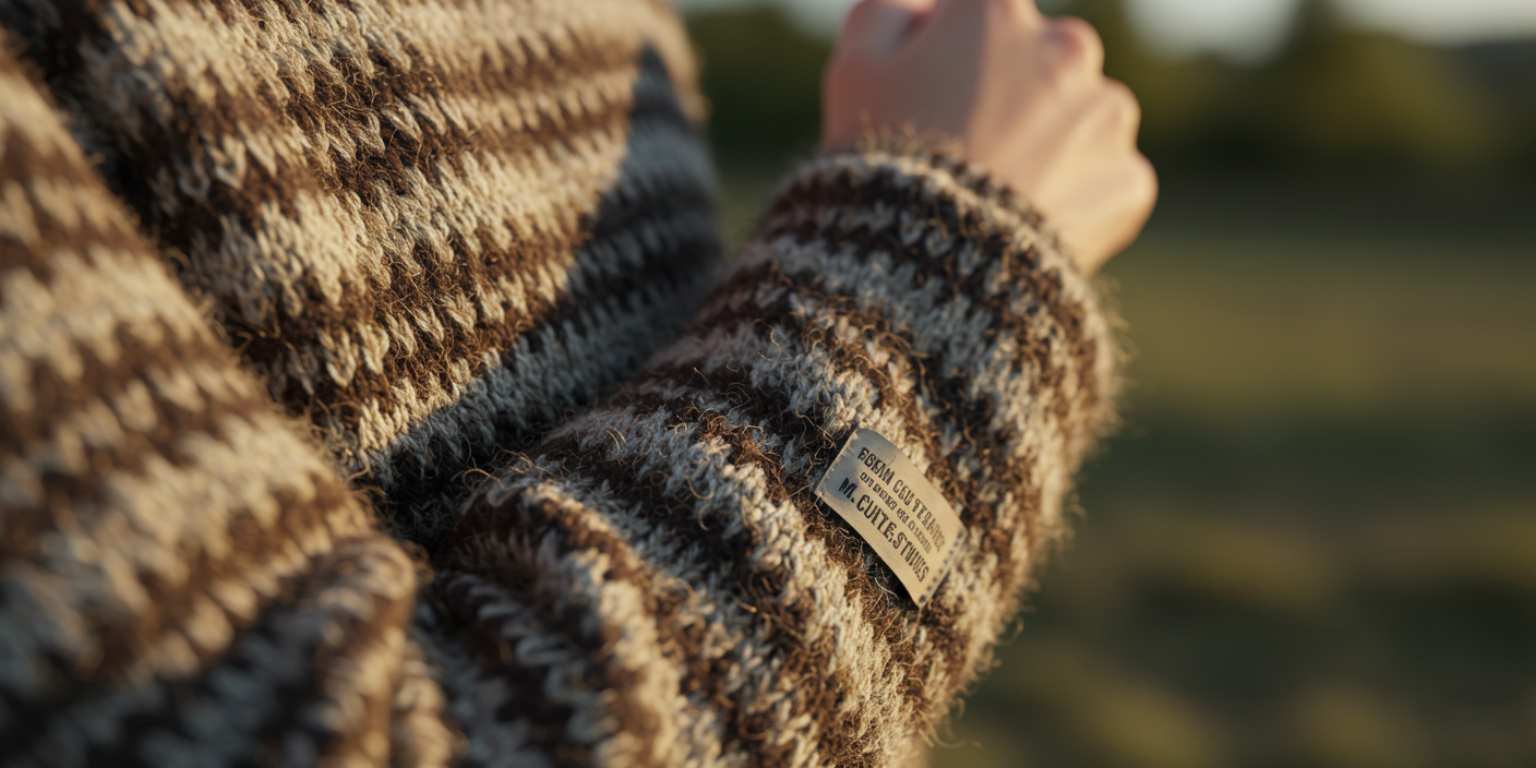
“Slow push in on [fabric texture], neutral studio light, keep weave sharp, end on brand tag.”
Fit hint
“Tilt down from shoulder seam to cuff, soft daylight, keep stitching crisp, end on sleeve detail.”
Logo moment
“Pull back from [logo] to three quarter view, even light, maintain logo clarity, end centered.”
Beauty and skincare
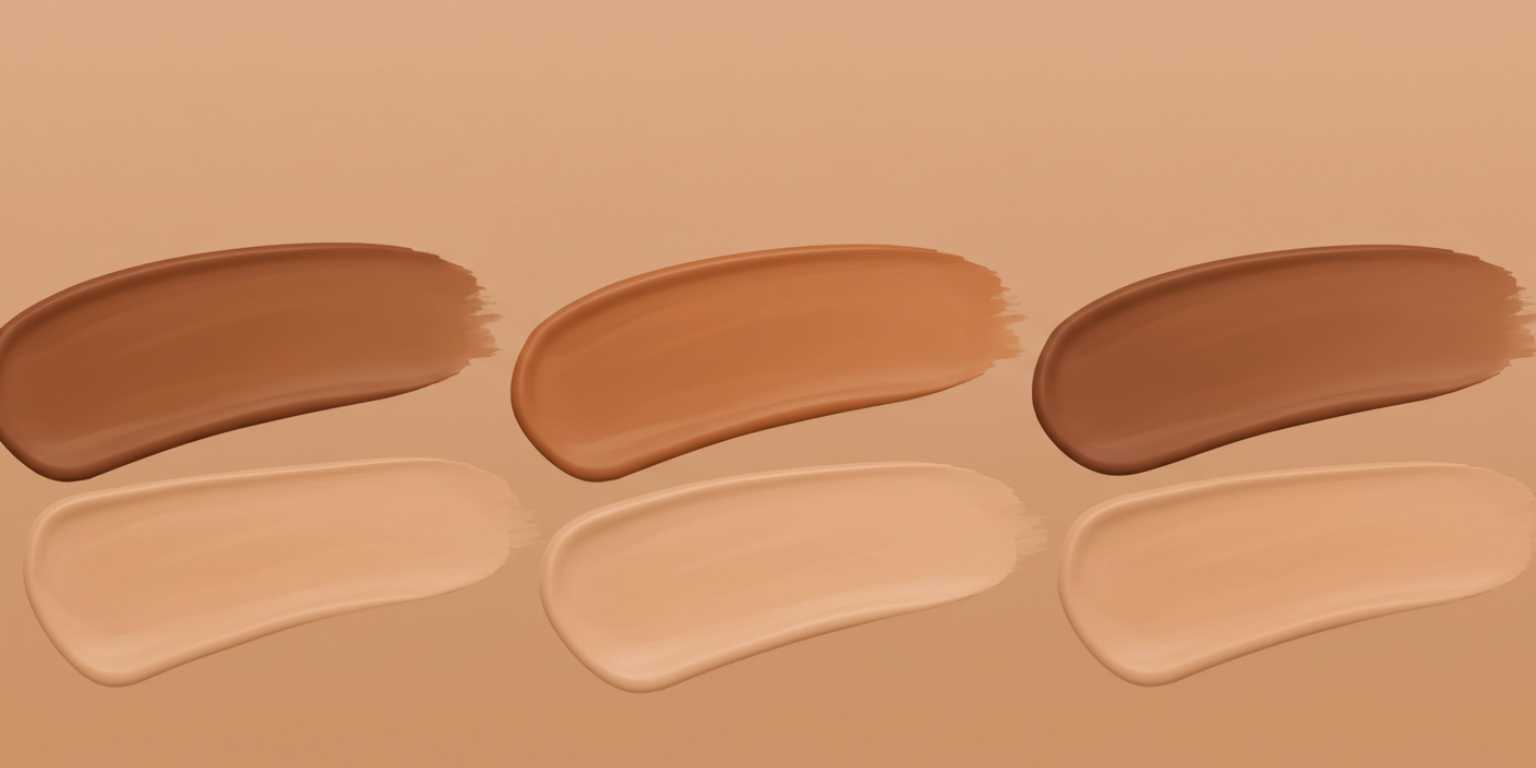
Shade clarity
“Gentle pan across [swatched shades] on forearm, bright even light, maintain true color, end centered for label.”
Texture demo
“Slow zoom on serum droplet on skin, spa light, keep droplet sharp, end on bottle in lower third.”
Applicator reveal
“Tilt from cap to applicator tip, neutral light, keep label legible, end on logo facing camera.”
Jewelry and watches
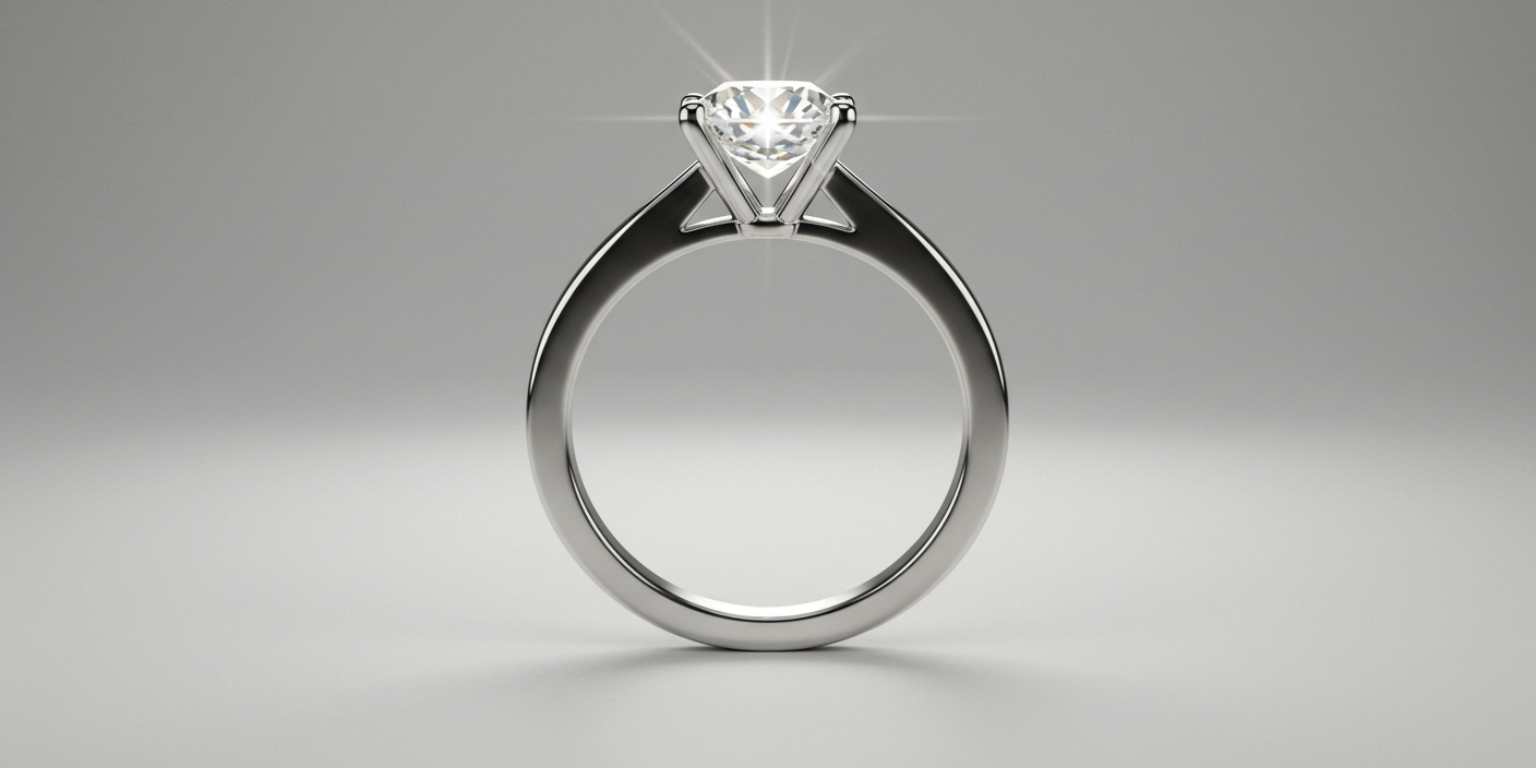
Sparkle restraint
“Short loop around [ring], warm light, add subtle sparkle, keep prongs crisp, loop seamlessly.”
Scale and finish
“Pull back from clasp to full bracelet on wrist, neutral light, keep metal edges sharp, end centered.”
Dial clarity
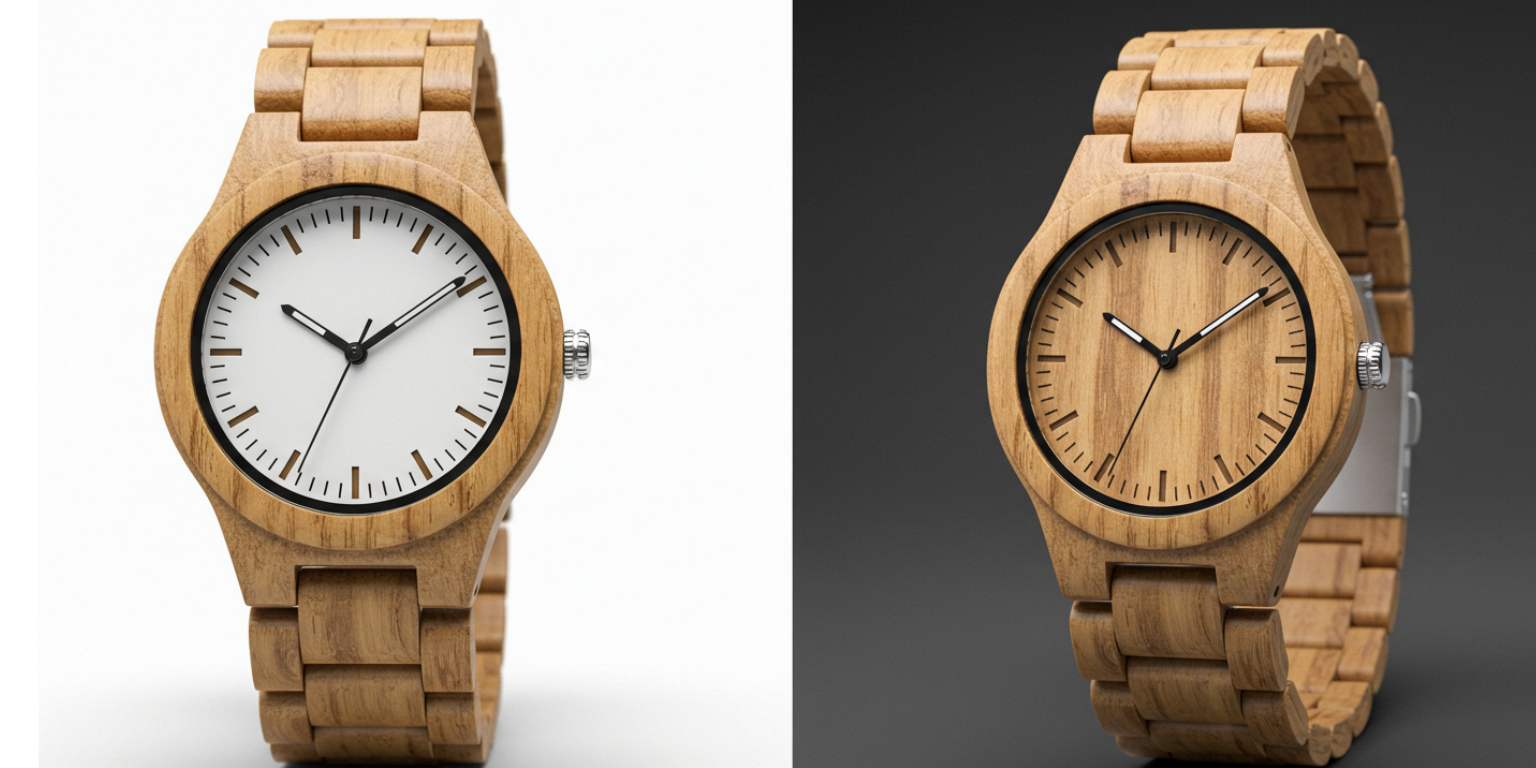
“Tilt up watch face, studio light, maintain dial text, end at classic 10:10 angle.”
Consumer electronics
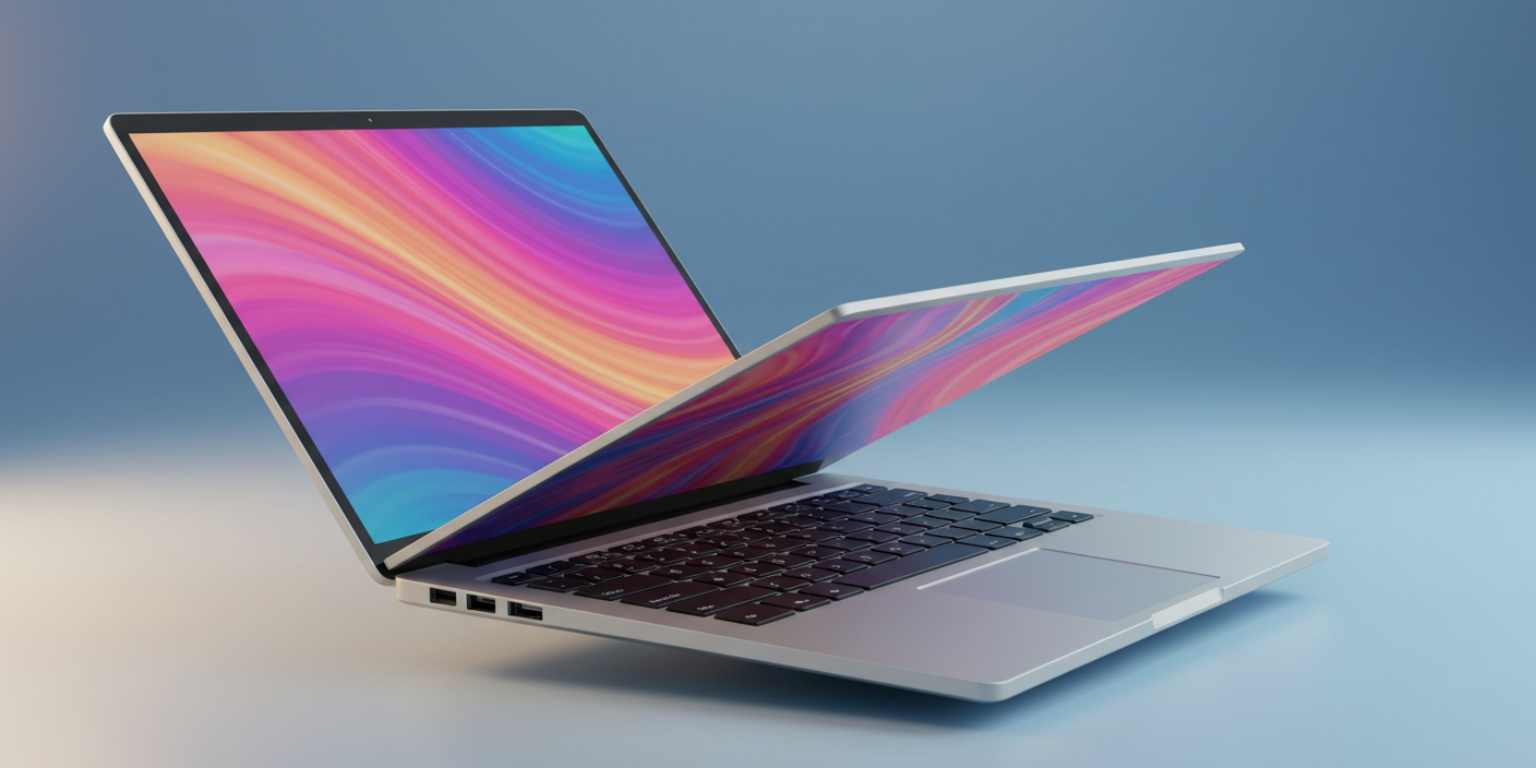
Port tour
“Pan across aluminum edge to port cluster, cool office light, keep chamfer sharp, end on ports.”
Keyboard to screen
“Slow tilt from keyboard to display, maintain key legends sharp, end on full screen with minimal glare.”
Hinge reveal
“Pull back from hinge to full laptop profile, neutral light, end on side view.”
Home and kitchen
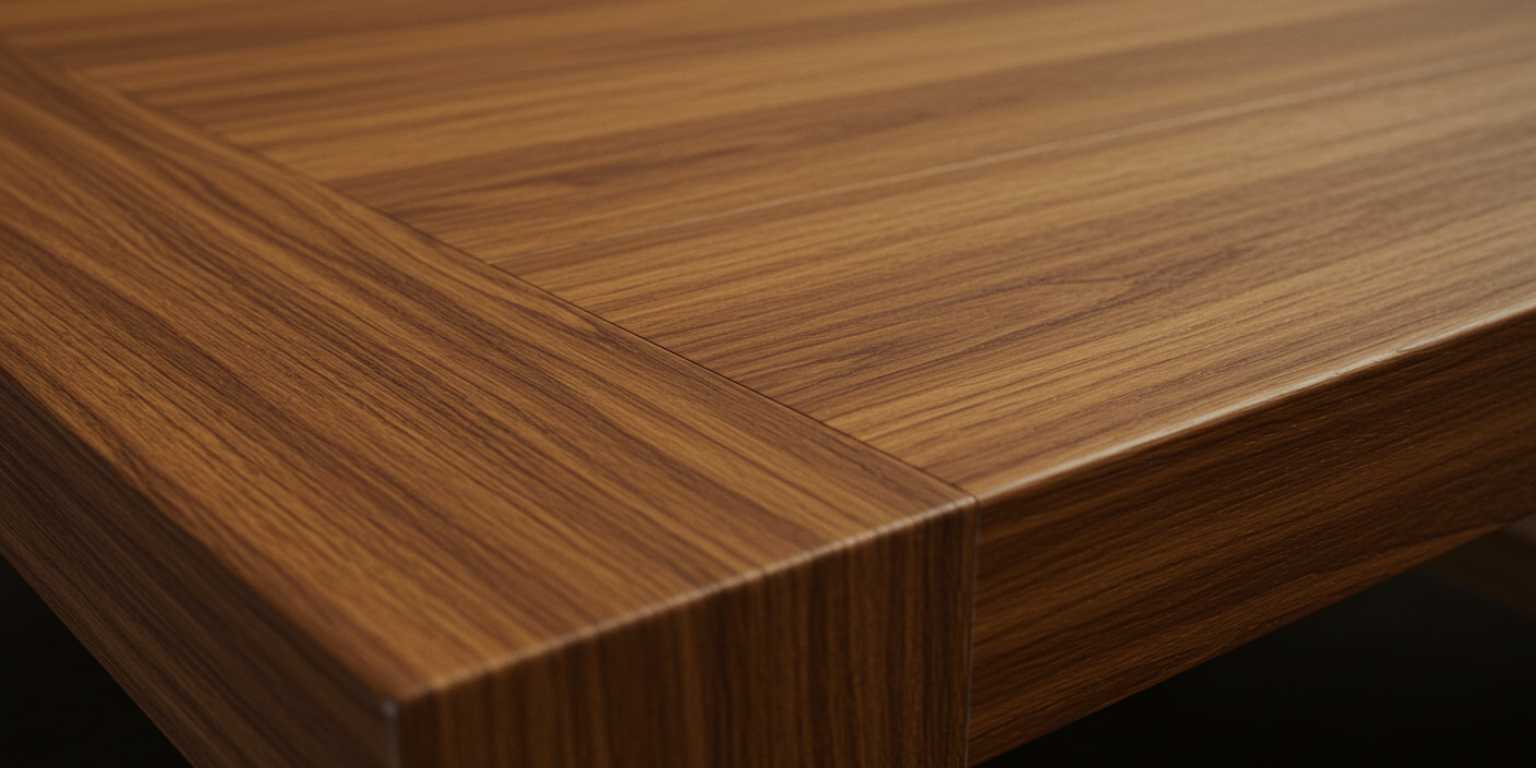
Material truth
“Slow pan across [wood grain or fabric], warm daylight, keep texture crisp, end on corner seam.”
Tool confidence
“Tilt down on chef’s knife from handle to blade, neutral kitchen light, keep edge line sharp, end on full blade.”
Context scale
“Pull back from cushion detail to full sofa corner, even daylight, keep texture crisp, end on corner seam.”
Food and beverage
Freshness cue
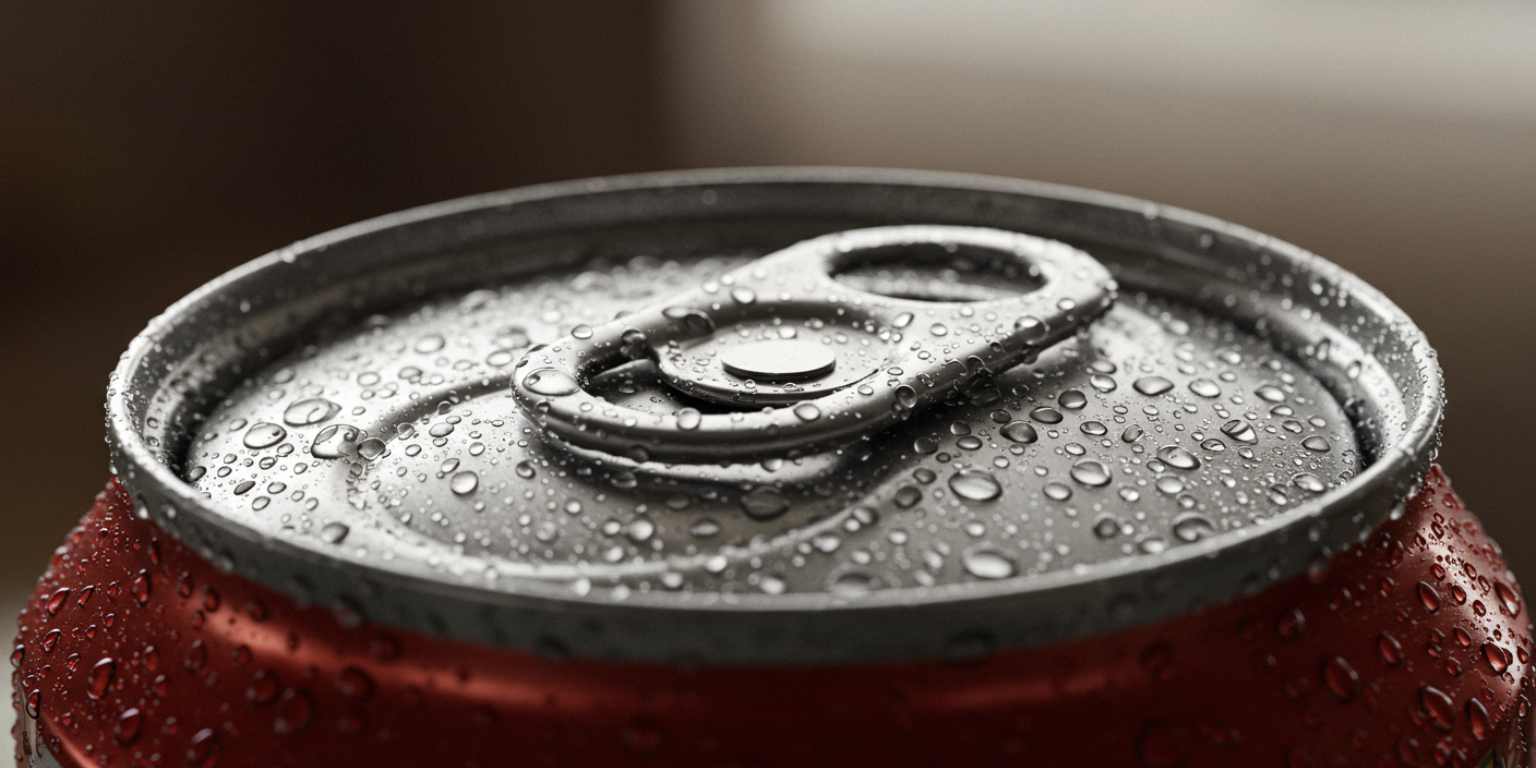
“Slow push in on [citrus slice or garnish], warm window light, keep condensation sharp, end on logo.”
Label legibility
“Short loop around bottle label, bar light, maintain label legibility, loop cleanly.”
Melt or pour
“Tilt down on [pizza slice or pour], warm kitchen light, keep action crisp, end on finished bite or glass.”
Creator and brand storytelling
Portraits and lifestyle
Eyes first
In brand storytelling “Subtle tilt up from chest to eyes, keep eyes sharp, soft background, end on relaxed smile.”
Place reveal
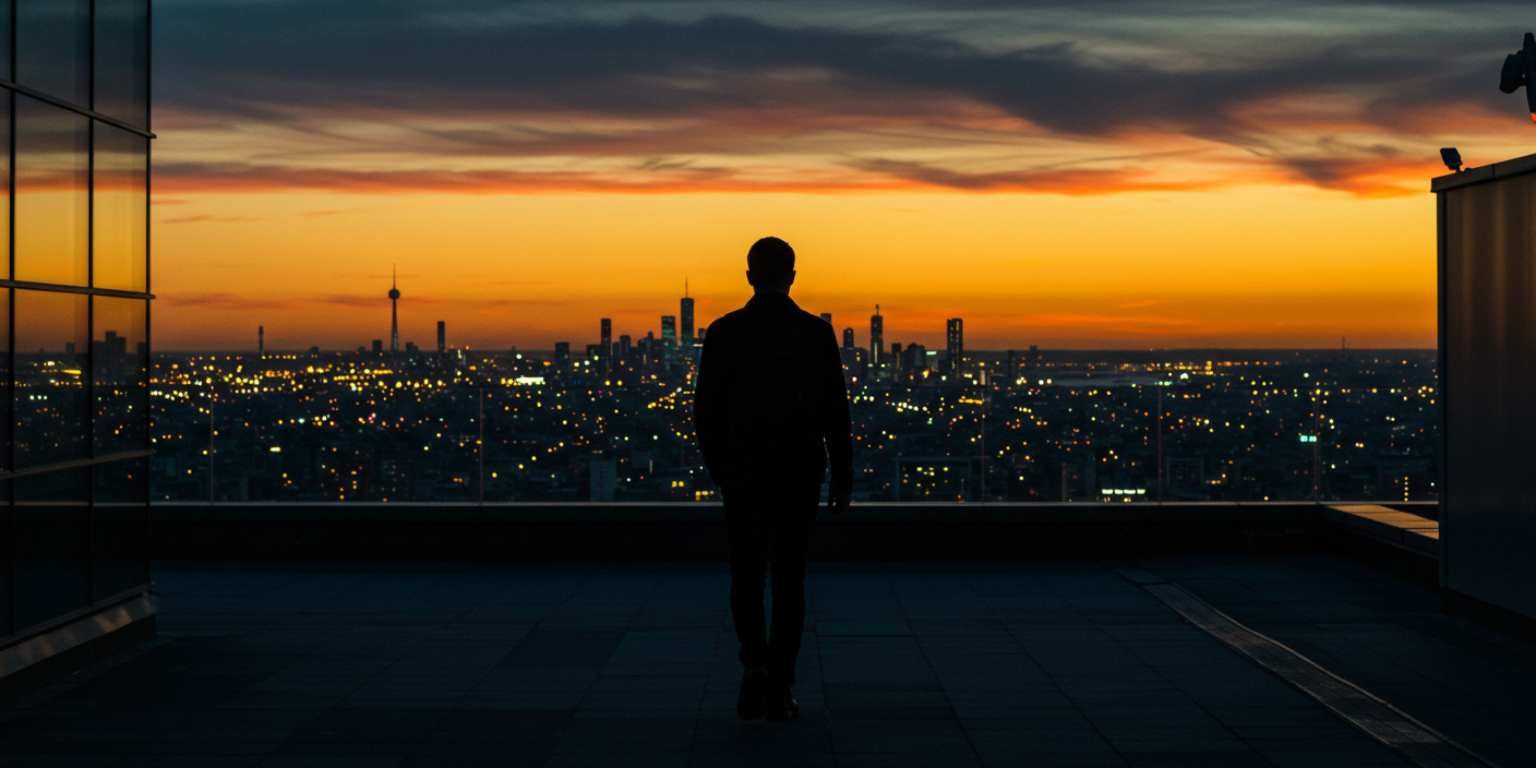
“Start tight on hand or object, pull back to full person in scene, natural light, end centered.”
Travel and experiences
Horizon line
“Slow pan right across [landscape], warm light, keep horizon level, end on brightest frame.”
Doorway reveal
“Start on detail inside, pull back through doorway to street, neutral light, end on wider street scene.”
Pets
Head tilt
“Slow push in on pet face, keep eyes sharp, soft light, end on centered nose.”
Playful loop
“Short loop around collar tag, warm light, maintain tag text, loop seamlessly.”

Event and wedding highlights
Emotional pull
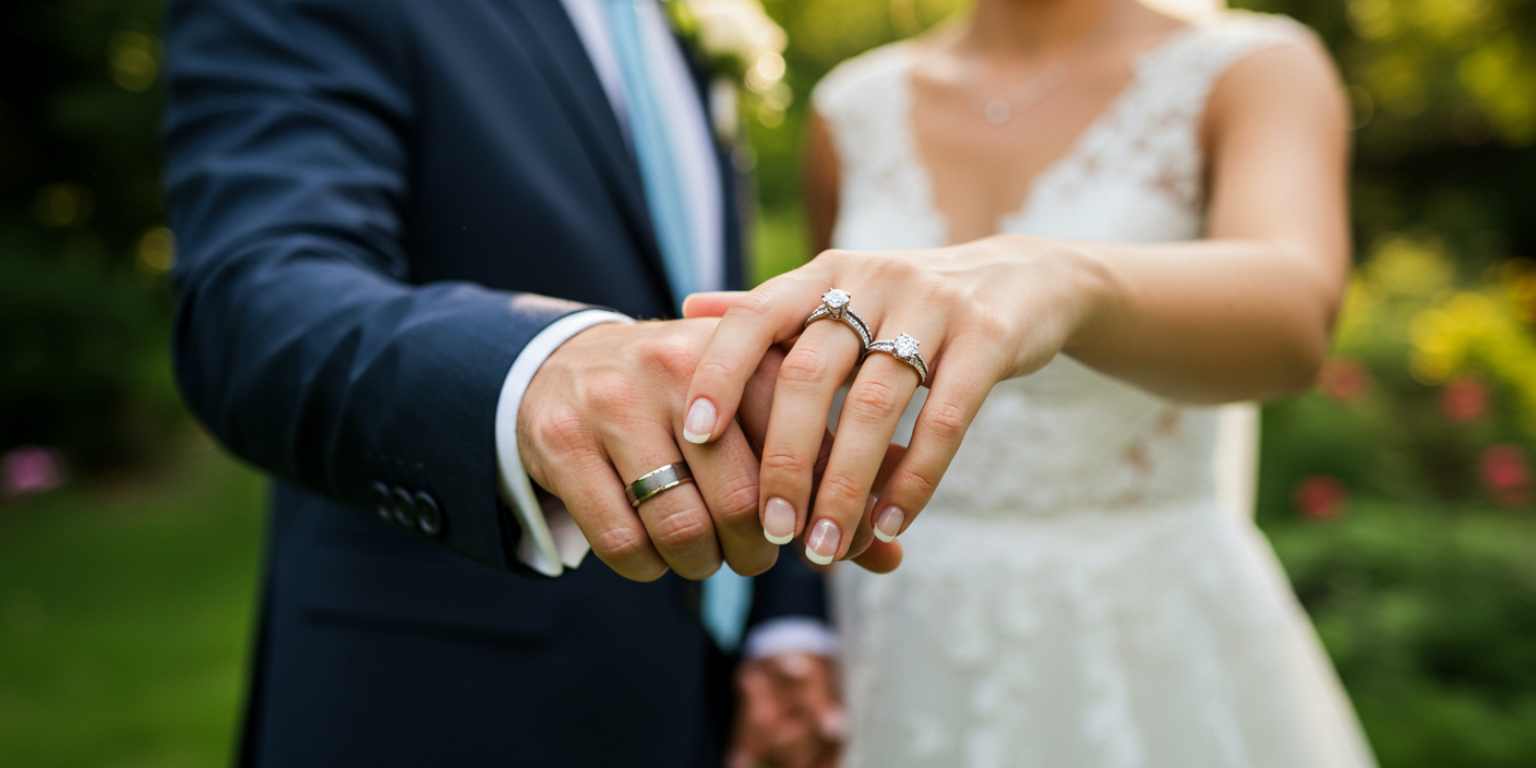
“Slow push in on couple laughing, golden light, keep faces crisp, end on joined hands.”
Detail to scene
“Start on ring detail, pull back to the couple in frame, soft light, end on centered embrace.”
Venue texture
“Pan across floral installation, warm ambient light, keep petals sharp, end on wide aisle view.”
B2B and SaaS visuals
Device on desk
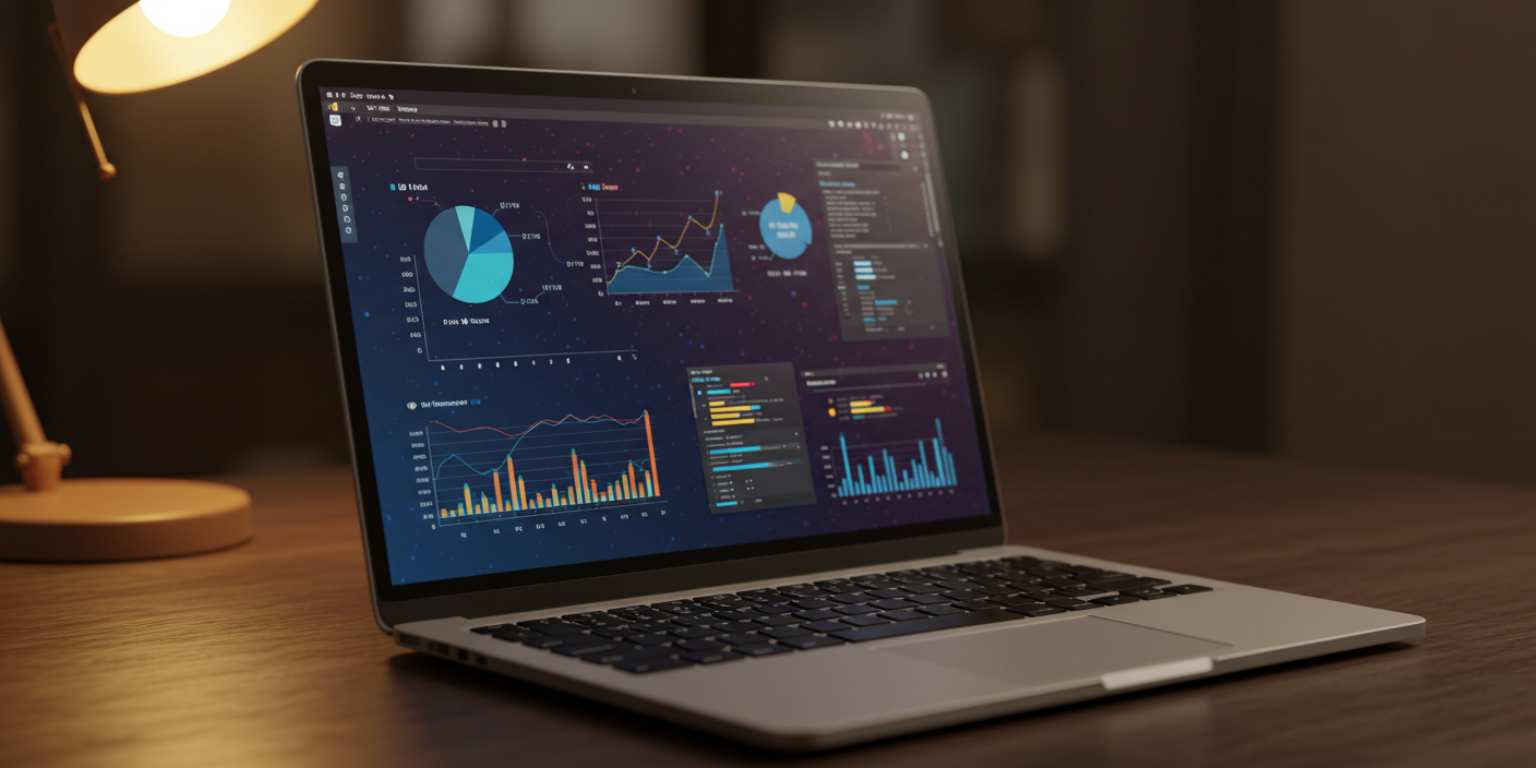
“Slow tilt down from logo to screen on laptop, cool light, keep UI elements crisp, end on dashboard.”
Hardware clarity
“Pan across [sensor or module], neutral light, keep edges sharp, end centered for caption space.”
UI focus
“Slow push in on key chart, bright even light, maintain label legibility, end on chart.”
Troubleshooting and quick fixes
Motion looks cheesy
Reduce intensity. One move. Slower speed. Neutral light.
Label or eyes are soft
Add “keep label legible” or “keep eyes sharp” and regenerate.
Subject drifts
Add “keep subject centered” or “keep face sharp” to stabilize.
Text overlaps important detail
Plan safe areas. Use prompts that reserve top or bottom thirds.
Loop is jarring
Ask to “return to exact start position for a seamless loop” or end on a strong still.
Quality checklist before you publish
- First frame is compelling on mute.
- Subject remains sharp through the move.
- Motion is smooth, not jumpy.
- Labels, eyes, or product marks are readable.
- The clip ends on a frame you would use as a still or it loops cleanly.
- Composition leaves space if you plan to add on screen text later.
Batch workflow in Frameish
- Prep a prompt sheet. Keep category sections and copyable lines.
- Upload in a batch. Drag your image set into Frameish.
- Paste prompts. Do not improvise while generating. Follow the sheet.
- Name outputs clearly. sku-angle-move-length.mp4.
- Review on a phone. If the opening second lacks punch, crop tighter or use a stronger verb.
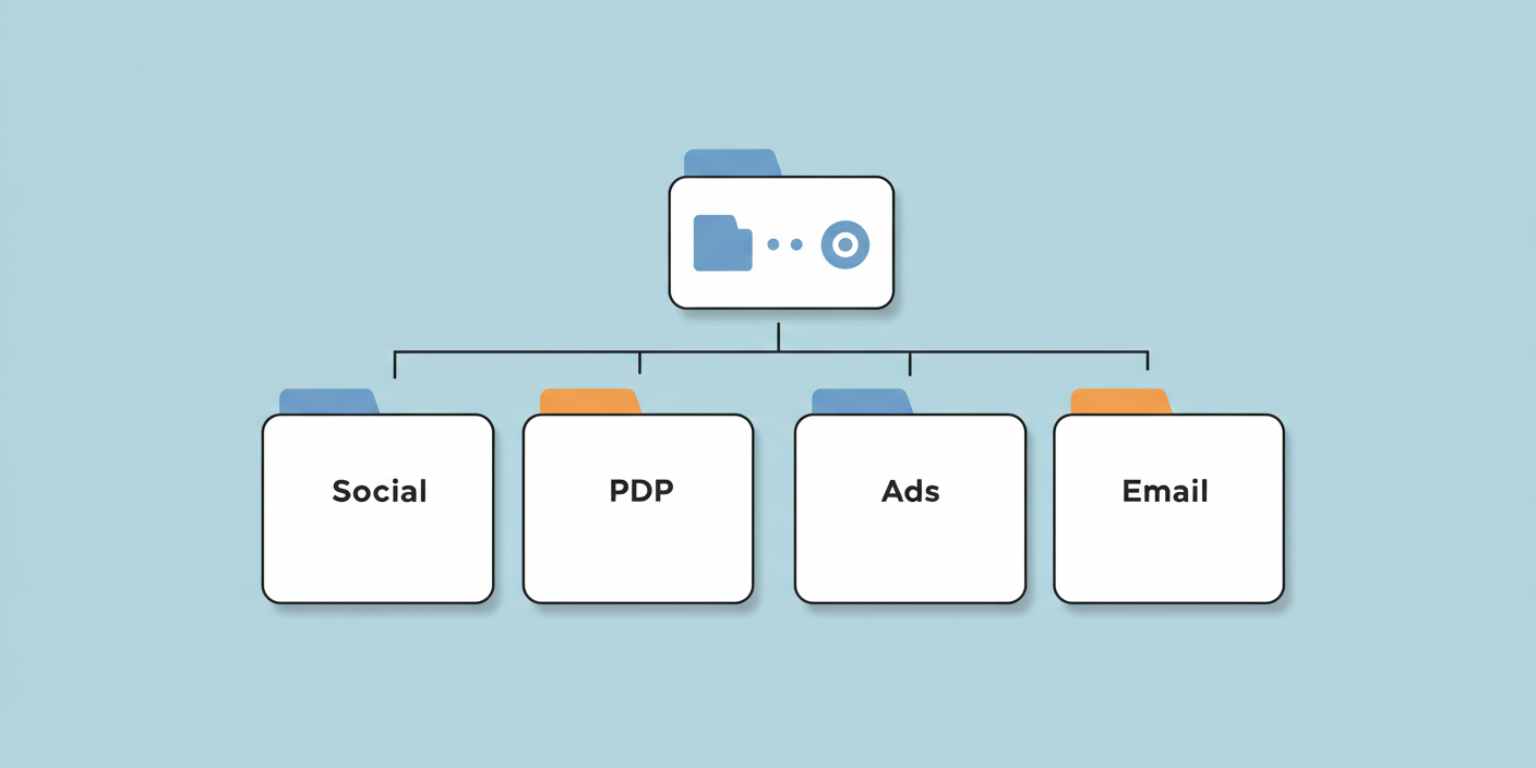
- Store by placement. Separate folders for social, PDP, ads, email.
A 21 day prompt test plan
Week 1. Learn the image.
- Pick 6 of your best images.
- For each image, generate 2 moves from this library.
- Publish one version per platform. Track hold rate and replays.
Week 2. Learn the move.
- Take your top 3 moves.
- Generate new clips using different images with the same move.
- Publish and compare. Keep a log of prompts that consistently work.
Week 3. Lock the system.
- Commit to 2 repeating formats.
- Produce next week’s content in one session.
- If paid is in play, put small budget behind the winner.

Frequently Asked Questions
How long does Frameish take to generate a video?
About 30 to 60 seconds per clip in most cases.
What file types should I use?
JPEG or PNG. Use the highest quality you have.
What resolution do I get by default?
480p to keep generation fast. If you need higher resolution later, check product updates.
How do credits work?
One credit per finished video. A common entry is 3 videos for $14.99.
Can I use these in ads?
Yes. Export MP4 and prepare 1:1 and 9:16 crops.
Do I need to install anything?
No. Frameish runs in your browser on desktop and mobile.
What if I am not happy with a result?
You are covered by the Money-Back Promise. See the FAQ for details.
Wrap up
Prompts are a creative system. When you direct the move, the focus, the mood, and the finish, you stop publishing AI that looks automated and start shipping motion that feels designed. Use this library to reduce guesswork, then keep your winners in a shared sheet and repeat them with new images.
Open Frameish, paste one of the recipes that matches your goal, generate, and post. If you keep the first second strong and the last frame clear, you will see the difference in reach and conversion within a week.
When you are ready to scale, buy a larger credit pack and batch a week of motion assets in a single session.