
In 2026, restaurant marketing on TikTok, Instagram Reels, YouTube Shorts, and Google Business Profile favors short, intentional motion. You can get there without hiring a crew. Use an AI photo to video workflow to convert your best food photos into short-form restaurant videos that earn attention and drive bookings and online orders.
Your menu looks great. Your marketing needs motion
This guide gives restaurants, bars, cafes, and hotels a practical process. It covers image selection, prompt recipes, platform playbooks, ad and landing page use, and a 14 day launch plan you can hand to your team. The workflow uses Frameish, a browser-based AI video generator that turns a single image into a video in about 30 to 60 seconds. It runs on credits with an easy entry at 3 videos for $14.99 and a Money-Back Promise.
Where AI photo to video fits in restaurant marketing
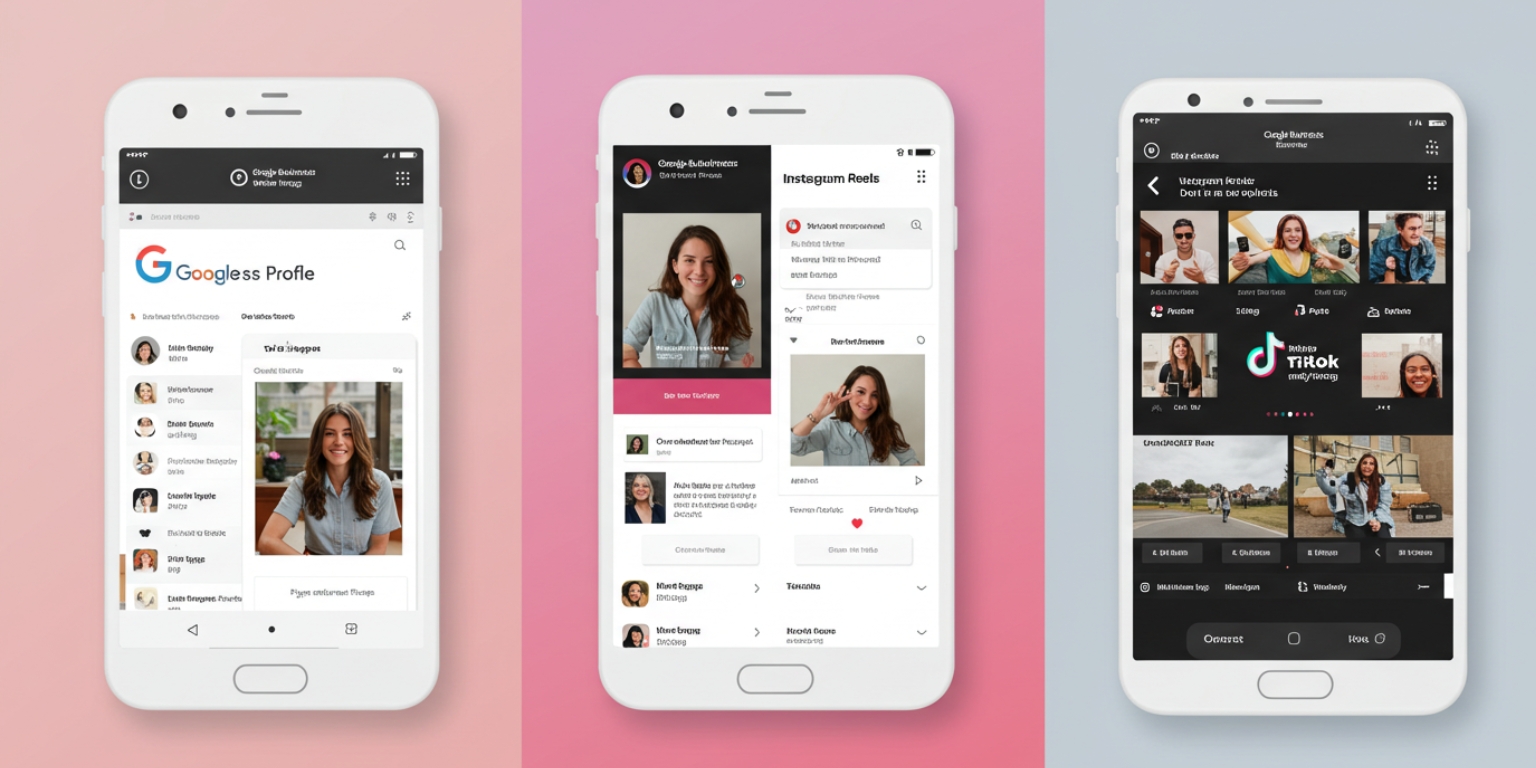
Google Business Profile
Post a 6 to 10 second loop of a best seller or a seasonal special. It helps your local SEO listing stand out and converts discovery into reservations.
Instagram Reels and Stories
Publish vertical 9:16 clips that start with motion on frame one. Use on-screen text for dish names, ingredients, and price points. This is pure restaurant social media marketing.
TikTok (FoodTok)
Lead with a close-up move. Add a short hook in the caption. Pair with sound that matches the vibe. Tag the neighborhood for local discovery.
YouTube Shorts
Use animated stills as B-roll under quick chef tips, bar features, or behind-the-pass moments.
Website menu and landing pages
Replace one hero still with a lightweight loop. Keep it silent, short, and clean so the page stays fast.
Email and SMS
Use a small loop or a GIF fallback in the hero. Link to online ordering or reservations.
In-store screens and QR menus
Run a short loop near the register or the bar. On QR menus, place one motion asset at the top to showcase the seasonal dish.
Choose food photos that will animate beautifully
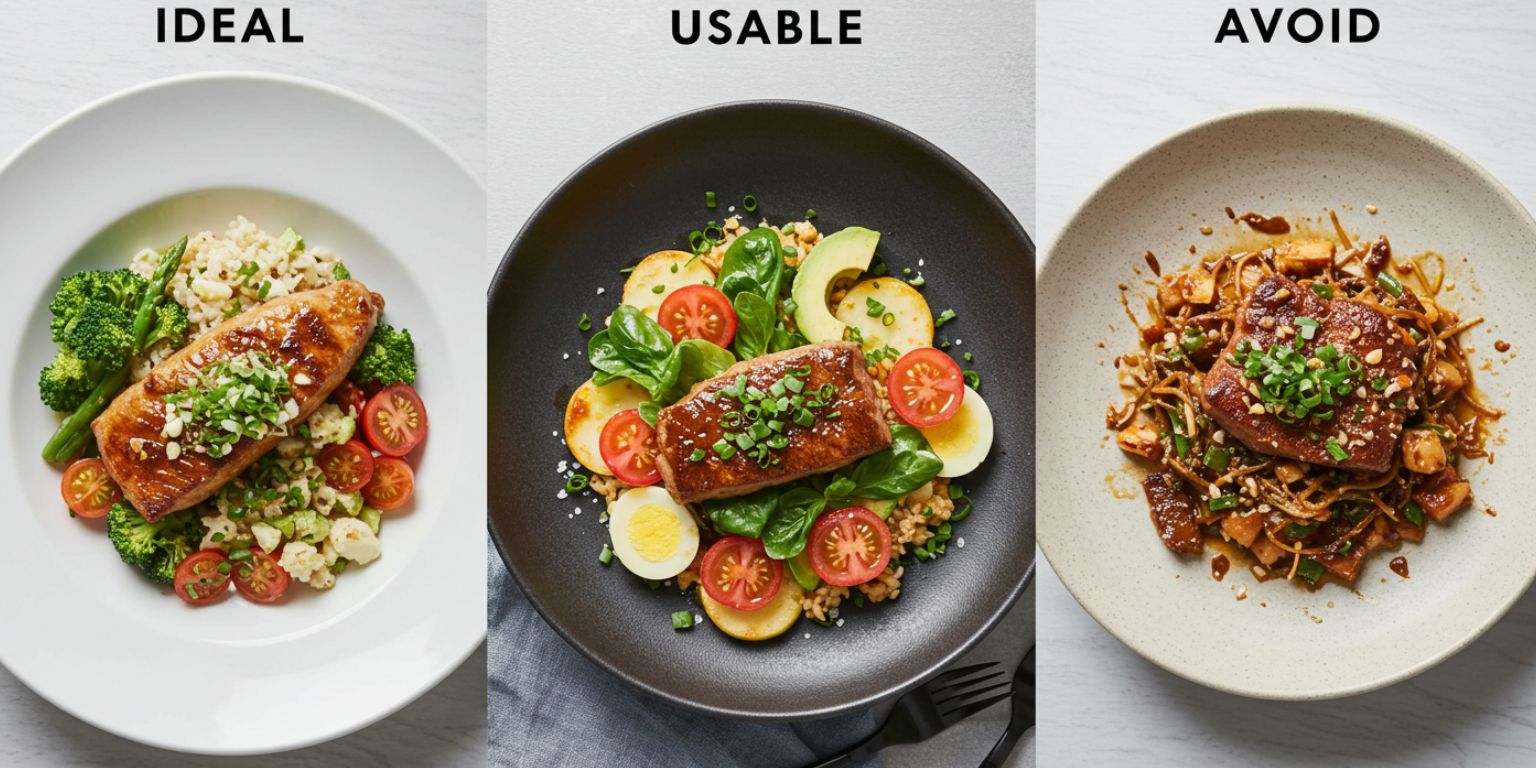
Subject clarity
One hero subject beats a crowded plate. Burgers, bowls, cocktails, desserts, pizza slices, latte art.
Separation and depth
Subject should stand off the background. Look for foreground garnish and clean negative space.
Edge quality and resolution
Crisp edges at 1080 px on the short side or higher. Avoid heavy compression.
True color and light
Even light is more believable when animated. Match white balance to how dishes look in the dining room.
Story potential
Pick frames that suggest a moment: steam rising, a glossy reduction, bubbles on a cocktail.
Prompt recipes for restaurant video marketing
Use one move per clip. Keep prompts under two sentences. Structure them like this:
Move + Subject focus + Light or mood + Finish
Starters and small plates
Detail to reveal
“Extreme close up on charred octopus texture, slow pull back to full plate, warm evening light, end centered.”
Garnish glide
“Gentle pan left across mezze board, natural light, keep olives and herbs crisp, end on logo napkin.”
Mains and chef specials
Burger or sandwich
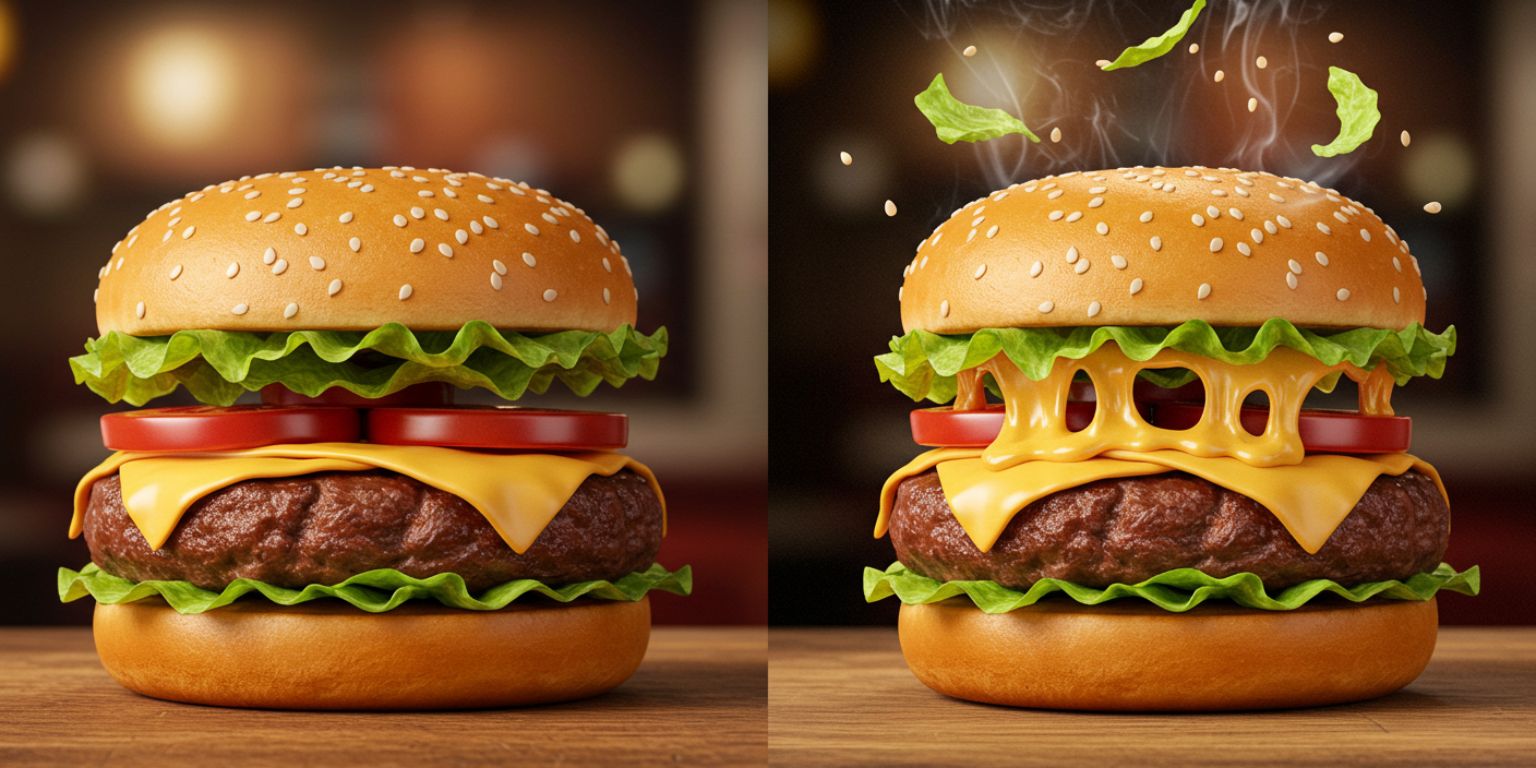
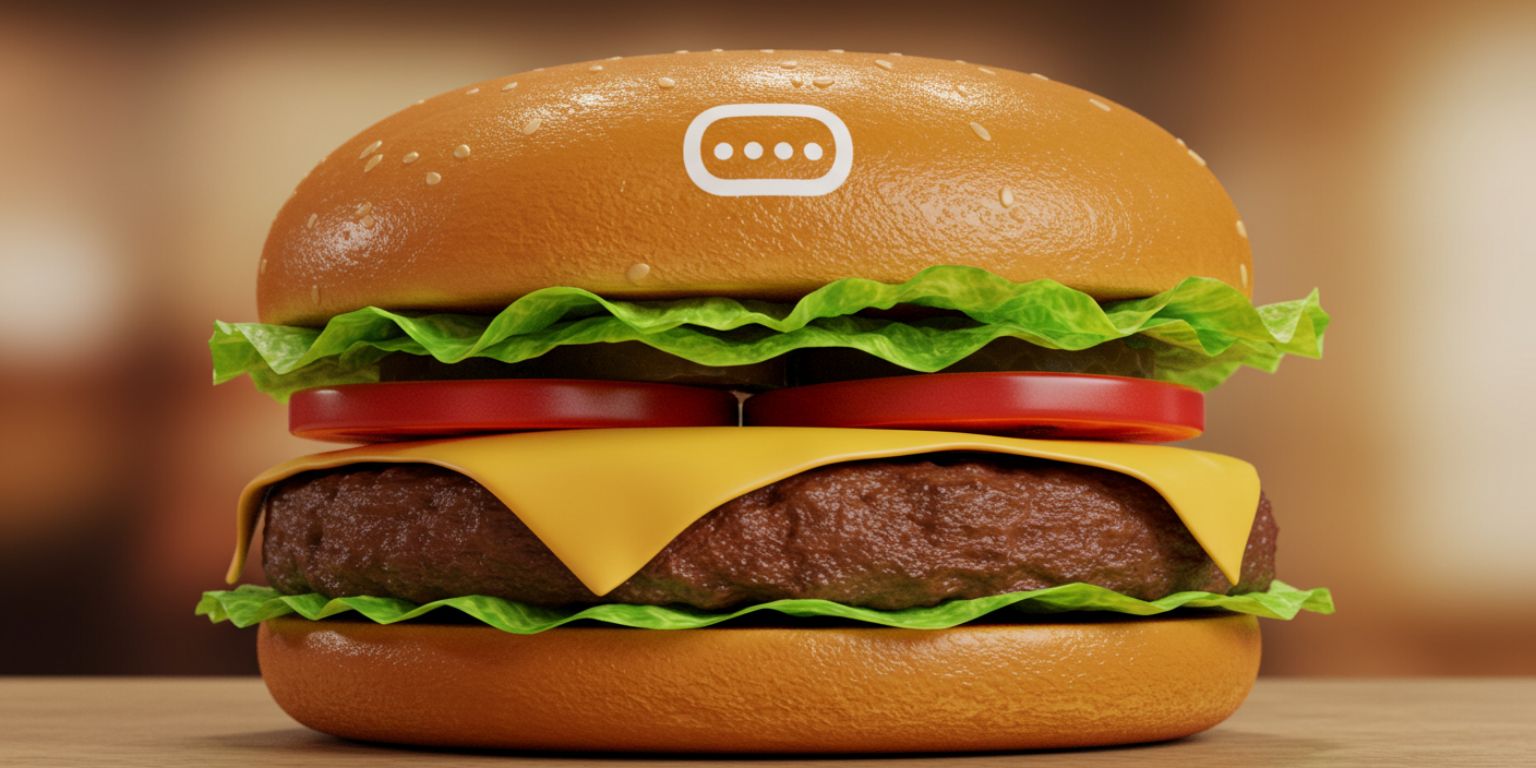
“Slow push in on burger stack, warm kitchen light, keep bun and melted cheese sharp, end on centered logo pick.”
Pasta and bowls
“Subtle tilt down on cacio e pepe, neutral light, keep pepper flecks crisp, end on twirl.”
Steak or roast
“Pull back from sliced steak marbling to full board, soft light, keep crust texture sharp, end on board centered.”
Desserts and bakery
Gloss and crumb
“Slow push in on chocolate glaze, soft pastry case light, keep crumb sharp, end on slice reveal.”
Sprinkle pan
“Gentle pan across cookie row, bright light, maintain texture, end centered on best cookie.”
Cocktails and coffee
Sparkle and bubbles
“Short loop around spritz, golden hour light, keep condensation and citrus sharp, return to exact start for a seamless loop.”
Latte art
“Slow tilt down to latte art, warm cafe light, keep foam texture crisp, end on centered rosette.”
Interiors, ambience, and staff
Ambience pan
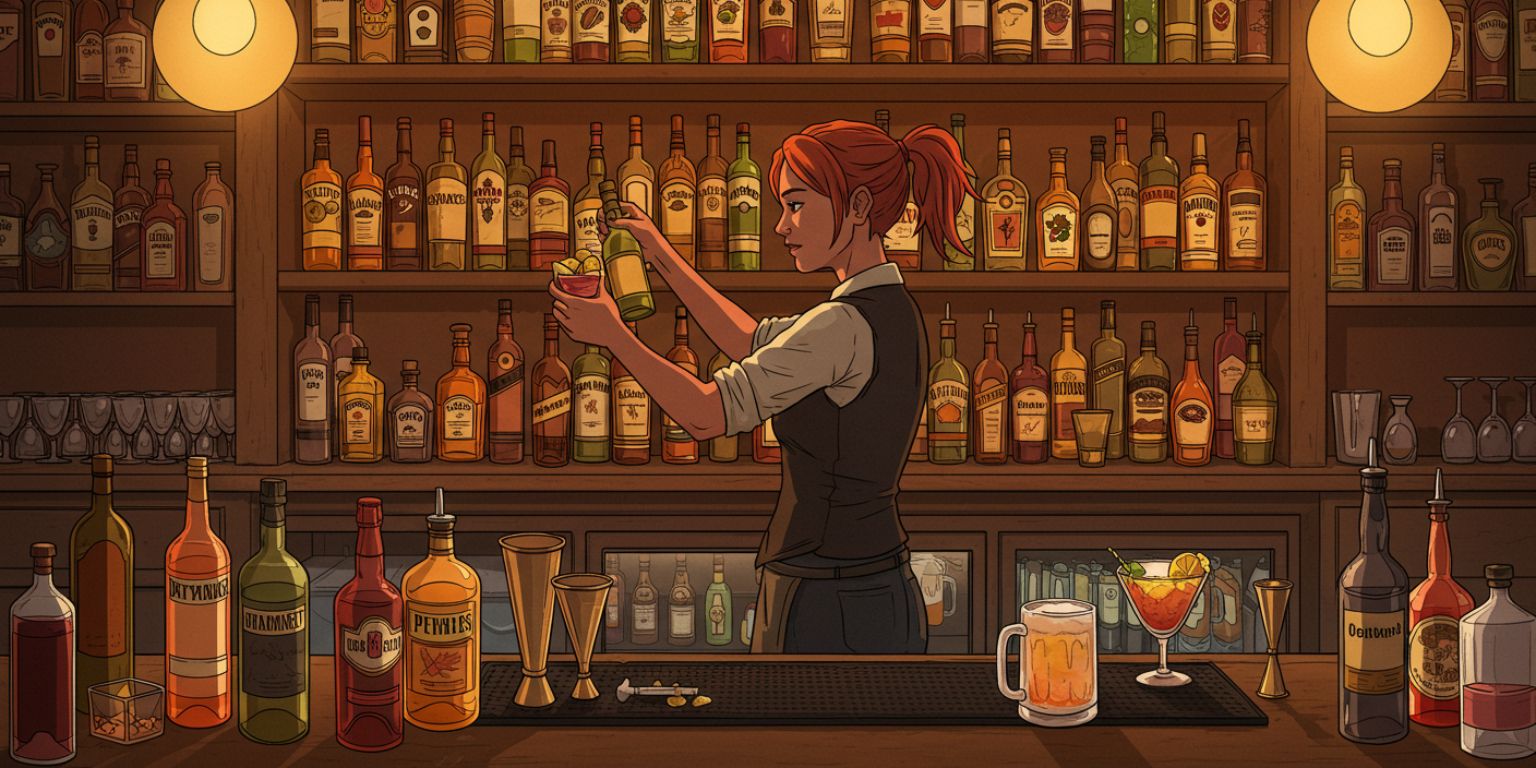
“Slow pan right across bar back, warm ambient light, keep glass edges crisp, end centered on the bar.”
Table to room
“Start tight on place setting, pull back to full dining room, evening light, end on centered two-top.”
Chef or bar team
“Subtle tilt up from hands to face, neutral kitchen light, keep eyes sharp, end on relaxed expression.”
Frameish workflow for restaurants and hospitality
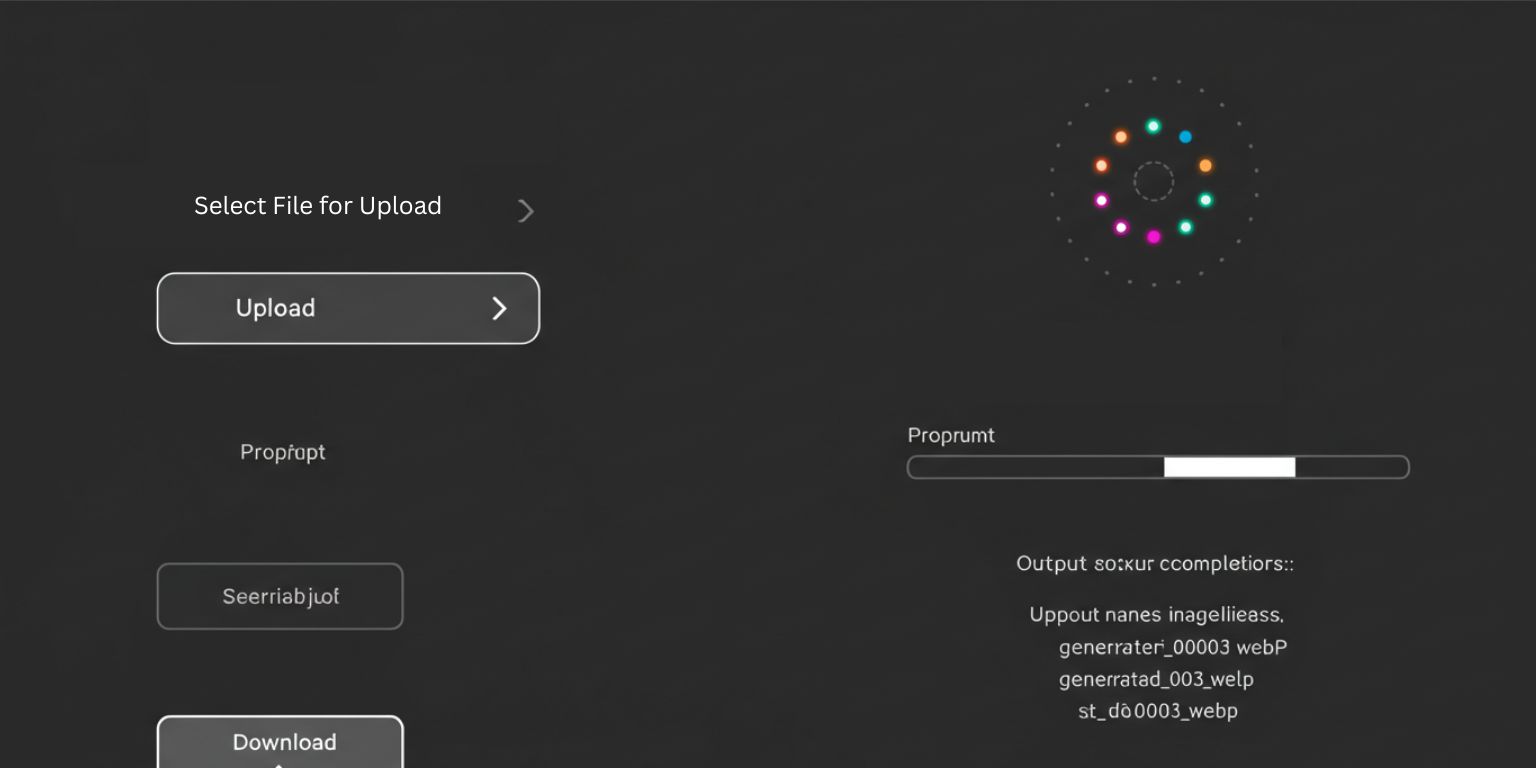
- Open Frameish and click Get Started.
- Buy credits. Start with 3 videos for $14.99 to test, one credit per finished clip.
- Upload your JPEG or PNG. Use your highest quality exports.
- Paste your prompt exactly as written.
- Generate. Wait about 30 to 60 seconds.
- Download MP4 and preview on your phone for color and clarity.
- Name files for speed: fall-menu-burger-pushin-09s.mp4, bar-spritz-loop-08s.mp4.
- Regenerate if needed with a tighter start or a clearer instruction like “keep label legible.”
Restaurant social media video playbooks
Instagram Reels for restaurants
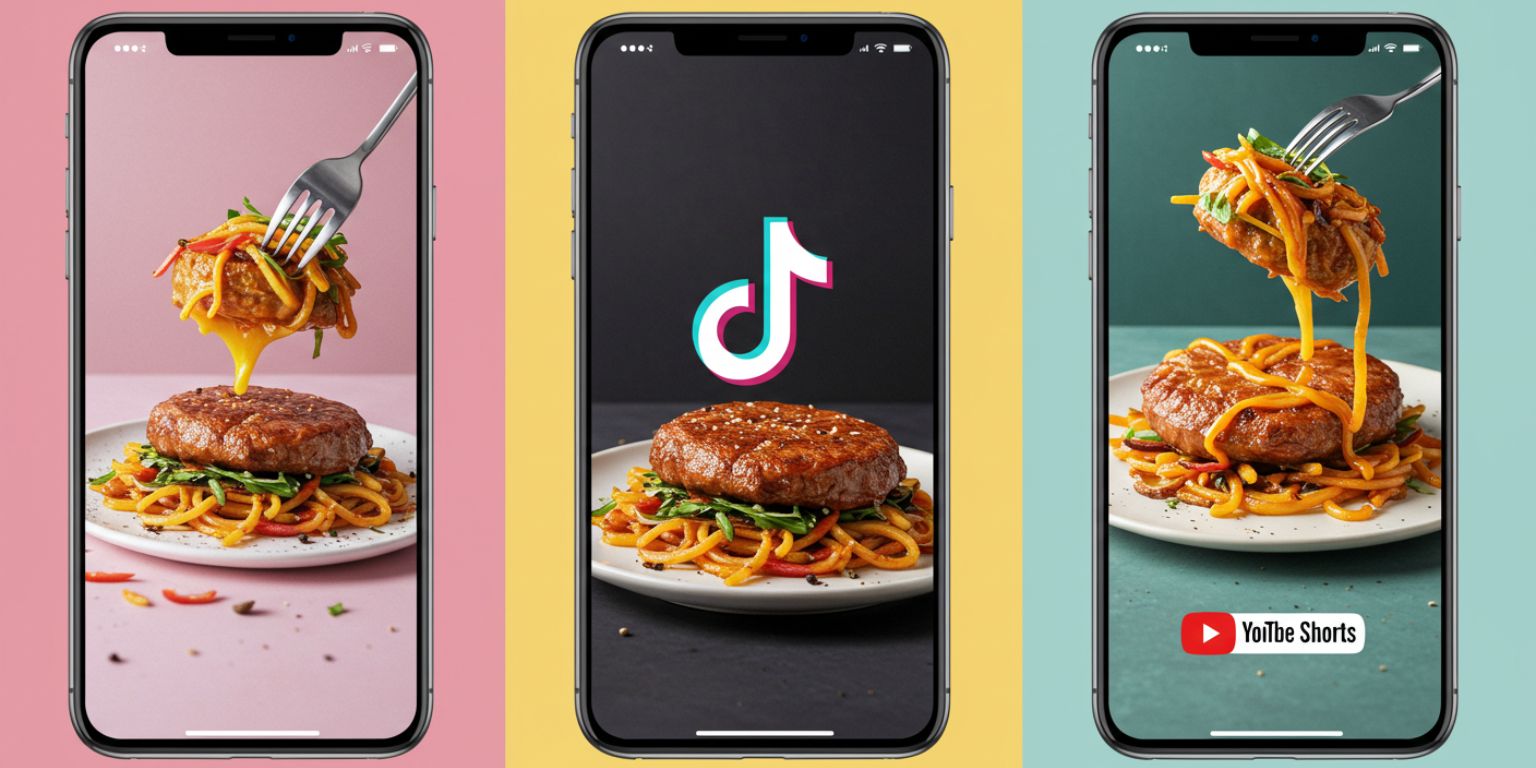
- Post vertical 9:16.
- Start motion on frame one.
- Add big, brief on-screen text: dish name, price, or special.
- Keep clips in the 6 to 12 second range for replays.
- Use captions for ingredients, sourcing, and a save-worthy note.
TikTok food videos
- Lead with the most appetizing close-up.
- Pair with sound that matches the brand vibe.
- Ask a question that sparks comments: “Fries or salad with this steak frites.”
- Tag your neighborhood and city for discovery.
YouTube Shorts for restaurants
- Treat the first frame like a thumbnail.
- Combine animated stills with quick chef tips.
- End with a soft CTA: “Lunch menu live today.”
Ads, landing pages, and online ordering
Paid social ads
Create 1:1 and 9:16 variants. Hook with a detail move, end on a strong still with the offer. Test “price vs no price” end frames.
Restaurant landing pages
Use one lightweight loop above the fold. Keep it under 12 seconds, silent, and tasteful so the page stays fast.
Online ordering and menu pages
Place one motion asset at the top to showcase the signature dish. Leave the rest as stills for scanning speed.
Captions, overlays, and accessibility
Captions and on-screen text
Keep it tight. Dish name, two words of flavor, price if relevant. Example: “Wild Mushroom Bucatini • $18”.
Alt text and image descriptions
Write plain-language descriptions so screen reader users get the same clarity.
Motion settings
Do not overload a page with loops. One or two is enough. Offer a reduce-motion option where possible.
Quality checklist for food video marketing
- First frame looks appetizing on mute.
- Color is true to life.
- The subject stays sharp through the move.
- Motion is smooth and restrained.
- Text is readable and not covering key detail.
- Clip ends on a usable still or loops cleanly.
- File name, alt text, and caption are consistent.
Troubleshooting quick fixes
Motion feels cheesy
Reduce intensity. One move. Slower speed. Neutral light.
Sauces and labels look soft
Add “keep label legible” or “keep glaze sharp” to the prompt.
Start feels slow
Ask to “start tight on [subject]” or crop the source image tighter.
Loop seam is visible
Use “return to exact start position for a seamless loop” or end on a strong still.
White balance feels off
Fix the photo first. Then regenerate. Do not try to color-correct the video after the fact.
A 14 day restaurant marketing plan with AI video
Day 1
Pick 6 hero photos: one starter, two mains, one dessert, one cocktail, one interior.
Day 2
Write prompts using the recipes above. Paste into Frameish and generate clips. Name and store by placement: social, website, ads.
Day 3
Update your menu or landing page hero with one loop. Add alt text and a clear reservation or order CTA.
Day 4–6
Publish three Reels or TikToks: burger push-in, pasta tilt, spritz loop. Use short captions and neighborhood tags.
Day 7
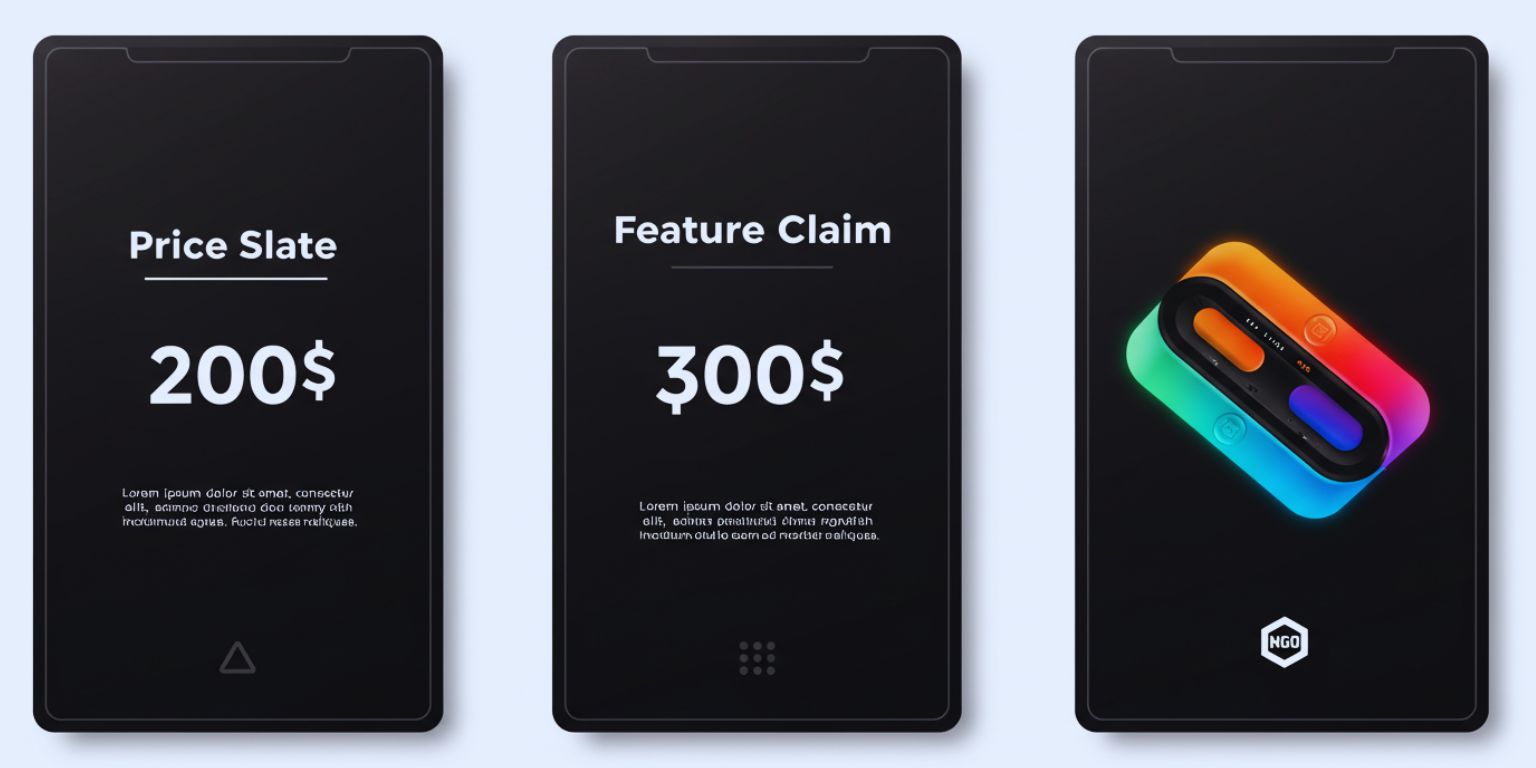
Run a small paid test with the two strongest clips. Test price slate vs feature slate.
Day 8–10
Post two Shorts with chef tips using animated stills as B-roll.
Day 11–14
Email and SMS a weekly special with a motion hero. Measure clicks and orders. Save prompts that worked and plan the next batch.
Why Frameish is a smart default for restaurant video
You need speed, consistency, and content that looks natural. Frameish focuses on one job: turn your best restaurant photos into clean short-form videos in minutes.
- Fast generation:About 30–60 seconds per clip
- Browser-based:No installs
- Simple credit pricing:Start with 3 videos for $14.99
- Default 480p output:Optimized for speed and social
- Money-Back Promise:Low risk to test
Start with one signature dish, one seasonal cocktail, and one interior. Publish, measure, repeat.
Frequently Asked Questions
How long does Frameish take?
About 30 to 60 seconds per video.
What file types should I use?
JPEG or PNG. Upload the highest quality you have.
What resolution is the output?
480p by default. It is optimized for speed and social. Check the product page for future HD options.
How do credits work?
One credit per finished video. An easy entry is 3 videos for $14.99.
Can I use these for restaurant ads and local SEO?
Yes. Upload MP4s to paid social, add loops to your site, and publish to Google Business Profile where supported.
Do I need to install anything?
No. Frameish runs in your browser on desktop and mobile.
What if a result looks off?
Tighten the prompt, slow the move, or choose a cleaner source image. If you are not satisfied, you are covered by the Money-Back Promise.
Wrap up
Food deserves motion. A gentle push in on a perfect burger, a loop around a spritz with condensation, a tilt to reveal twirled pasta. These choices help hungry people imagine taste, texture, and portion size. You can create that effect in minutes with AI photo to video and publish across your restaurant marketing stack without extra crew or software.
Open Frameish, paste one of the recipes above, and ship your first restaurant video today. Then repeat with your top sellers and seasonal specials to keep your feed and your menu fresh.