

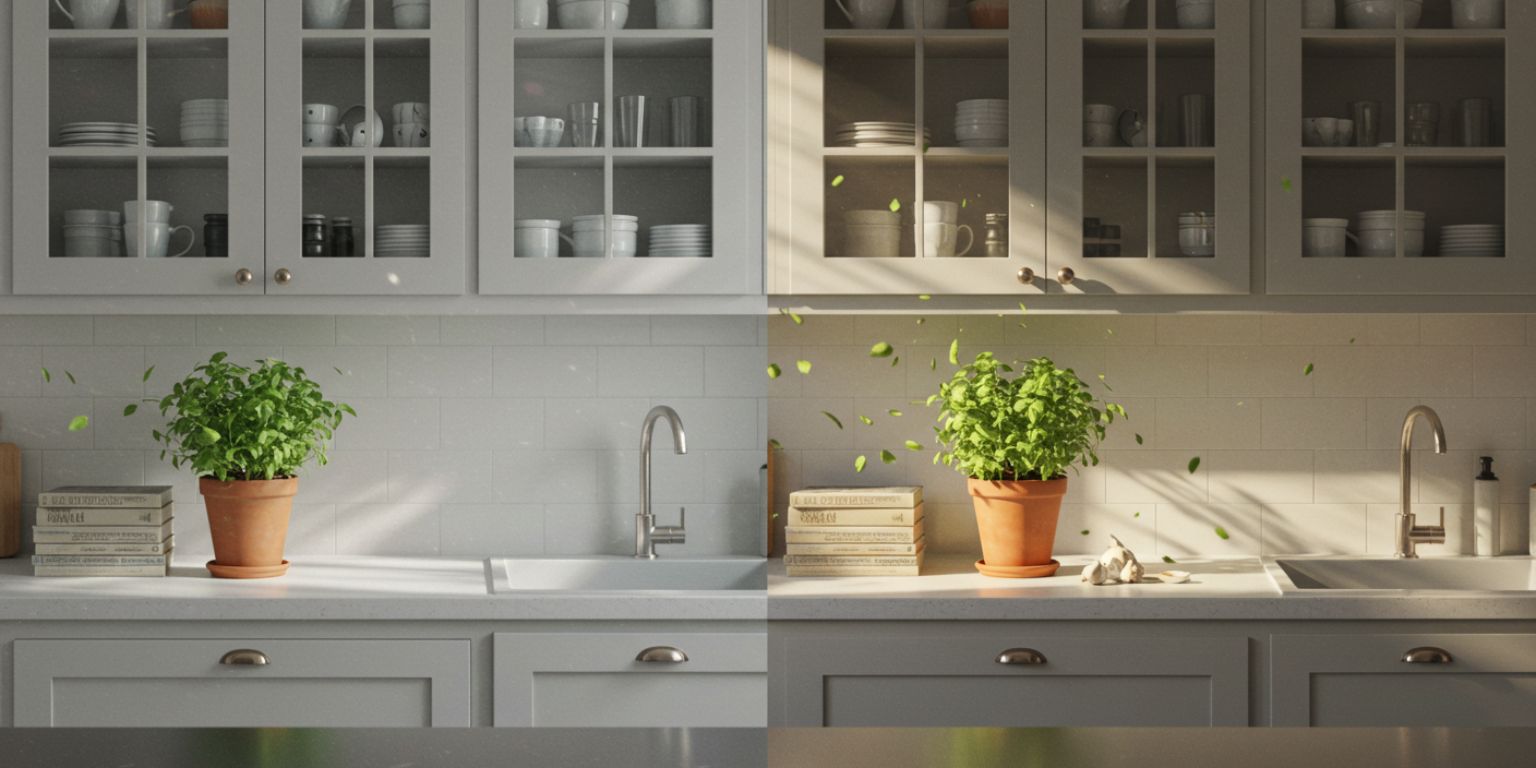
A few seconds of purposeful movement can make a kitchen feel bigger, a view feel closer, and a floor plan feel clear.
Your listings have great photos. They just aren’t moving buyers
You do not need to hire a videographer to get there. With AI photo-to-video, you can turn your best stills into short, natural “walkthrough” clips in minutes. This guide gives real estate agents, teams, and builders a practical workflow using Frameish, a browser-based tool that generates a video from a single image in about 30 to 60 seconds, sold via credits, with an easy entry at 3 videos for $14.99 and a Money-Back Promise.
Where AI motion belongs in your listing funnel
MLS gallery
Replace one still in your carousel with a 6–10 second loop that pans across the room or pushes toward a focal point. Keep it silent and clean. Make sure the motion clip matches MLS rules.
Zillow, Redfin
Use short animated clips in the media set to mimic a micro-walkthrough. Lead with the kitchen, living area, or primary bedroom.
Instagram, TikTok, YouTube Shorts
Post 9:16 vertical cuts that start with an immediate move. Add on-screen labels like “Primary Suite” or “Backyard” so buyers know what they are seeing without audio.
Email and text
Drop a lightweight loop in your email hero and link to the full gallery. In text, send one 6–8 second clip that earns a tap.
QR on signage or print
Point a yard sign QR to a simple landing page with three animated highlights: kitchen, backyard, curb appeal.

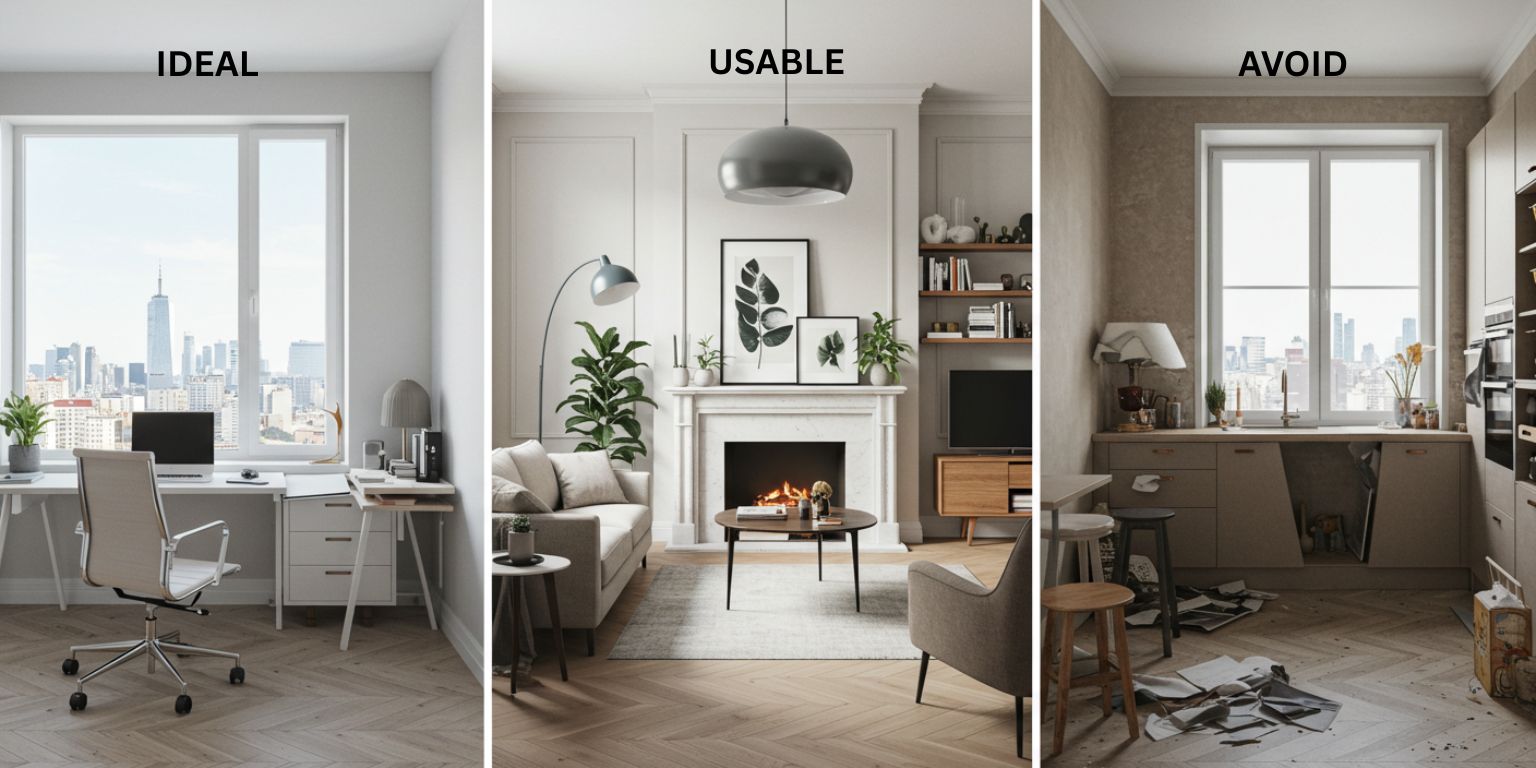
Choose listing photos that animate well
Clarity
Pick frames with one clear subject: island, fireplace, view, or entry.
Depth
Look for foreground, midground, and background so a slow move creates depth.
Lines
Straight verticals in interiors matter. Correct lens distortion before upload.
Light
Even daylight looks believable. Avoid mixed color temperatures that flicker with motion.
Resolution
1080 px on the short side or higher. Compression noise shows when you add motion.
Prompt like a listing director, not a gimmick
Use one move per clip. Keep prompts under two sentences. Tell the model what to keep sharp and how to finish.
Formula
Move + Subject focus + Light + Finish
Kitchen
“Slow pan left across kitchen island to range, bright even daylight, keep countertop and hardware sharp, end centered on the range.”
Living room
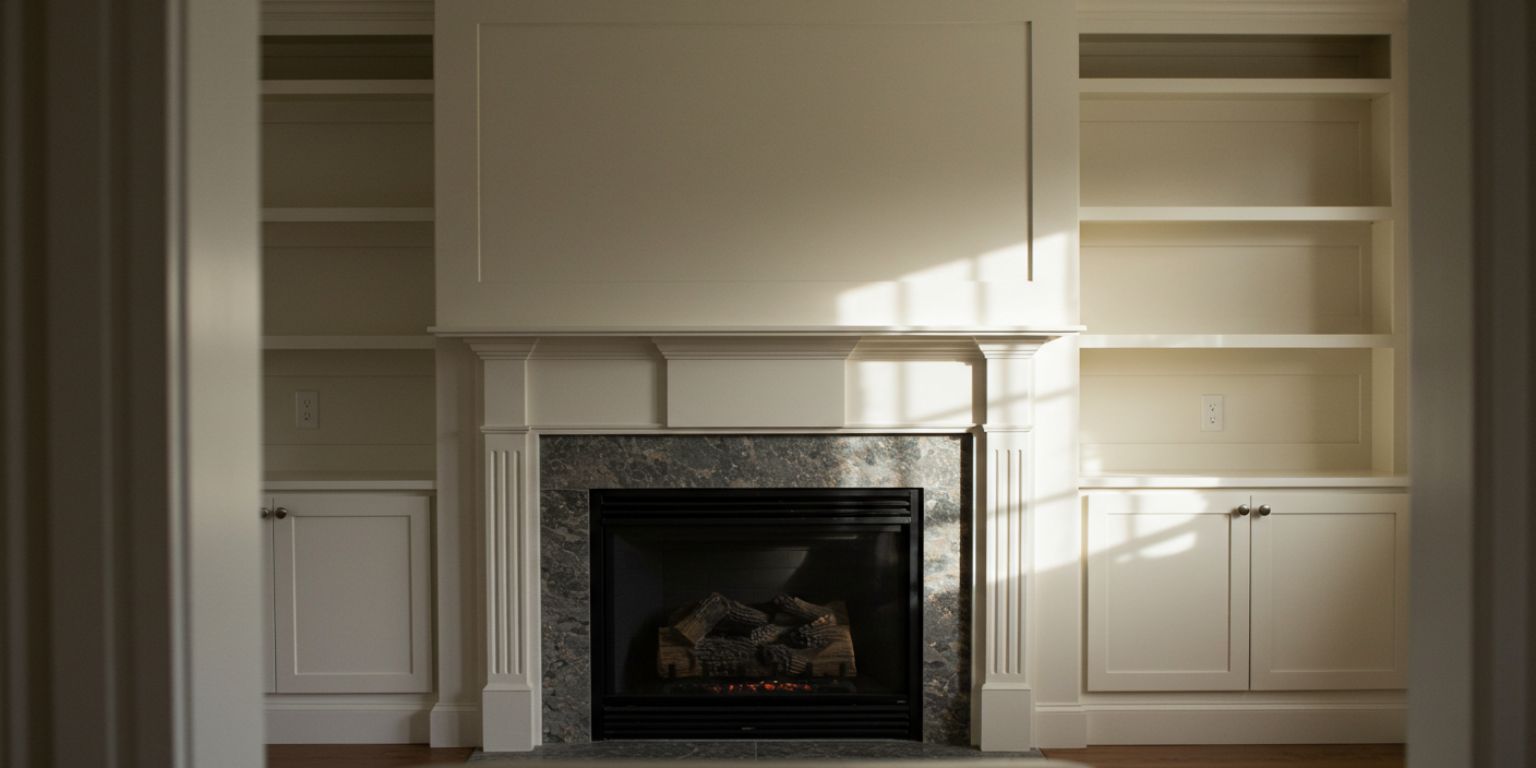
“Gentle push in toward fireplace and built-ins, neutral daylight, keep mantle sharp, end framed on fireplace.”
Primary suite
“Subtle tilt from bed to window view, soft morning light, keep bed lines crisp, end on window.”
Bathroom
“Slow pan across double vanity to shower, bright even light, maintain mirror clarity, end centered on fixtures.”
Exterior
“Pull back reveal from front door detail to full facade, warm evening light, keep house number sharp, end on centered curb view.”
Backyard
“Slow pan across patio to lawn, late afternoon light, keep furniture edges crisp, end on full yard.”
Amenities
“Short loop around community pool sign, soft daylight, maintain text legibility, return to exact start for seamless loop.”
Neighborhood
“Slow pan right across tree-lined street, natural light, keep horizon level, end centered on sidewalk.”
The Frameish workflow for real estate teams
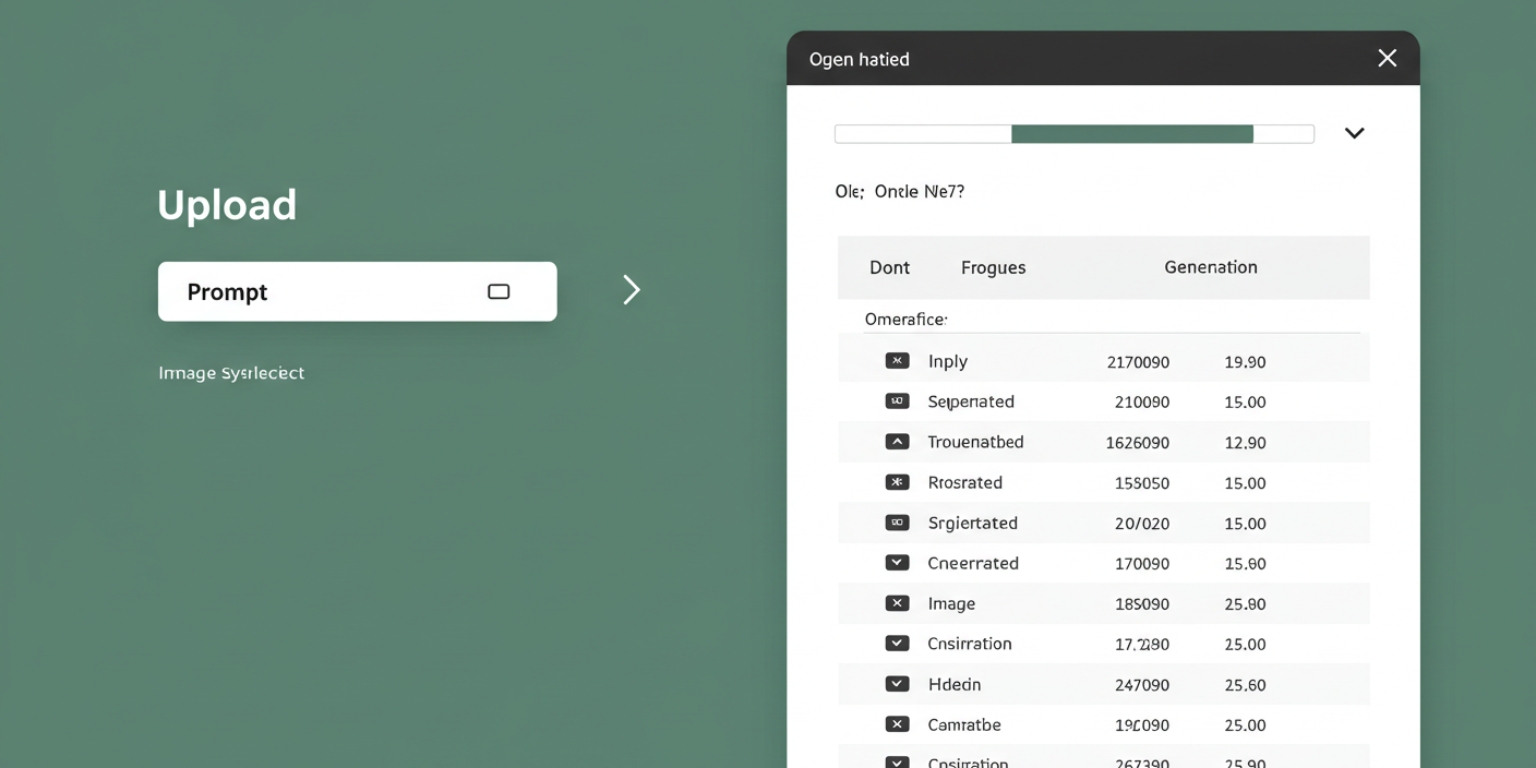
- Open Frameish and click Get Started.
- Buy a small credit pack to test. 3 videos for $14.99 is an easy entry.
- Upload your JPEG or PNG. Use corrected, high-resolution exports.
- Paste your prompt and generate. Wait about 30–60 seconds.
- Download MP4 and preview on your phone.
- Regenerate if needed with a tighter opening or clearer subject instruction.
- Name and file clips in property folders for fast handoff:
123-Main-Kitchen-pan-left-09s.mp4, 123-Main-Primary-tilt-window-08s.mp4.
Sequencing your “micro-walkthrough”
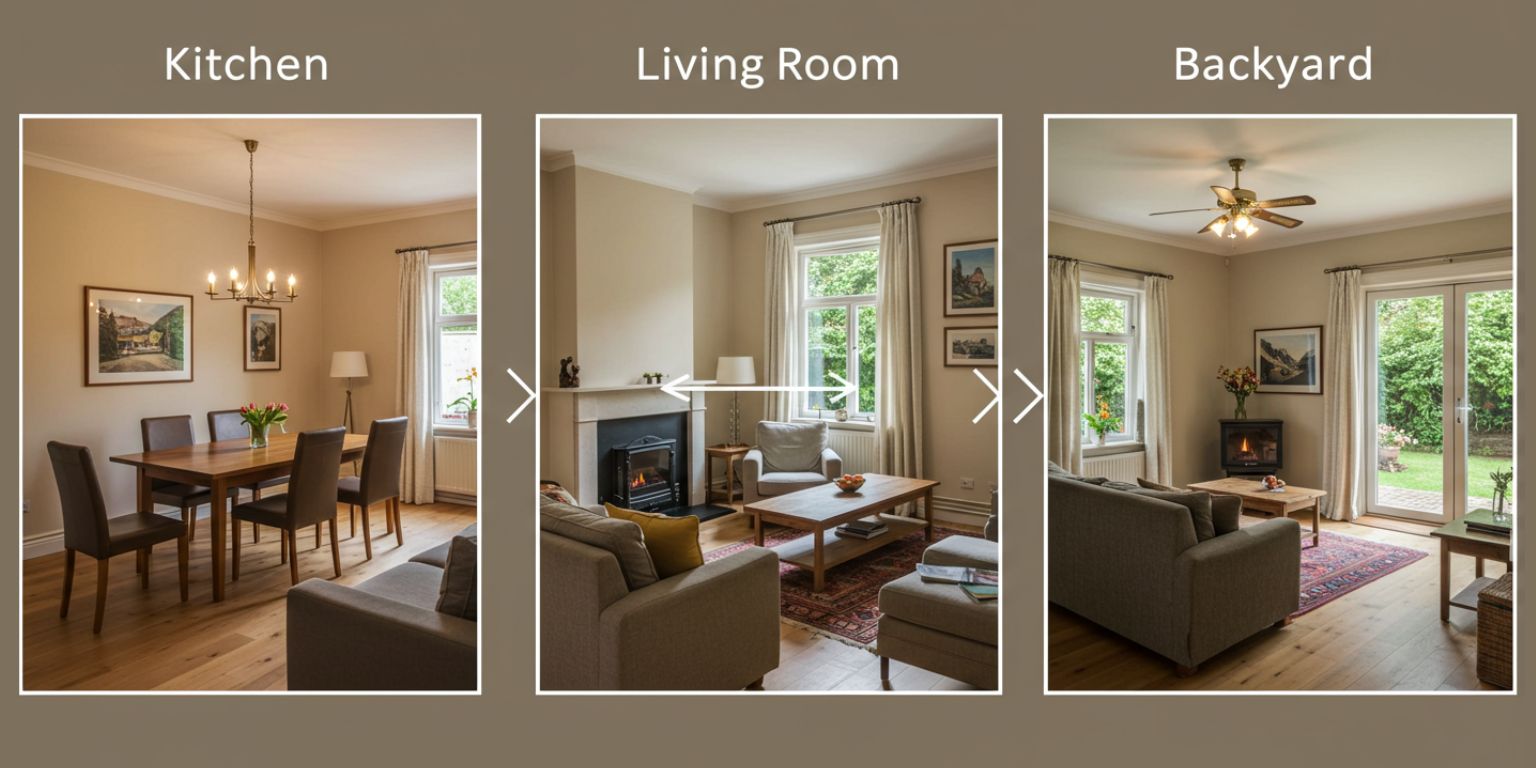
Buyers want orientation more than spectacle. Use a three-clip sequence that mirrors a showing.
- Kitchen for function and finishes
- Living area for scale and flow
- Backyard or view for the emotional hook
Post the same sequence to Reels, TikTok, and Shorts. In captions, list the property basics and a showing CTA.
Platform-specific posting
Instagram Reels
Crop vertical 9:16. Add minimal on-screen labels. Keep clips 7–12 seconds to encourage replays. Caption with facts buyers care about: bed/bath, square footage, neighborhood, open house info.
TikTok
Lead with motion on frame one. Pair with audio that fits the home’s vibe. Add a question in the caption to invite comments: “Which space would you use most: kitchen or backyard.”
YouTube Shorts
Use the first frame like a thumbnail. Add a one-line voiceover or overlay with the property’s core stat: “4 bed, 3 bath, 2,450 sq ft in Oak Ridge.”
PDP, landing page, and MLS integration
MLS
Follow media guidelines. If a loop is not allowed directly, host it on the property site and link in remarks if permitted.
Property landing page
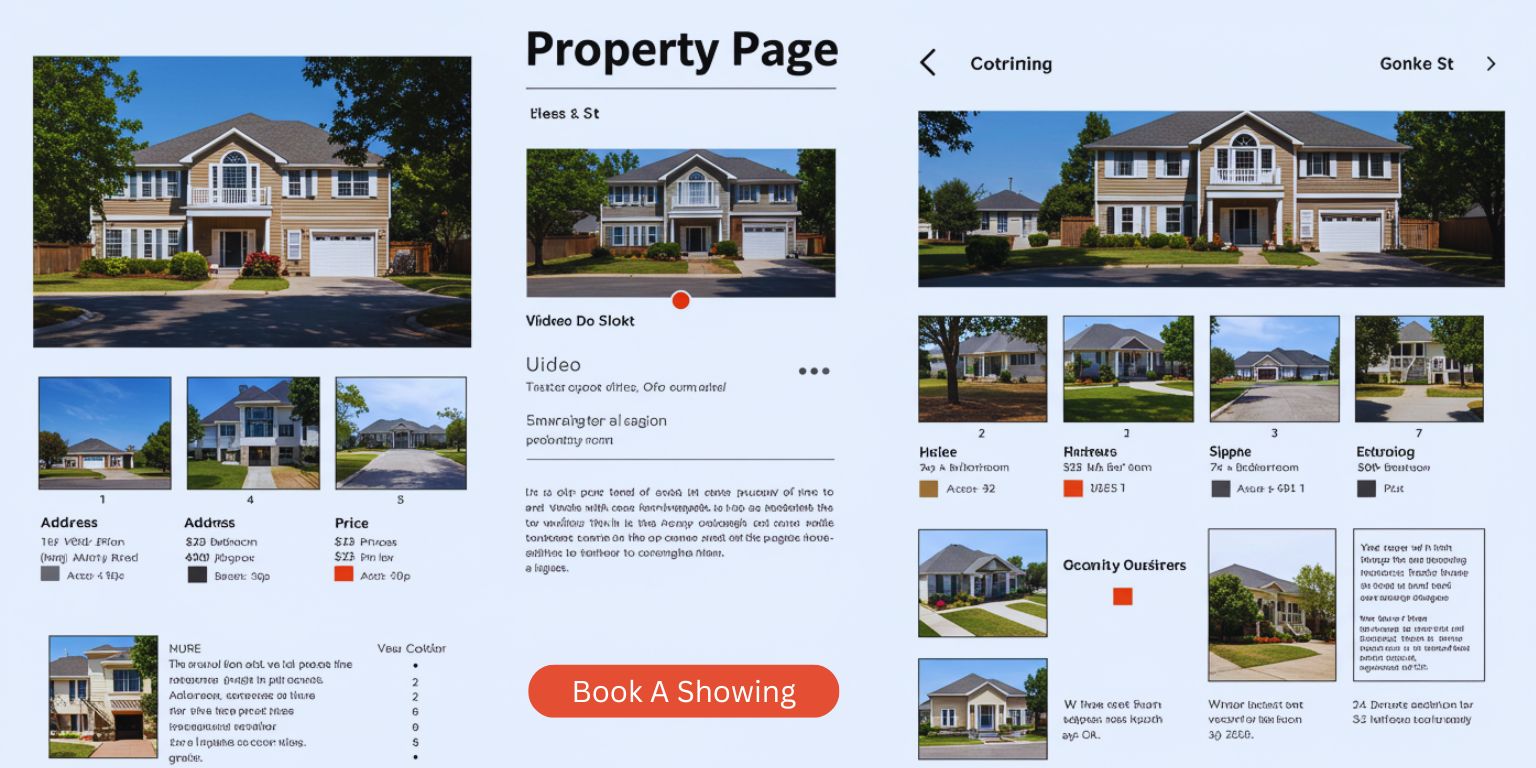
Place a single loop near the top that shows the best feature. Keep it silent and short so the page stays fast.
Brokerage site
Use a hero loop in the property hero banner with a clear CTA to schedule a showing.
Hero loop with a GIF fallback for clients that block video. Keep file weight tight and link to the property page.
QA checklist before publishing
- First frame reads clearly on mute.
- Vertical lines are straight.
- Subject stays sharp across the move.
- The move is smooth and restrained.
- The clip ends on a usable still or loops cleanly.
- On-screen text does not cover key detail.
Ethical and compliance notes
- Represent reality.
Do not add features that do not exist. Use motion to reveal, not to mislead. - Avoid color shifts.
Keep white balance accurate so finishes look true. - Mind reflections.
Check mirrors, windows, and glossy surfaces before posting. - Accessibility.
Offer reduce-motion options where possible. Provide still alternatives.
Troubleshooting common issues
Motion looks cheesy
Reduce intensity. One move. Slower speed. Neutral light.
Verticals feel off
Correct distortion in the photo and add “keep verticals true” to the prompt.
Labels or address numbers are soft
Add “maintain text legibility” and regenerate.
Loop seam is visible
Ask to “return to exact start position for a seamless loop” or use an end-frame cut.
Start feels slow
Tighten the opening by asking for “start tight on [subject]” or recrop the source photo.
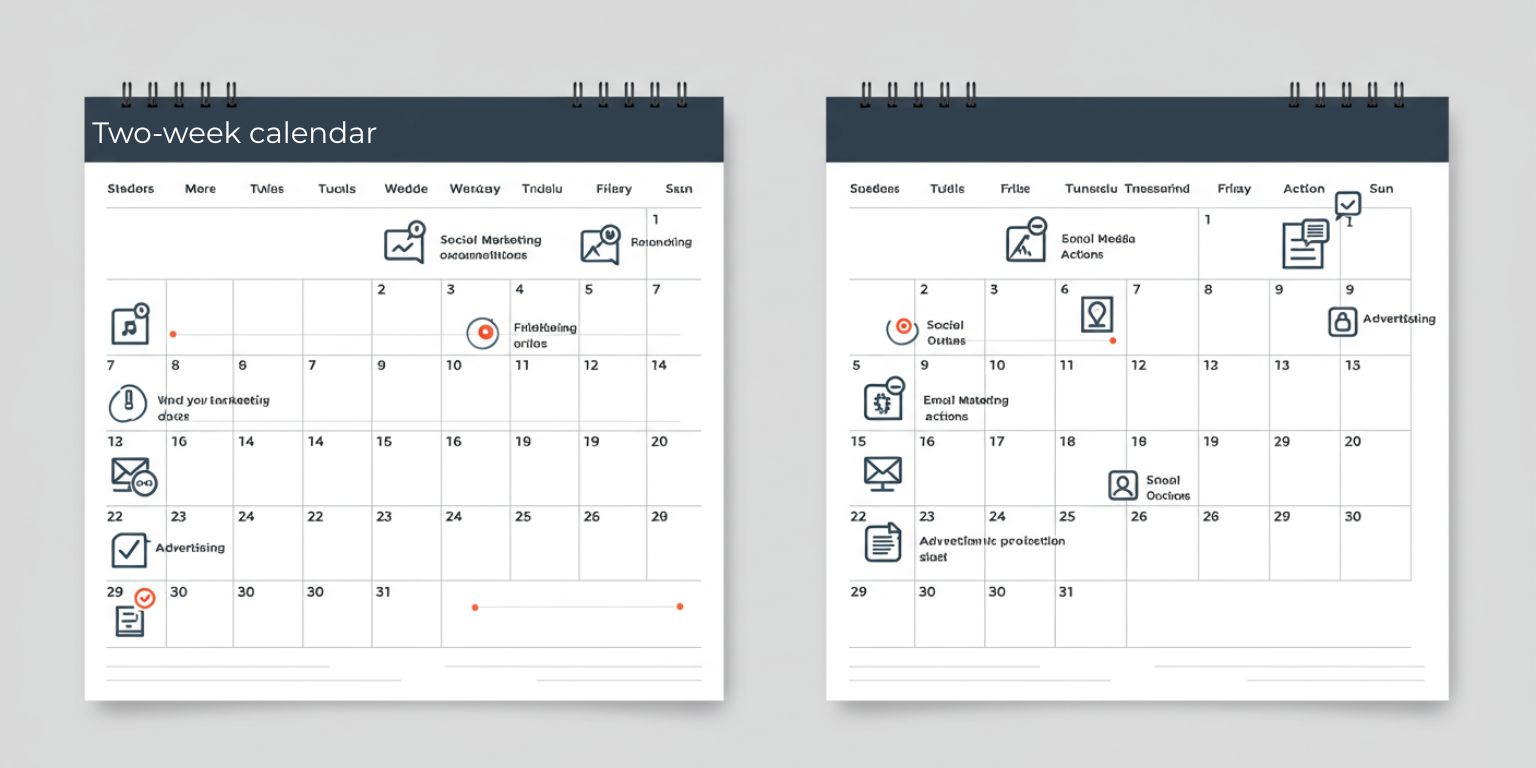
A two-week listing launch plan
Day 1
Select five strongest rooms. Write five prompts using the formulas above.
Day 2
Generate five clips in Frameish and name them for handoff.
Day 3
Update the property page hero with the best loop. Add two clips to the gallery.
Day 4
Publish a three-part “micro-walkthrough” to Reels, TikTok, and Shorts.
Day 5
Send an email with the hero loop and a “Book a showing” CTA.
Week 2
Repurpose the remaining two clips for a retargeting ad and a neighborhood highlight post.
Answer DMs fast and log which rooms buyers comment on most.
Why Frameish fits real estate
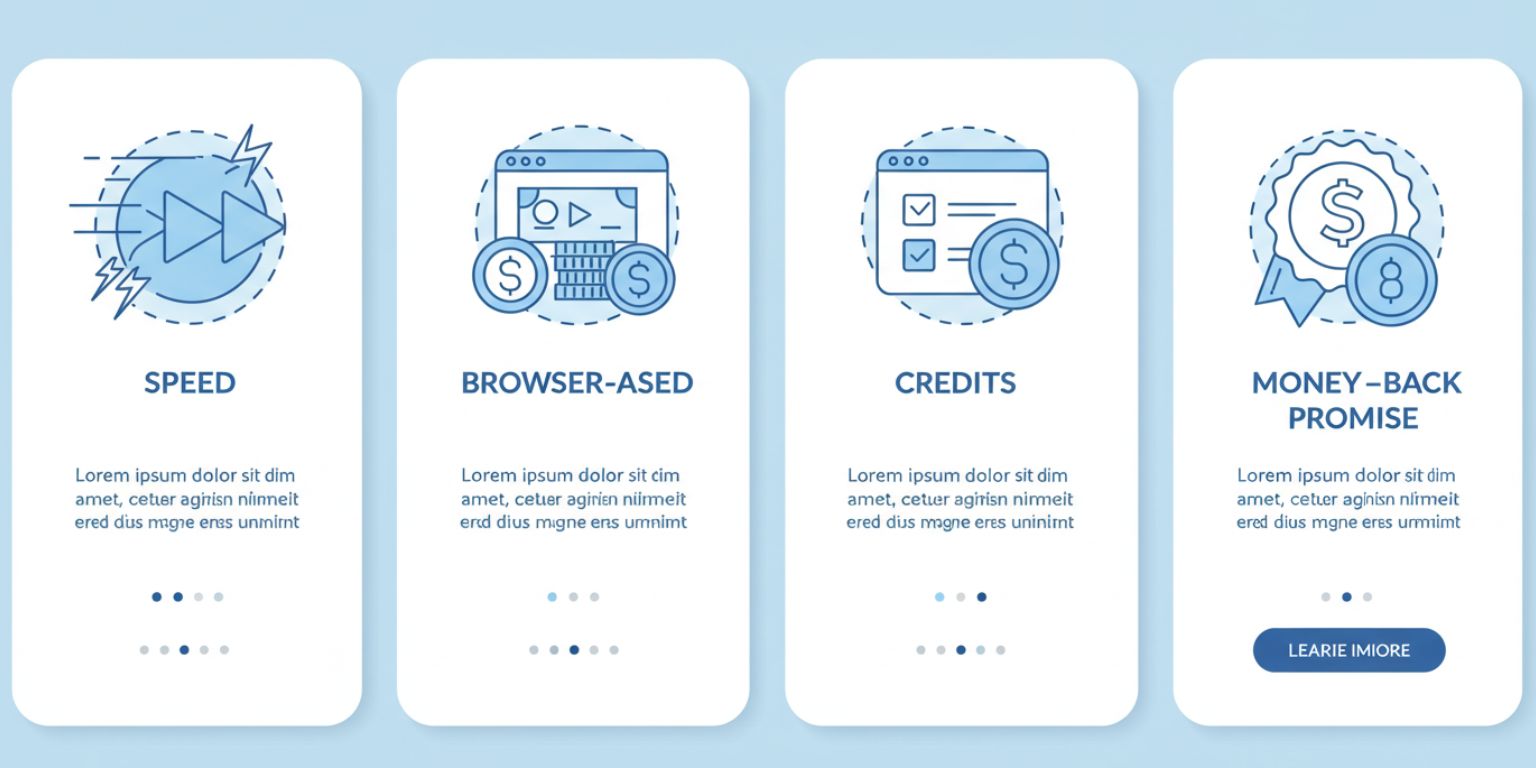
You need speed, clarity, and a result that feels natural. Frameish is focused on one job: turn an image into a clean, social-ready video with minimal steps.
- Fast generation: about 30–60 seconds per clip
- Browser-based: no installs
- Simple pricing: credits, with 3 videos for $14.99 to start
- Default 480p output: optimized for speed and social
- Money-Back Promise: try it with low risk
Start with one property. Animate kitchen, living, and backyard. Publish the sequence and watch which space gets comments. Scale from there.
Frequently Asked Questions
How long does Frameish take to generate a clip?
About 30 to 60 seconds in most cases.
What file types should I upload?
JPEG or PNG, corrected and high-resolution.
What resolution is the output?
480p by default to keep generation fast. If you need higher resolution later, check for updates on the product page.
Can I use these clips on MLS?
Follow your MLS rules. If loops are not allowed in the gallery, use them on your property site and social channels.
How do credits work?
You purchase a pack and spend one credit per finished video. 3 videos for $14.99 is a common entry.
What if the result looks off?
Tighten the prompt, correct verticals, or choose a photo with clearer depth. If you are not satisfied, the Money-Back Promise applies. See details in the FAQ.
Wrap up
Motion makes your listings feel lived in. A slow pan across the kitchen, a gentle push toward the fireplace, a reveal of the backyard view. These small choices help buyers understand space and imagine themselves there. You can add them in minutes without hiring a crew.
Open Frameish, paste one of the prompts above, and ship your first animated room today. Then build a three-clip walkthrough and give your listing a second chance to be noticed.